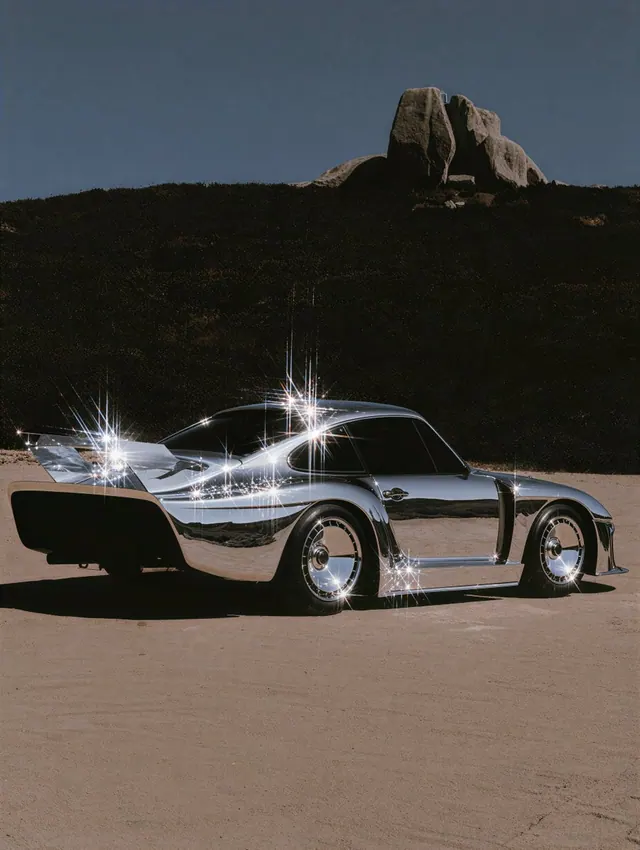
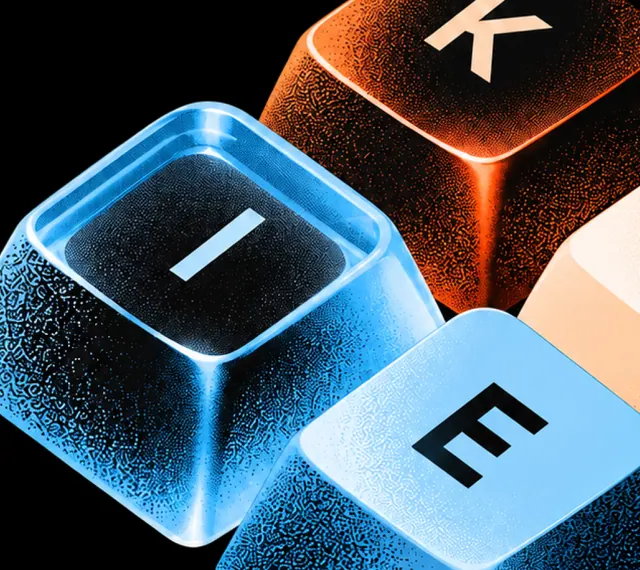
A quiet moment, brought to life.
The conversation unfolds through pauses, glances and a closer view.

Clico is an AI creative studio for research, writing and creation in one AI workspace. Turn ideas into images, videos, music, websites and browser games, and shape them through conversation.
Animate a scene, visualize a room, build a website or understand a paper. Start with what you have.

Bring this seaside scene to life. Keep the same two people and let their conversation unfold.

Turn this room photo into a labeled isometric cutaway with room sizes.
I need a simple CRM for our sales team.
What should it include?
Contacts, a deal pipeline and a revenue dashboard.
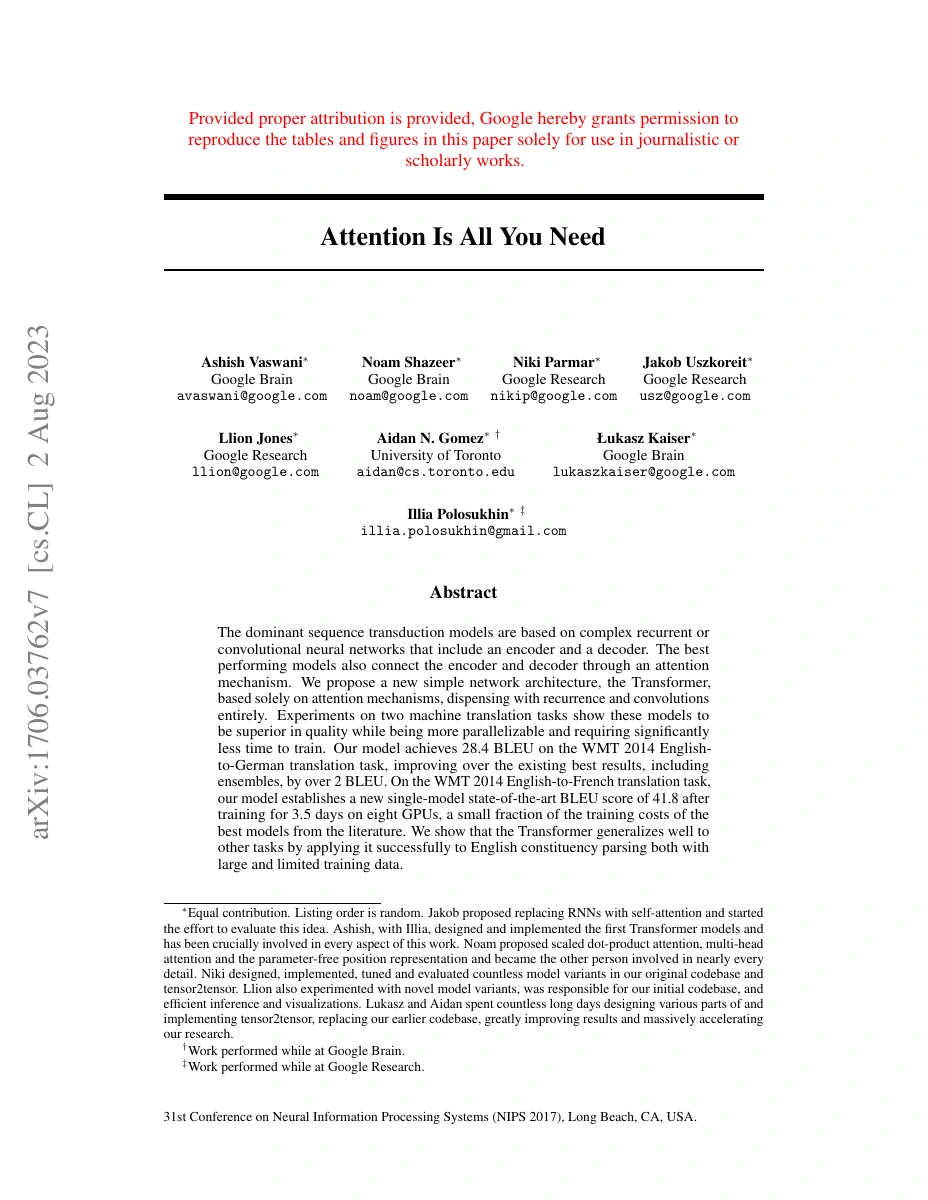
Explain this paper in five bullet points and walk me through Figure 1.
Bring this seaside scene to life. Keep the same two people and let their conversation unfold.
A quiet moment, brought to life.
The conversation unfolds through pauses, glances and a closer view.
The same room, seen from a new angle.
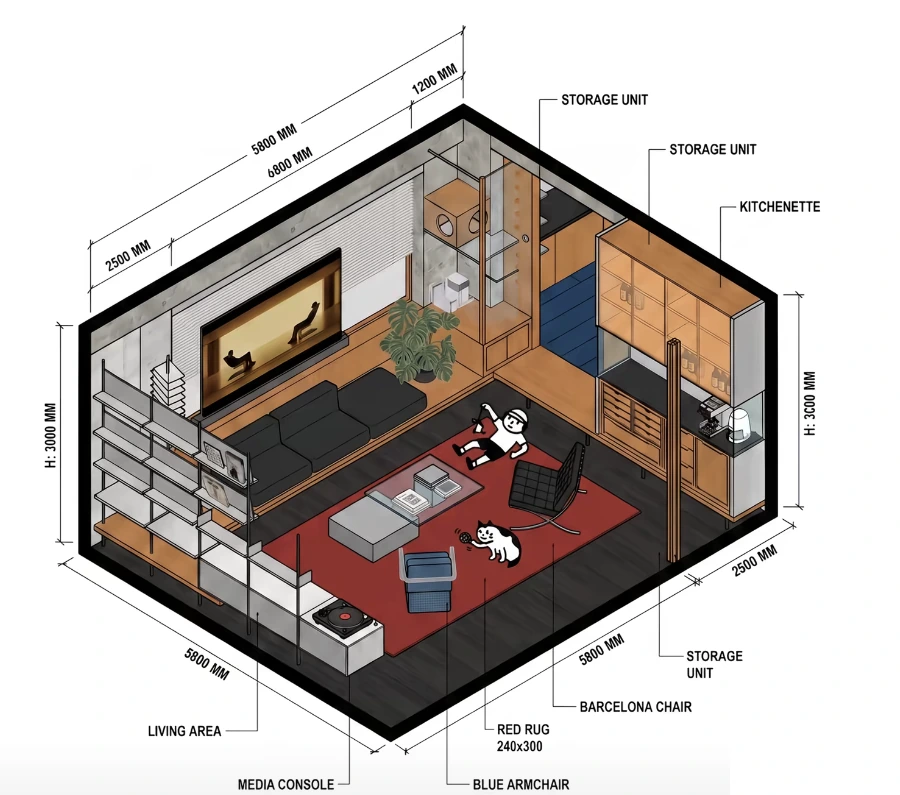
The layout opens up, with each area labeled.
Here’s a first version of your team’s CRM.
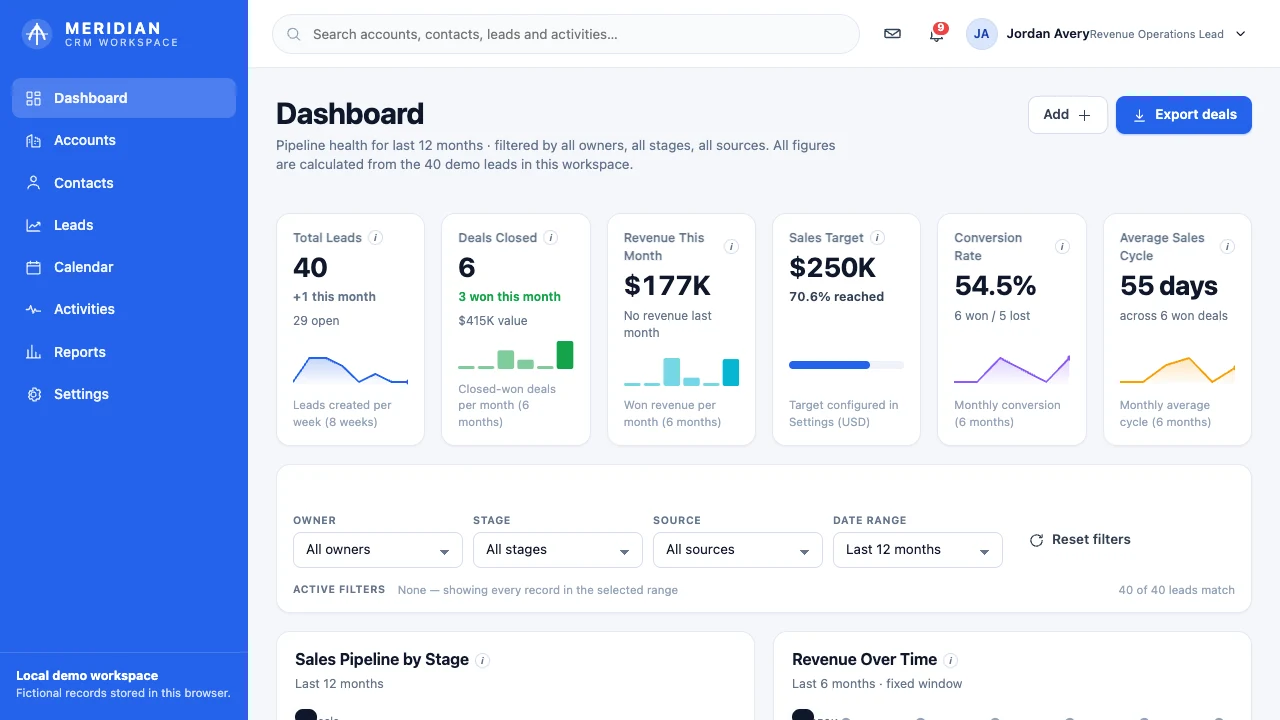
Contacts, a deal pipeline and revenue, together in one workspace.
Here’s the paper in five points.
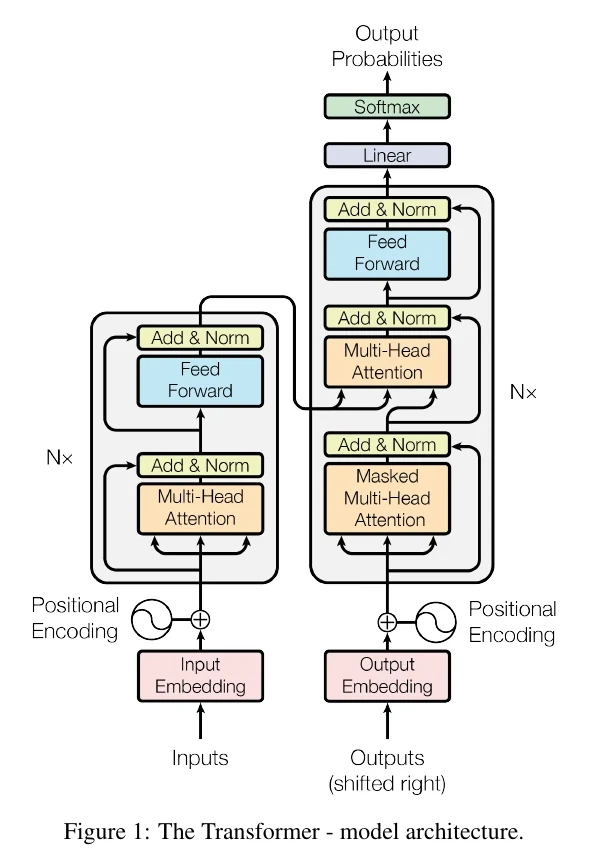
Now, follow Figure 1.
The left stack reads the input. The right stack uses that context to produce the output, one token at a time.
Generate an image from an idea, edit a photo, or turn a still into video. Describe the scene, bring a reference if you have one, and choose the details that make it yours.
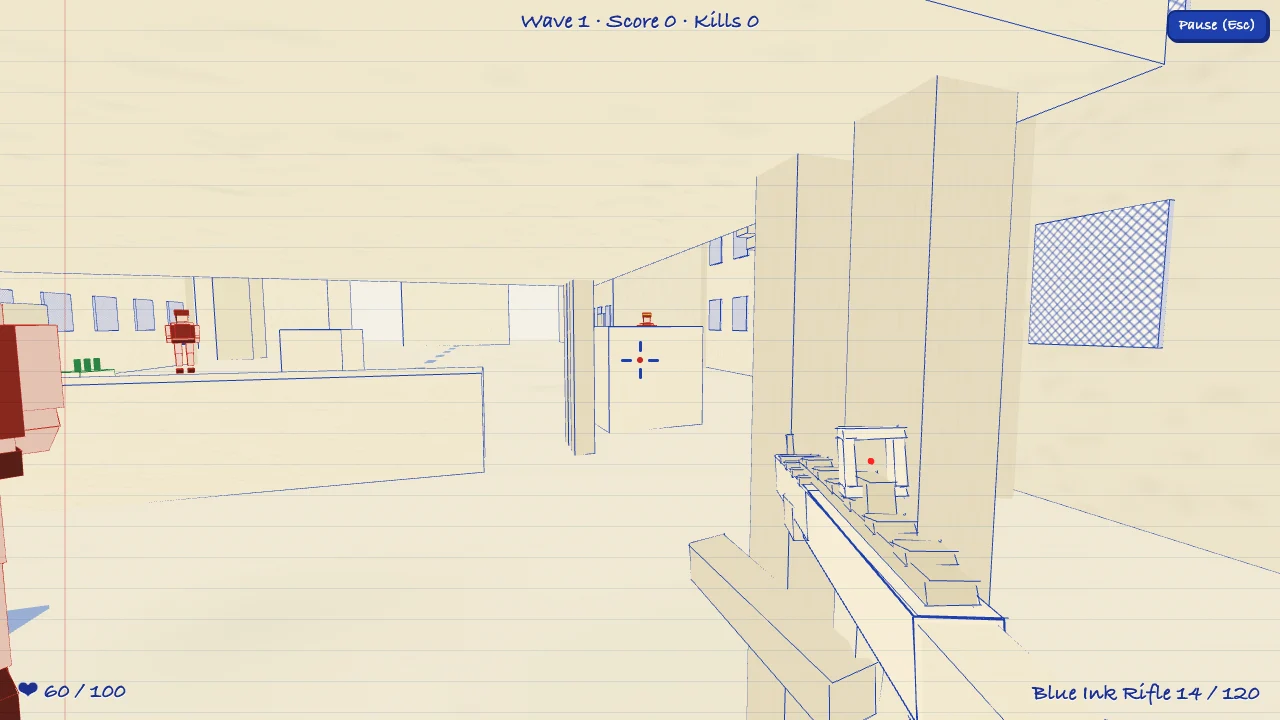
Create websites and playable browser games by describing what you have in mind. Preview the result, ask for changes, and publish when you’re ready.
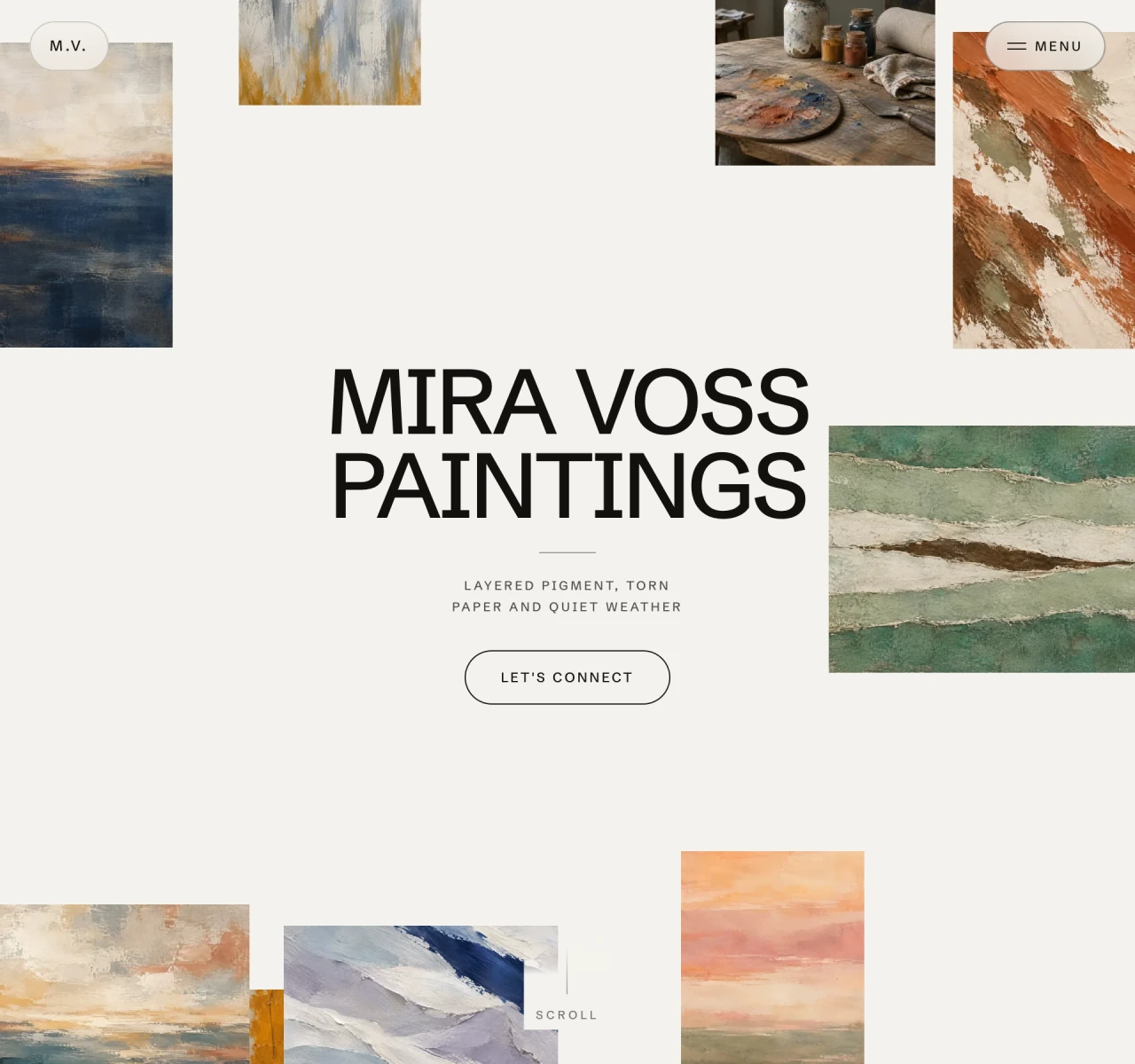

A home for your portfolio, product, or next launch.
An idea people can play with, right in their browser.
Work through your brief in chat, then choose a tool for images, video, music, websites or games.
Choose tools for images, video, music, websites and browser games. Keep your brief and references in the composer.
 Claude Opus 5.5
 GPT-6 Sol
 Gemini 3.8 Flash
 Kimi K3GPT Image 2.5 FlareNano Banana Pro
 Seedream 5.0 Pro
 FLUX.2 MaxSeedance 2.5
 Kling 3.0 ProVeo 3.1
Choose third party models for chat, image and video creation, together in one Clico workspace.Available models and tools vary by plan.
Personas guide response style and approach. Choose a chat model yourself, or let Auto select one for your request.
What would you like to create?
Compare plans by credits, model access, and creative tools. Choose the one that fits what you want to make. Compare plans
Try Clico with your next idea.
No card required.
Start free200credits every month
For regular image, video and website creation.
$19.90 billed every month.
Get Pro2,000credits every month
Pro features, with 2.5 times the monthly credits.
$49.90 billed every month.
Get Max5,000credits every month
All prices are in USD. Applicable taxes and your total are shown at checkout before you pay.
Monthly billing. Pro $19.90 per month. Max $49.90 per month.
Choose the Clico surface that fits where you are working. Clico Web gives you a browser workspace for conversations, research and creative projects. The Clico Chrome Extension works beside the page you are reading or writing in, while Clico Desktop works across Mac apps. Each has its own tools and controls, so a feature available in one may work differently in another.
Yes. Open the + menu in Clico Web and choose Create website or Create game, then describe what you want people to see or do. Add your copy, images or references to give the project direction. Clico can build static websites, frontend applications and games that run in a browser. Backend services, user accounts and payments require their own setup.
Yes. You can explore the preview first, then choose Publish when you are ready to make the project public. Later edits go live when you choose Publish changes, and you can unpublish the project. Pro and Max also include a ZIP download of the source code and built preview. These options are detailed in Clico’s builder update. Creating a project alone does not publish it.
Add an image, select it as a reference, and explain which details to keep or change, such as the subject, colors or composition. The number of references and available settings depend on the model. Review the result against your original: for GPT Image, OpenAI notes limits in visual consistency and precise placement, so a reference does not guarantee an exact match.
Deep Research can combine your attachments with public web sources to compare information and build an answer with source links. Give it a clear question and specify any dates or documents that matter. Access to a page or file can vary. Check the linked originals before relying on a figure or quotation; NIST’s guidance on generative AI also recommends verifying sources and citations.
Clico can read PDF, DOCX, PPTX, TXT, MD, CSV and XLSX files. You can also attach images, audio or video when the selected model supports that input. Each request accepts up to ten files, with a limit of eight MB per file and twenty MB combined. If an upload is too large, split the document or bring only the pages or material needed for your question.
Free includes 200 monthly credits and selected models. Pro provides 2,000 monthly credits and broader model access, including video generation; Max provides the same paid access with 5,000 monthly credits. Usage varies by model and settings. Annual plans are paid upfront, but credits are issued monthly and unused credits do not roll over. Compare the details on Clico’s pricing page and check your account for your current balance and access.
Yes. Open a saved conversation from your history to revisit its messages, ask another question or continue the task. Tell Clico what you want to keep and what should change so the next request is clear. For a website or browser game, reopen the project conversation to continue editing the existing project. You can also delete saved conversations from your history.
A shared conversation is a snapshot of the content included when you create the link. It can contain messages, source links and available images or videos. Other document attachments show their names and types, without exposing their full contents. Later edits are not added to that snapshot automatically. Review it before sending the link; you can stop sharing later, which also ends access to its shared media.
Clico does not add its own watermark or branding overlay to downloaded images or videos. Some underlying models may include their own provenance marks. For example, Google’s SynthID embeds an invisible watermark in generated images and video. The absence of a visible Clico logo therefore does not mean the file contains no information about how it was created.
Bring a thought, a question, or something you’ve already begun.