Write the brief, create music and develop its artwork in one Clico conversation. Choose duration and vocals, listen to the result, then download the MP3 for your video or game.
A quiet film, a playful game and a vocal song need different sounds. Develop the musical brief and related imagery in Clico, then take the chosen files into your project.
Score your film.
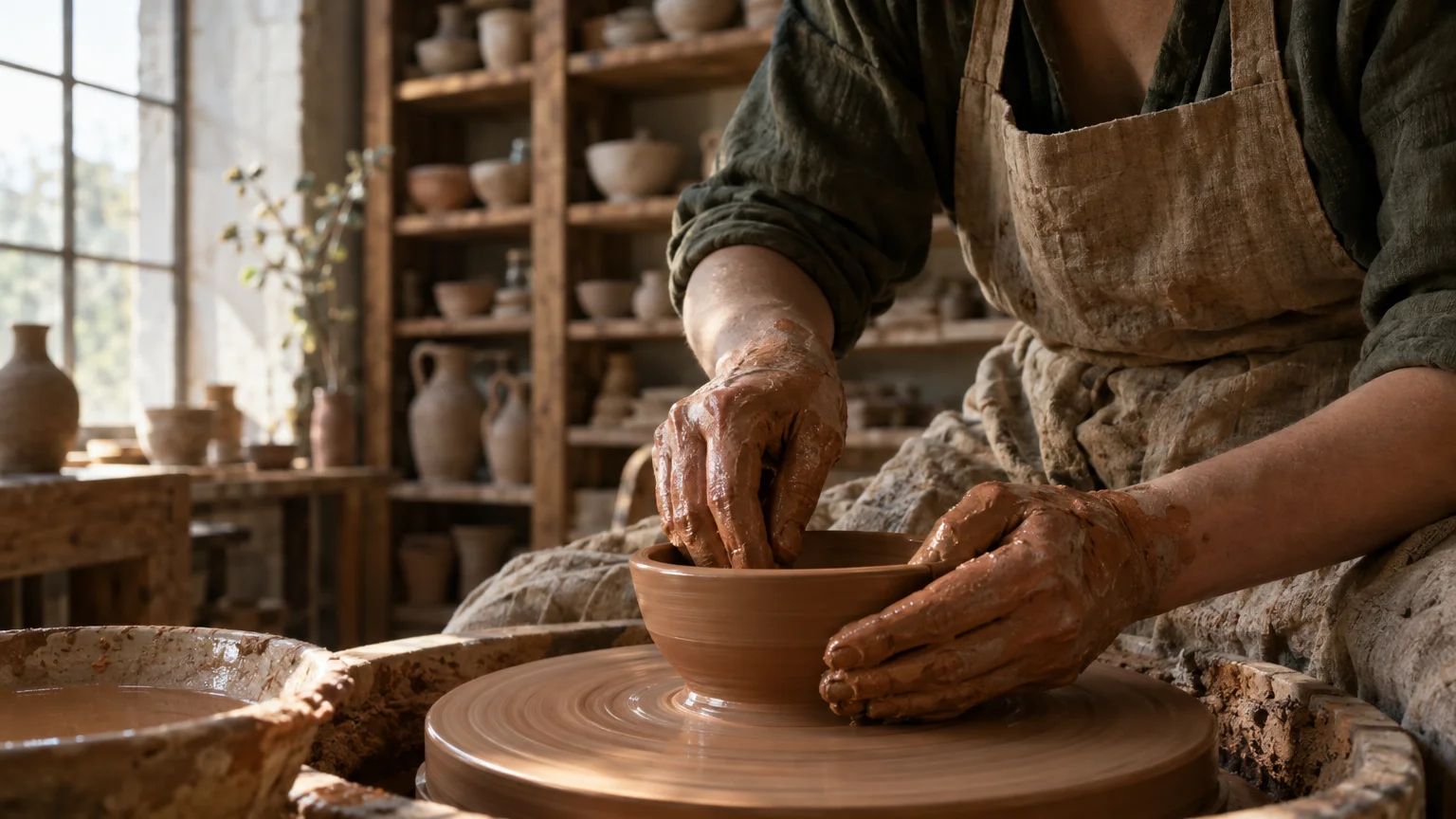
A quiet ceramic film needs room for narration. This 30 second instrumental and its studio image were created in the same Clico conversation. Listen to the score, then use the brief for your own scene.
Direct a score for narration
Describe the scene and the voice the music needs to support. This brief requests warm piano, restrained percussion and a sparse melody. Choose 30 seconds and Instrumental, then listen before taking the MP3 into your edit. The narration, cuts and final mix remain decisions in your editor.
Ceramic studio, image and music created in Clico
Make a cue for your game.
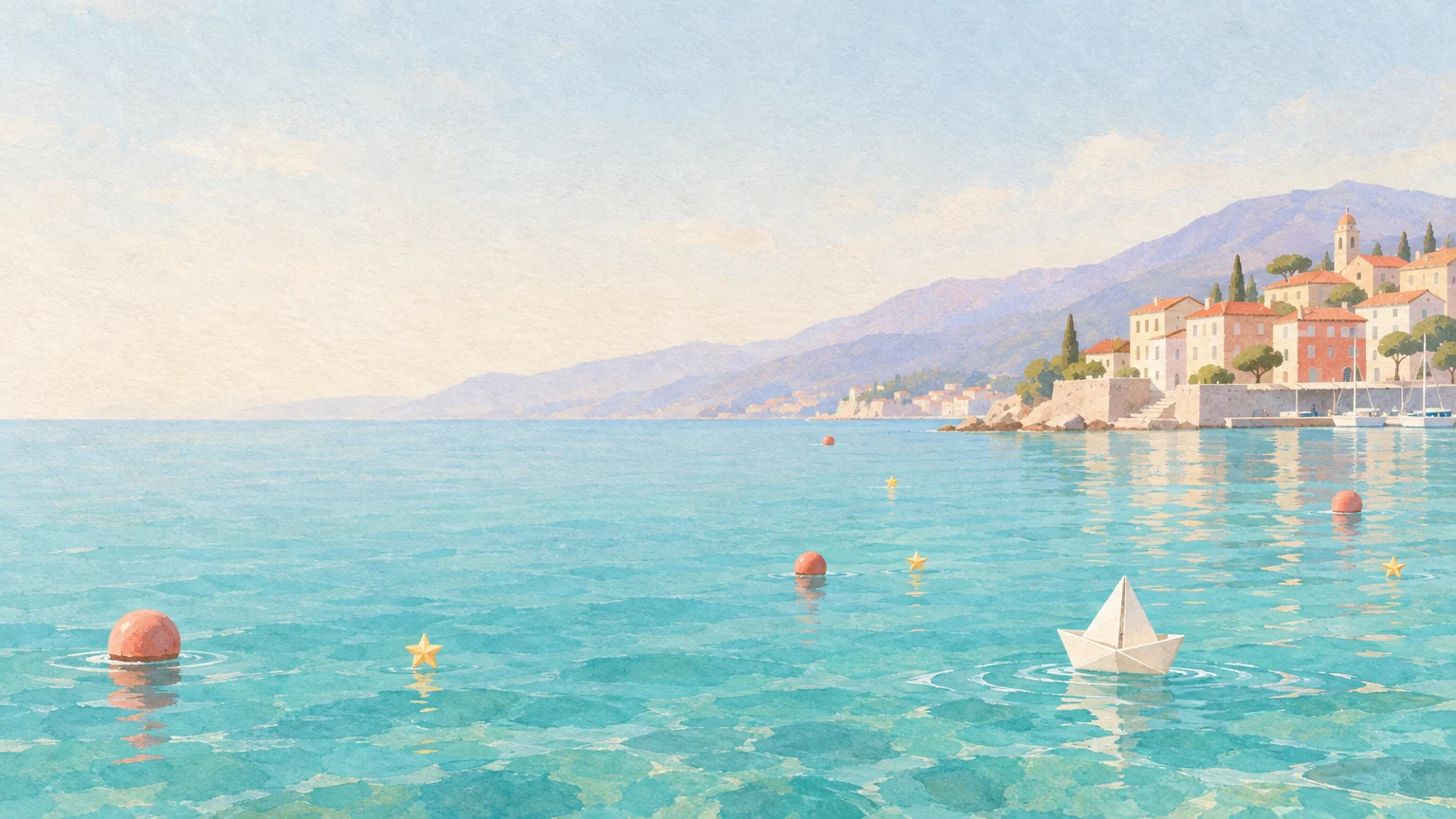
Paper Harbor starts with a paper sailboat, coral buoys and golden stars. Hear the 30 second cue created in Clico for that brief, alongside its matching artwork. Download the MP3 to place in your game source.
Use the game's pace, actions and setting to direct the cue. The Paper Harbor brief asks for a relaxed pulse and small accents for a playful sailing scene. Develop the game direction and its music in Clico, then add the downloaded MP3 in your game source or editor. Check timing, volume and loop transitions there.
Paper Harbor, artwork and cue created in Clico
Make a vocal song and its cover.
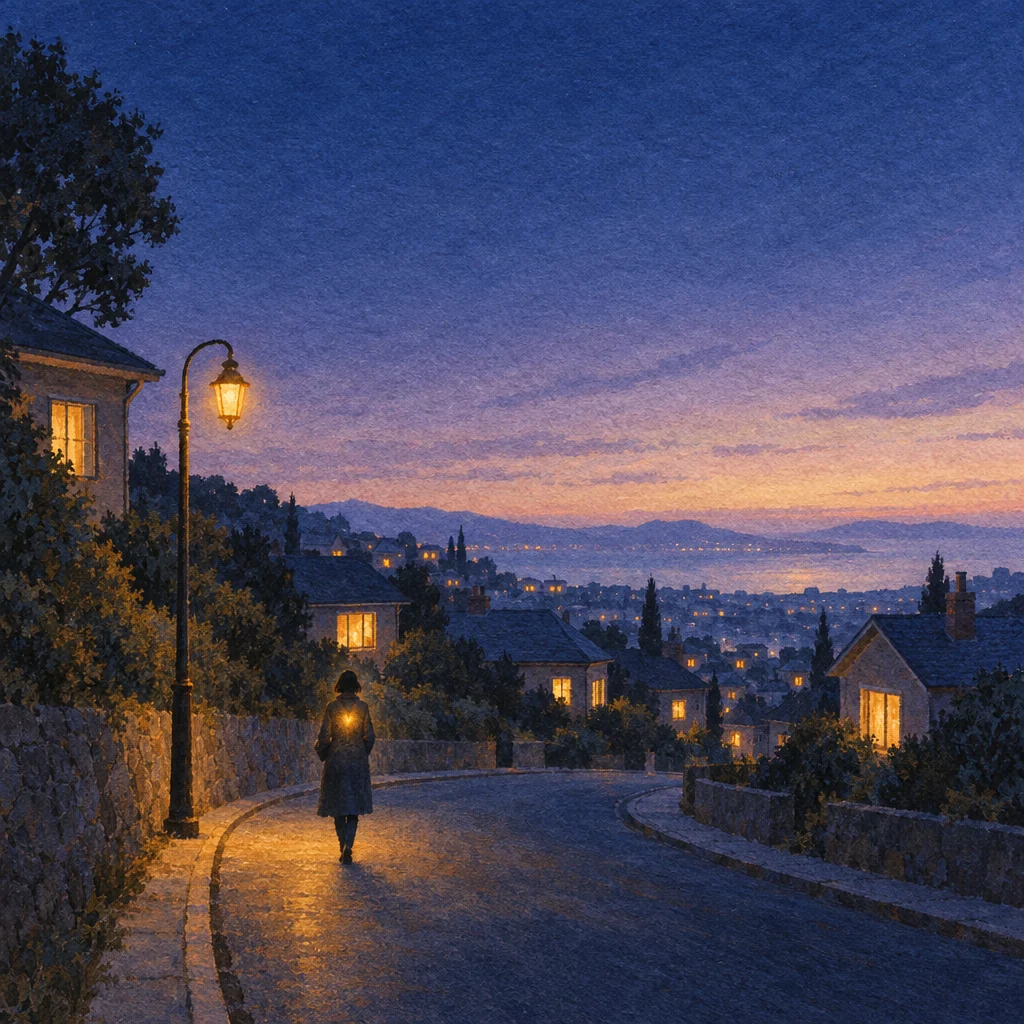
Taking the Long Way Home started with original lyrics about a quiet walk at dusk. The 30 second song and its cover were made in the same Clico conversation. Listen to the track and see how the window lights and winding road carry the lyric into the image.
After generating the song, we asked for its cover in the same conversation: a solitary walker, a quiet winding street, blue dusk and amber window light. The returned image keeps those subjects together. You can continue with an image guided video on Pro or Max, then assemble the selected audio and clips in your video editor, where you control timing, cuts and the final mix.
Taking the Long Way Home, song and cover created in the same Clico conversation
Set the mood, duration and vocals.
Describe the scene, set duration and vocals, then listen. Keep developing the related words and artwork in the same Clico conversation.
Explain the purpose, pace and mood. For a narrated ceramic film, ask for a quiet instrumental with a sparse melody. You can develop the script and musical direction in Clico chat before choosing Music.
Choose and listen
Choose a duration from 3 to 600 seconds and Auto, Instrumental or Vocals. Review the brief and submit it in Clico. Listen to the returned track before deciding whether to keep it or request a new version.
Use the chosen track
Download the MP3 for your video editor or game source. Adjust timing, levels and fades there. Continue in the Clico conversation when you want artwork or another musical direction for the same project.
Download music for your project.
Choose the recording that fits your project, then take the MP3 into your editor or game source. Clico keeps the conversation available while you develop the next sound or visual.
Music and image generation use your Clico allowance. Each new track uses allowance again. Video generation requires Pro or Max.
Yes. Choose Instrumental and describe the sound you want. You can also include no vocals in the brief.
Can I bring my own lyrics?+
Yes. Include lyrics you have permission to use, choose Vocals and describe the language and delivery. Listen to the result to check the wording and phrasing.
Can I change a finished track?+
Ask for a new version with a different musical direction. This creates another recording and uses allowance again. It does not edit individual notes, stems or a precise time range in the original.
How do I use the track in a video or game?+
Download the MP3 and place it in your video editor or game source. Check timing, volume and any loop transitions in that project.