Turn your artwork into a sailing game.
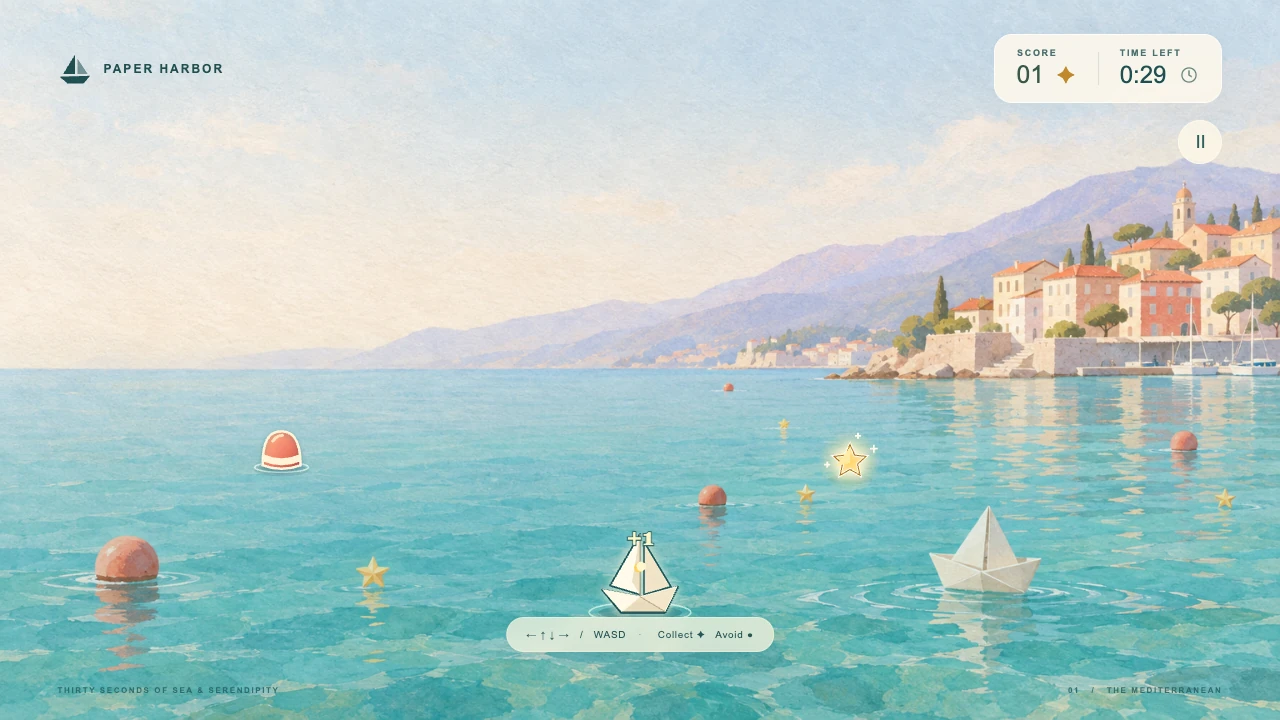
Paper Harbor uses an image created in Clico. The boat steers, stars add points and buoys end the round. This recording shows the actual built game, with a 30 second timer and controls for keyboard and touch.

Create the art in Clico, bring chosen images or a saved model into a Game draft, then play and revise the same project. Publish when the game is ready to share.
Paper Harbor uses an image created in Clico. The boat steers, stars add points and buoys end the round. This recording shows the actual built game, with a 30 second timer and controls for keyboard and touch.
Paper District Survival is an existing Clico browser game. Its recording shows movement and combat in a paper city. Compare that first person world with Paper Harbor’s simple steering challenge: the brief defines what the player does.
Give the game a visual direction, make the rules playable and create the music and website around it. Each tool has a place in the same idea.
The paper boat, buoys and stars began as one Clico image. Create game carried that image into Paper Harbor’s project, where the brief gave each element a playable role. The built game includes the original artwork.
We chose the image in Clico chat, confirmed the rules and used Create game. The original generated image is bundled in the downloaded game source and loaded by its preview. The brief made the boat a player, buoys hazards and stars collectibles. A saved 3D model can also enter a Game draft through Create game with this model.
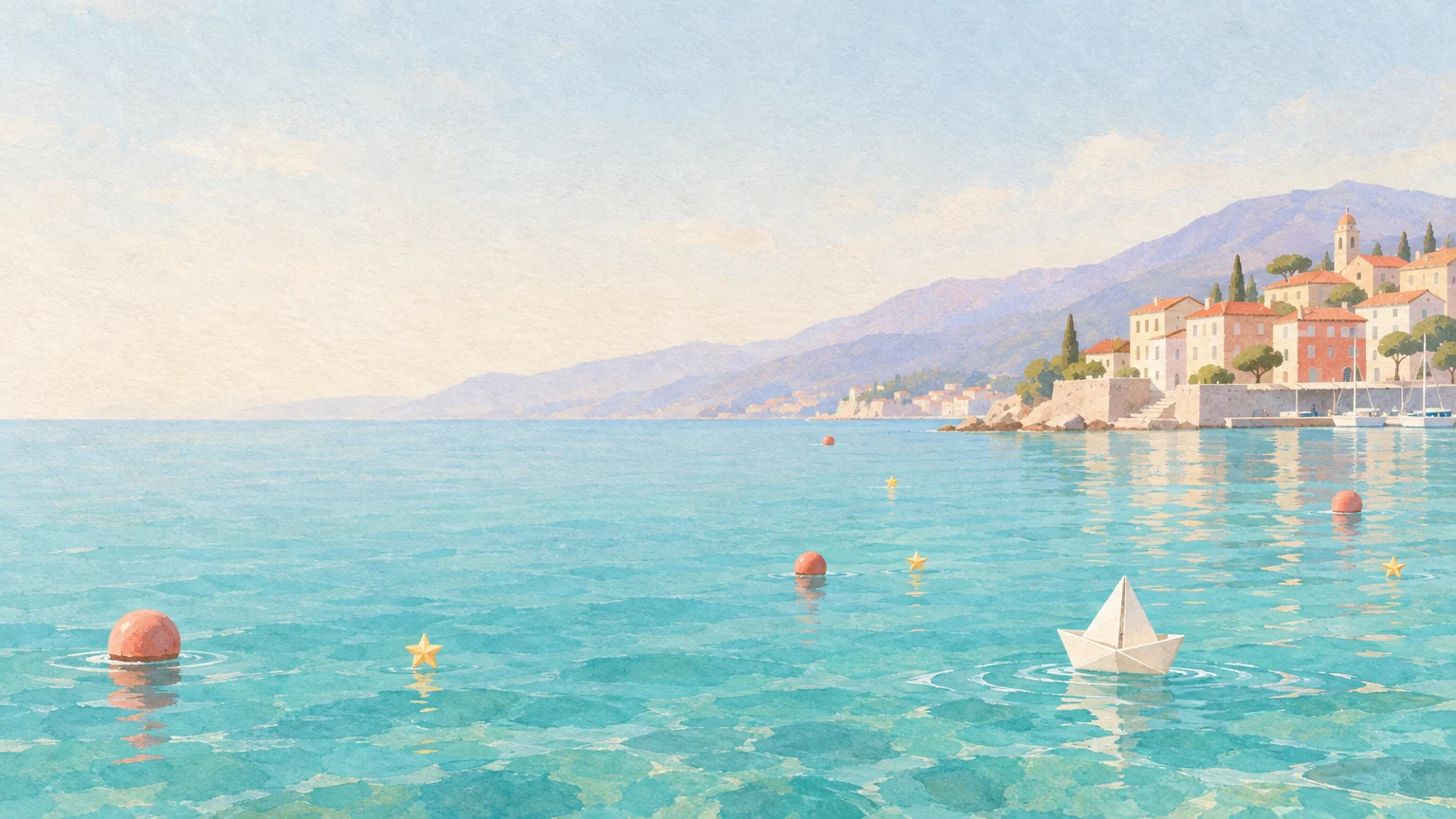
After playing Paper Harbor, we asked in the same project for buoys to move 40 percent more slowly. This is the revised game: the artwork, steering, scoring and 30 second round remain, with more time to react.
Ask for this change inside the saved project, where the game already exists. A new draft needs the game brief first. In the returned revision, test steering, score, collision, restart and a complete round. A focused request lets you keep the decisions that already work while changing the behavior you observed.
Paper Harbor’s world also directed this 30 second music cue and launch page. Music produces a downloadable MP3. Website uses the chosen artwork to explain the game. Take the audio into your game source and add a published Play link when ready.
The cue was generated for this sailing brief, and the launch draft was built with the same chosen harbor image. Listen here, then download your selected MP3 and add playback in your game source or editor. The website currently explains the rules and links to Controls. Connect it to your real published game before promising a Play action.
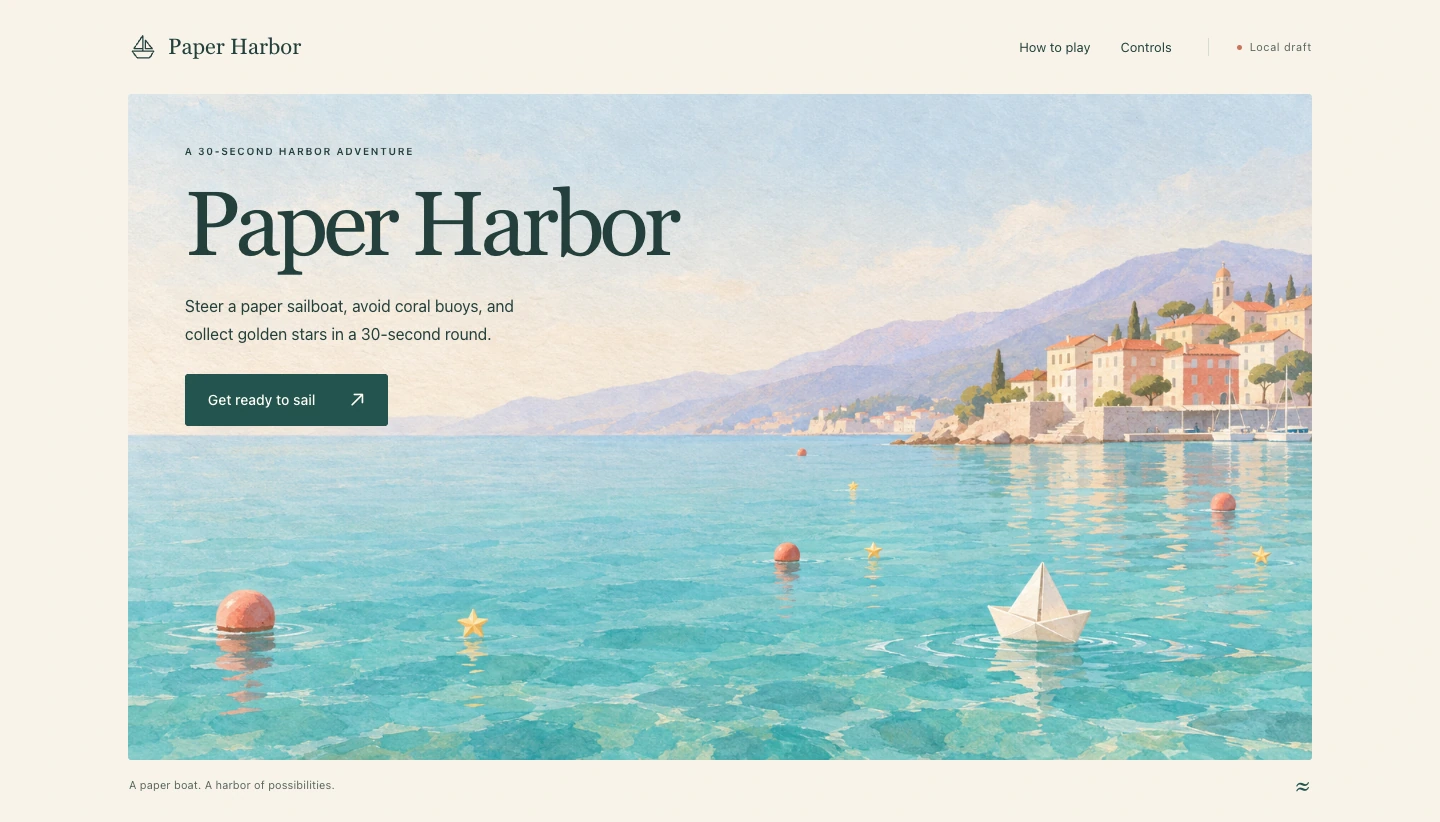
For the sailing challenge, test one complete round before adding more obstacles or levels.
Use the Game composer and describe the goal, controls, art direction and how a round ends. Select Create game, sign in and review the draft before submitting it in Clico.
When the build finishes, open the project preview. Try movement, scoring, failure and restart. Check touch input on a phone if your brief asks for it.
Continue in the same project conversation. For example, ask for slower obstacles while keeping the controls. Test the revision, then choose Publish when you want to share the game by link.
Keep revising the same game after you share it.
Publish a playable link when your game is ready.
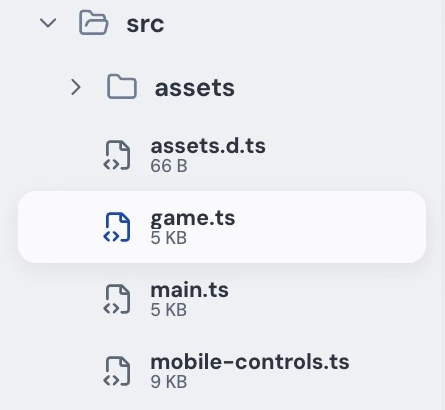
Download the source ZIP on Pro or Max for your editor.
Builds, revisions and asset generation use your allowance. Model access depends on your plan. Online services need their own setup.
View plans and allowancesAvailable supported images can enter a Game project through the explicit builder handoff. Confirm which image should be used and its role in the game.
Choose Create game with this model from the saved model preview. The selected asset enters a Game draft. Add its role, controls and goal, review the draft and submit the build.
Yes. Continue in the saved project conversation and request a specific rule, control or layout change. Play the returned revision and check the behavior before publishing it.
Ask for touch controls and a layout suitable for phone widths, then test the completed game on a phone. A browser game is not automatically a native iOS or Android app.
You can create a track in Music and download the MP3. Place it into your game source in a code editor and check timing, volume and looping there. Music generation does not automatically integrate audio into the game.
Shared servers, accounts, persistent leaderboards and payments need additional services and integration. The generated browser frontend does not establish that those systems work.