Humanize AI text for free

Paste up to 1,200 characters, choose how it should sound, and get a new draft without creating an account.

0 / 1,200
Rewrite style

Your natural rewrite will appear here.

How Clico humanizes AI text better

Paste a draft above, choose a rewrite style, and compare how Clico changes the wording while keeping your original point.

Original draft Economics paper

It is important to note that price elasticity plays a significant role in determining consumer behavior within competitive markets.

Clico rewrite Natural

Price elasticity helps explain how consumers respond when prices change in competitive markets.

  • Removed generic opener
  • Varied sentence rhythm
  • Meaning preserved
About AI detector scores Detector results vary. Compare the same passage before and after with the detector you use.

Try Clico AI Humanizer to humanize AI text anywhere

1. Install Clico and humanize text right on the page

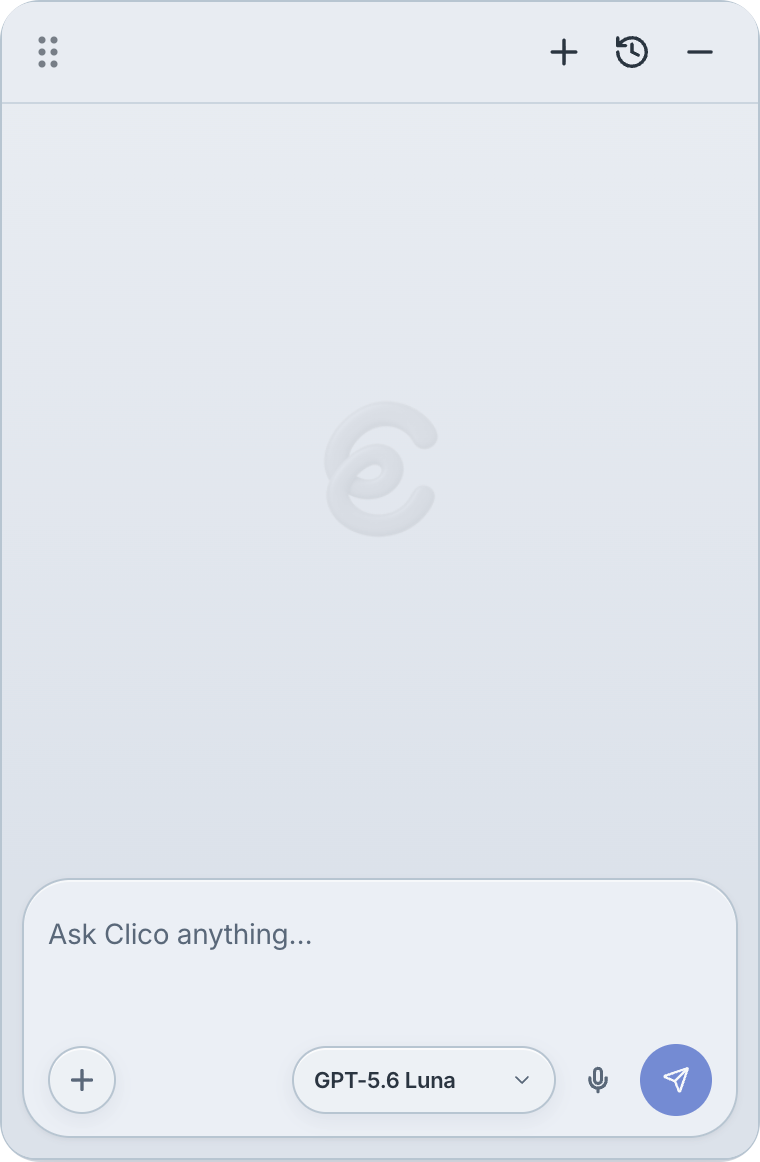
Add Clico to Chrome, select a passage, then ask for a more natural, casual, or concise rewrite without leaving the page.

People relaxing in a park behind a Clico humanize AI text demonstration
A park landscape frames a writing page and the current Clico Chrome interface. The AI humanizer types a request to make selected text sound more natural, then replaces it with a clearer rewrite.
Free to try

2. Ask AI across the web with Clico

Open Clico in Gmail, Google Docs, LinkedIn, Google Scholar, and other supported pages to ask questions, rewrite text, and use the page you have open as context.

  • LinkedIn logo for Clico AI humanizer browser workflows
  • X logo for humanizing AI text with Clico
  • ResearchGate logo for adding research context to humanized AI text
  • Google Scholar logo for evidence based AI humanizer rewrites
  • Google Docs logo for editing and humanizing AI text with Clico
  • Gmail logo for humanizing AI generated email drafts with Clico
  • CarmenCanvas logo for Clico AI humanizer coursework workflows
Clico works alongside LinkedIn, X, ResearchGate, Google Scholar, Google Docs, Gmail, and CarmenCanvas.
Free to try

3. Use your paper and sources as context

Clico can use the paper around your selected passage and the course readings, references, or notes you choose from open tabs, helping the rewrite preserve your subject, terminology, tone, and argument.

Seagulls fly over a shoreline behind an AI humanizer browser mockup. Open tabs for a PDF, Google Scholar, LinkedIn, ResearchGate, and course notes appear above a research paper.
Free to try

4. Keep refining the rewrite

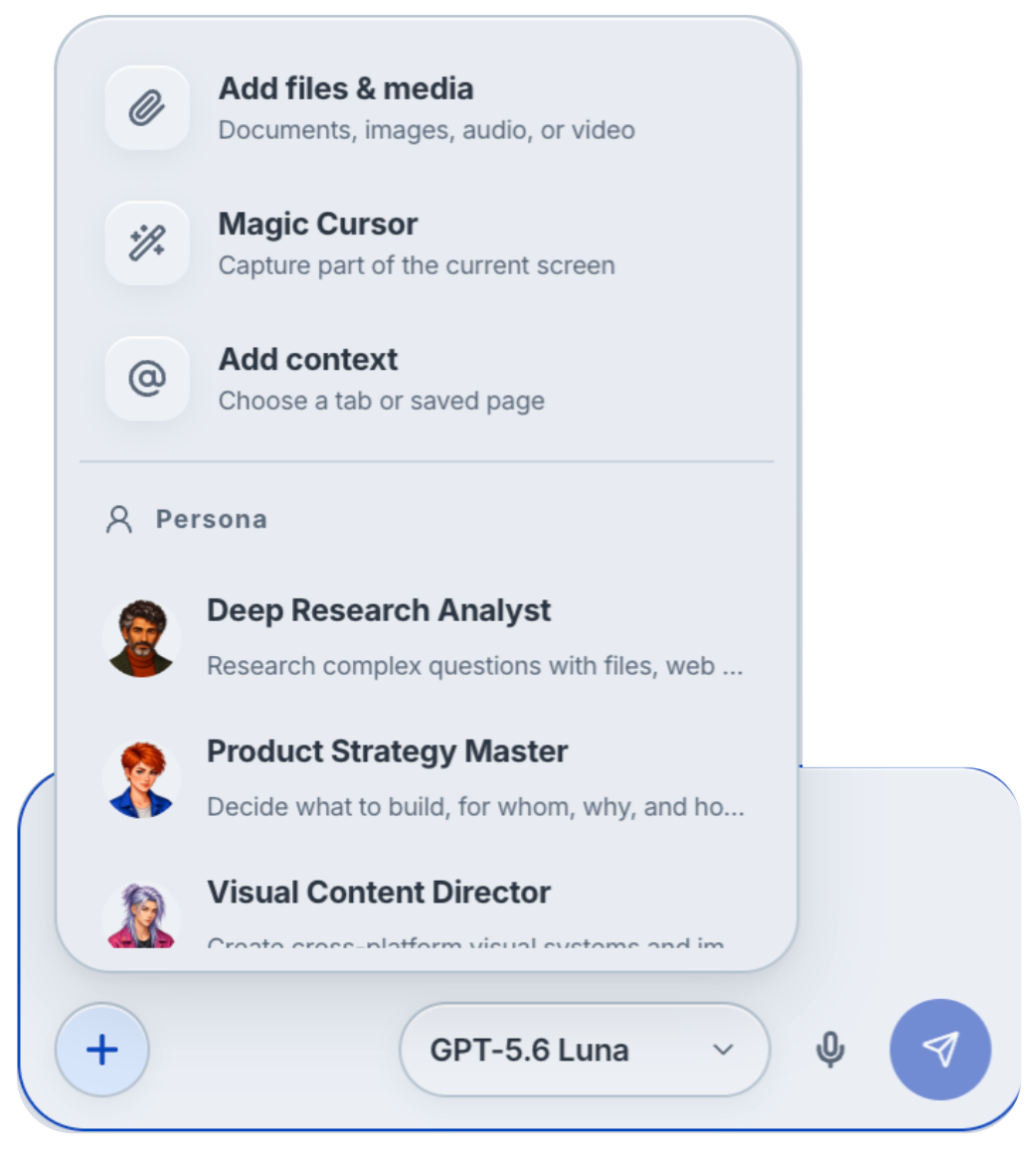
Return to a rewrite in Clico history, bring in an argument from another tab, then adjust the phrasing and tone with files, context, and a persona.

The Clico AI humanizer panel sits over a document and mountain landscape with a completed rewrite. A saved result, research paper, and follow up phrasing request are visible. A motion blurred desk frames Clico's search box with its files, context, and persona menu expanded.
Free to try

Make AI text sound human in Chrome

Add to Chrome

Humanize emails, essays, posts, and messages without leaving the page you are writing in.

Select a draft in a browser field, open Clico, and ask for a more natural version. Review every result for accuracy. No tool can guarantee the same score from every AI detector.

Start free with the complete Clico workflow

Free includes 200 credits each month. No credit card needed. Use the complete Clico workflow with selected standard Web models and standard routing.

Free
200credits each month
Pro
2,000credits each month
Max
5,000credits each month

Credits are usage units, not a fixed token allowance. The cost of a request depends on the model, reasoning, search, and tools it uses. Credits refresh each month and do not roll over. Pro and Max add more credits, expanded model access, and enhanced routing.

See Clico pricing

Frequently asked questions about humanizing AI text

An AI humanizer is a rewriting tool that makes a draft sound more deliberate, specific, and natural for its intended reader. It can remove stock openings, vary repeated sentence patterns, replace vague phrases, and adjust tone or length. A good humanizing pass keeps the original point and important details intact. It does not prove that a person wrote the draft, correct unsupported claims, or guarantee a detector result. Compare the rewrite with the original before you use it.

Paste up to 1,200 characters into the Humanizer on this page, then choose Natural, Casual, or Shorter. Clico uses the draft and your selected style to produce a new version beside the input, so you can compare both versions. Natural uses clearer everyday wording. Casual relaxes the voice. Shorter removes unnecessary length. The result remains a draft. Read it closely, restore any missing detail, and change any sentence that no longer sounds like something you would write.

An AI humanizer focuses on how a draft sounds to a reader. It can vary sentence rhythm, replace formulaic wording, and tune the voice while keeping the point. A paraphraser restates the same idea with different words and sentence structure. A rewriter has a broader job. It may reorganize a paragraph, change emphasis, shorten an explanation, or produce a substantially different version. The categories overlap, so give a specific instruction and name every fact, quotation, or citation that must stay.

Yes. The Humanizer works from the text you paste, so it can rewrite a draft from ChatGPT, Claude, Gemini, or another AI tool. The source model matters less than the quality of the draft. A clear draft with correct facts is easier to improve than one with a weak argument, missing evidence, or invented details. Check names, dates, numbers, quotations, and citations before and after the rewrite. More natural wording can still preserve a factual error from the original text.

An AI humanizer can rewrite emails, essays, reports, cover letters, product descriptions, social posts, and other drafts that already contain the point you want to make. These are common AI assisted writing tasks. The Anthropic Economic Index from June 2026 found that documents and reports were the most common output in work and coursework conversations. Use humanizing when the ideas are sound but the wording feels stiff or repetitive. If the draft lacks evidence or a clear argument, fix that first.

It can. AI detectors estimate patterns rather than verify authorship, so different tools may give different results for the same humanized passage. Turnitin's official AI detection guidance says false positives are possible, results under 20 percent are not shown as a specific score, and submissions under 300 words may be less accurate. Turnitin also says its score should not be the sole basis for action against a student. Clico improves wording and voice, but it cannot guarantee a score or prove who wrote the text.

No. Rewriting a borrowed passage does not make the underlying idea yours or remove the need to cite its source. Plagiarism depends on where the words and ideas came from, how they are credited, and which rules apply to the work. The MLA Style Center's updated guidance explains how to cite content created by generative AI. It also recommends opening and checking secondary sources instead of citing an AI summary as if it were the original source. Keep your notes and citations through every rewrite.

There is no universal rule. It depends on what you submit, how much the tool changes, and the policy set by your school, employer, client, or publisher. The HEPI Student Generative AI Survey 2026 tracks student use and the policy questions universities face. The OECD Digital Education Outlook 2026 examines how generative AI fits into student learning and teaching. Use Clico only within the applicable rules, keep your sources, and disclose assistance when required.

It can, but humanizing a draft does not make it useful or guarantee rankings. Google evaluates the value and quality of the finished page, not whether you clicked a rewrite button. Google Search Central's guidance on generative AI content tells publishers to focus on accuracy, quality, and relevance. It also warns that generating many pages without adding value may violate its scaled content abuse policy. Check every claim and link, remove filler, and add original evidence before publishing.

Yes. You can use the Clico Humanizer on this page without creating an account. Each request accepts up to 1,200 characters, and the counter beneath the input shows how much room remains. Choose Natural, Casual, or Shorter before you submit the draft. If your text is longer, divide it into complete sections instead of cutting through a sentence or paragraph. Include enough surrounding material in each section for names, pronouns, terminology, and transitions to remain clear.

The Humanizer on this page is a quick paste and rewrite tool. With Clico's Chrome extension, you can select a passage on a supported page, open Clico, and describe the rewrite without moving the draft to another tab. The extension can use the page around your selection and sources you choose, such as an open research tab, a PDF, or a file. That context helps preserve the subject, terminology, and evidence behind the passage. Choose the relevant material deliberately, then compare the result with it.

Compare the humanized text with the original and confirm that the main point, names, dates, numbers, quotations, links, and citations remain correct. Check whether the tone fits the reader and whether any sentence sounds more certain than the evidence allows. Read the passage aloud to catch awkward rhythm and repeated phrases. For school, legal, medical, financial, or client work, review the applicable rules and verify important claims at their original source. Submit or publish the result only after it says what you intend.

Helping busy people finish important writing

“Had an email sitting there, held Fn, said ‘draft a response,’ and the reply matched the thread… it writes back straight from what’s in front of you.”
Nelly@nrqa__
“Not having to constantly jump back and forth between tabs saves so much time and mental energy.”
ZhaoCheng LynnClico user
“Clico is invisible until you need it. No sidebar, no new tab, no context switch. That's the difference.”
Sam P.Senior Engineer · B2B SaaS
“I'm writing my thesis and Clico has been unexpectedly clutch.”
ivy linClico user
“A truly indispensable tool. Once you use it, there’s no going back.”
Alex Moore@heyalexmoore
“I open it in Notion for docs, in Gmail for emails, and during research. Every day. Best extension I've used.”
Alex ZhaoClico user
“I used ChatGPT for writing. The problem was context. I'd spend more time explaining than writing. Clico just sees the page.”
Dr. Aiko T.UX Researcher · Design agency
“Honestly, wish I’d known about this before. Spent way too much time tab hopping. Gonna have to try it out!”
Hussain Hashim@itsthedonhashim

Choose where Clico works with you

Add Clico to Chrome for browser writing, or open the Download page to choose an available Clico app.