
AI video editor
Trim clips, change titles and adjust audio through chat. Preview each version in Clico Web, then export an MP4.
Describe the edit here. Add your MP4 in Clico Web before sending.
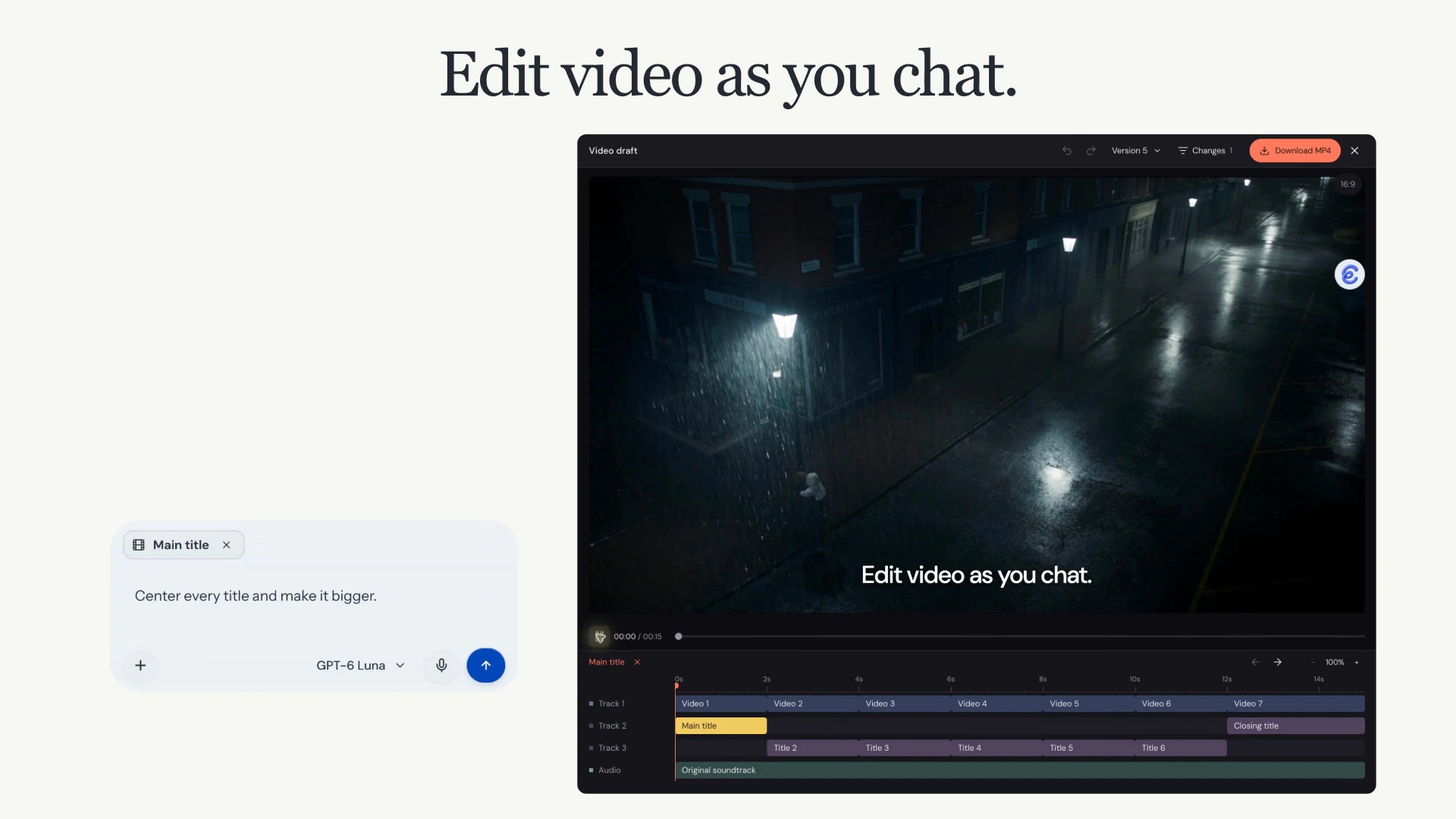
See the title change on the same footage.
This Clico editing example keeps the same footage while moving and enlarging the title. The selected title gives the chat request a clear target.
Keep editing the same video project.
Select the part to change
Select a clip or text layer, then describe the edit in chat. Clico updates the same project.
Review the new version
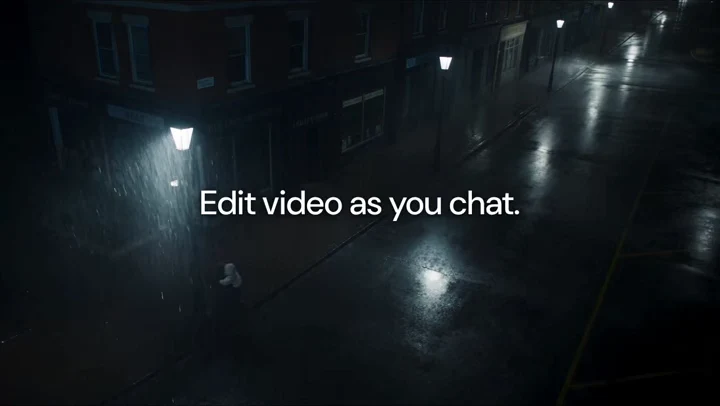
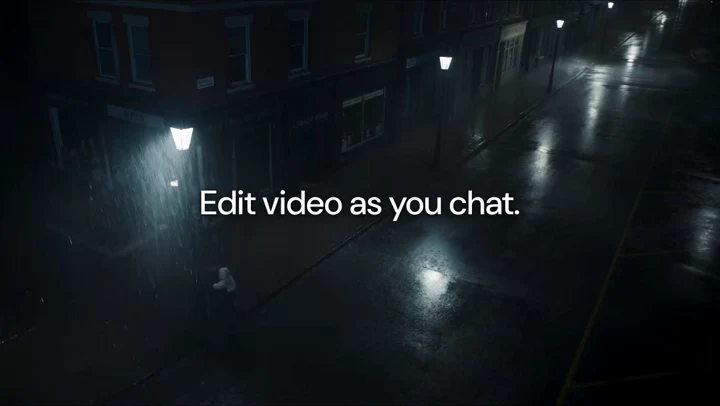
Play the saved version to check the change. In this example, the title moves to the center and gets larger.
Export the saved version
Choose the saved version you want, then export an MP4. Continue editing the project when you need another revision.
How does agentic video editing work?
You describe the change. Clico’s agent reads the saved project, updates its composition and returns a new version. The editor gives you a preview, a timeline and a selected layer to refer to in your next message.
The agent updates the saved project
A request can change clip timing, title placement, animation and audio within the existing project. Clico stores that arrangement as editable HTML, CSS and JavaScript. You describe the result in chat; you do not need to write that code.
The editor lets you review the change
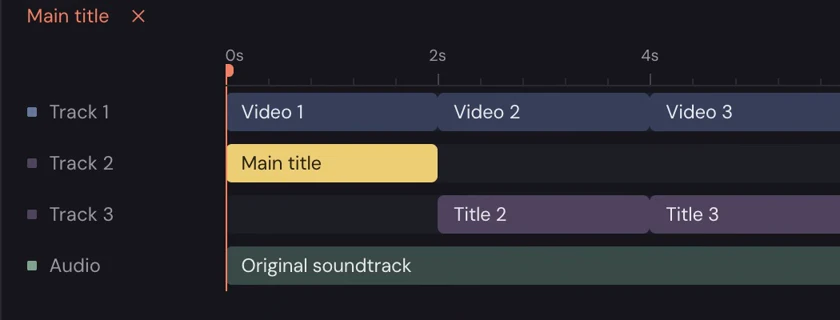
The timeline and preview read the same composition. Select a layer to give the next request a specific target, review saved versions and choose which one to export. The download renders that saved version without asking the model to rewrite it.
What can you change through chat?
Tighten an opening
Name the time to remove and the scenes to keep. Check the new cut in the preview before asking for another change.
Place a title
Add a new title, or select a text layer in a saved project and change its position, size or timing. Keep the video around it.
Make room for a voice
Ask for a lower music level under speech, a new audio placement or a fade at the end. Listen to the result as well as watching it.
How to edit video through chat.
Open the saved video project
Open the video editing project in your Clico Web chat. The example here starts with “Edit video as you chat.” saved as a text layer. If you start with an MP4 upload, first ask Clico to add the text you want as a new title.
Select the detail and ask
For the title change shown here, select the title layer and ask, “Center every title and make it bigger.” Clico saves the change as a version of the same video project. Play the preview to check it.
Export the version you choose
Make another request if the result needs work. When you are ready, use the download control for the saved version you want. Download the MP4 when the render is ready.
How video generation and editing work together.
Generation creates source footage. Editing decides how that footage works with the rest of the video. A title or timing revision can change the saved composition without generating the scene again.
When you still need footage
Use Clico’s AI video generator to create a clip from a scene description. Starting with a product photo or artwork? Image to video explains how to use a picture as the reference and describe its motion.
Create footage with Video GeneratorWhen the footage needs a cut
Bring the ready clip into a Clico Web editing project. Ask for the order, timing, titles and sound you need, then review the version. Generating a clip and adding it to an edit are separate steps. Video generation requires Pro or Max; available settings depend on the model.
Which editing workflow fits your video?
A timeline is still useful when an agent makes changes. The choice is how you want to direct the work, and how much control the project needs.
| Workflow | How the edit happens | When it fits |
|---|---|---|
| Clico | Describe a change to the agent. Review the resulting saved composition in the editor and refer to a selected layer in the next request. | You want to iterate on a short video’s timing, titles, layout or sound through a conversation. |
| DaVinci Resolve | Work directly with timeline trims, inspector parameters and keyframes, alongside its AI tools and dedicated color, effects and audio workspaces. | You need detailed manual control, color finishing, effects work or a complex audio mix. |
| CapCut transcript editing | Remove words from a transcript to cut the corresponding footage, then refine the video with the editor’s timeline tools. | Your spoken content determines the cut, such as an interview or a talking video. |
DaVinci Resolve and CapCut both include AI features. These examples compare specific workflows, rather than all of each product’s capabilities. Clico does not provide the full manual controls of a professional timeline editor.
See the documented workflows: DaVinci Resolve editing, Resolve’s AI and finishing tools and CapCut transcript editing.
How does MP4 export work?
Export renders the saved version you choose. Current output is 30 fps, with each side up to 1920 pixels and videos up to 10 minutes. Chat requests and video rendering use credits. Available models and your remaining allowance depend on your Clico plan and account.
View plans and allowancesAI video editor FAQs
What can I change with this AI video editor?
Ask Clico to trim or combine clips, change the layout or aspect ratio, add and position titles or captions, create transitions or animated graphics, and place or adjust audio. Name the target and check the returned preview.
How is editing different from generating a video?
Editing starts with the video project and its source assets. Chat requests change the clips, text, layout, animation or audio in that project. Video generation creates a new clip from a text or image prompt.
Which video files can I upload?
Upload MP4 files of up to 100 MB each in Clico Web. The request composer on this page prepares your instruction; add the source MP4 in Clico Web before sending the editing request.
Can I move text that is already inside an MP4?
Titles added in the editing project are separate text layers that you can select and change. Text already encoded into the footage is part of the video image, not an editable title layer. Ask Clico to add a new title when you need text you can move, resize or retime.
Can I use another model without starting again?
Yes. Select another available chat model for a subsequent request and continue with the same saved project. Models that accept images can review sampled video frames. Model choices follow your plan.
Can I go back to an earlier edit?
Yes. Review a saved version or restore it as a new version. Check that you have selected the version you want before exporting.
Can I edit on a phone?
Clico Web has a mobile layout that lets you switch between the video and the conversation. The timeline and chat still refer to the same project.
What does MP4 export include?
Export renders the exact saved version you choose without asking the model to rewrite it. Current exports use 30 fps, with each side up to 1920 pixels and a maximum duration of 10 minutes.
Does every edit generate new footage?
No. A change to clip timing, title placement or soundtrack level changes the composition of the existing project. Generating a new scene is a separate task. Keep the source footage in the project and say what should remain when you ask for a focused edit.
Can Clico add captions to my video?
Yes. Ask for timed captions and provide the wording you want, or identify an existing caption layer to change. Give an interval when a line should appear at a specific moment. Check names, punctuation and timing against the audio before exporting.