
MiniMax H3 Image
Create in Clico with MiniMax H3 Image. Make a concept, edit a reference, and choose Highspeed when you want a faster pass.
Opens Clico Web in a new tab. Review your prompt and settings before sending.
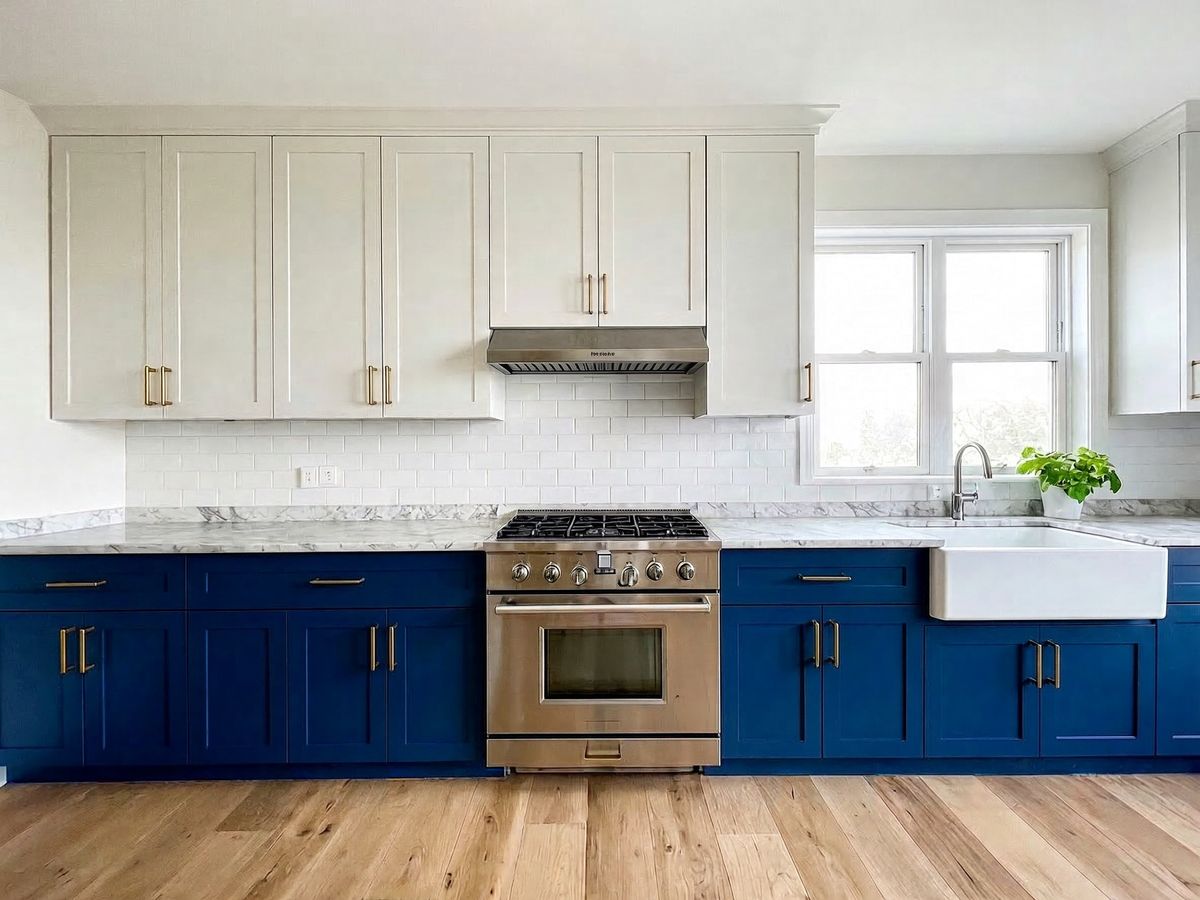


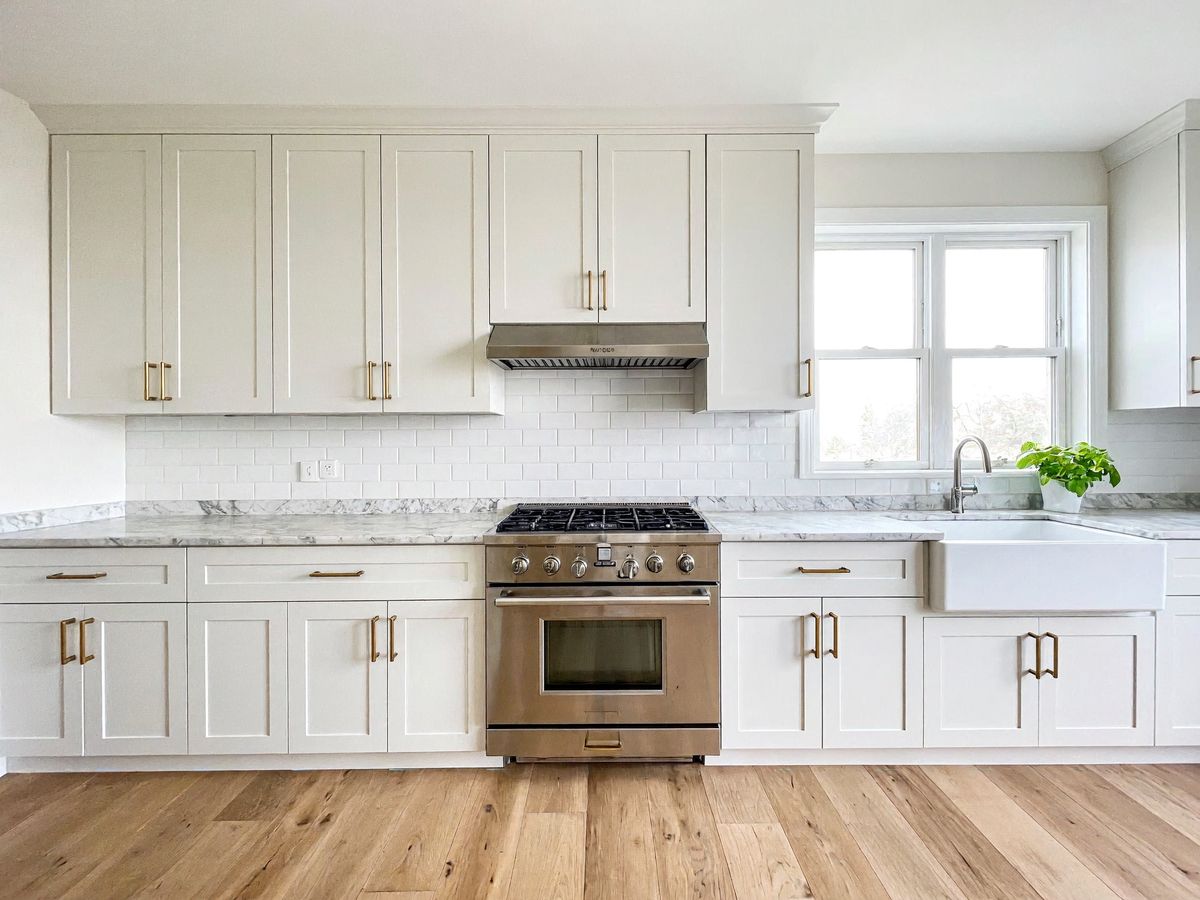
Change one detail. Keep the scene.
Start with a photo and describe what should change. Name the details you want to keep.
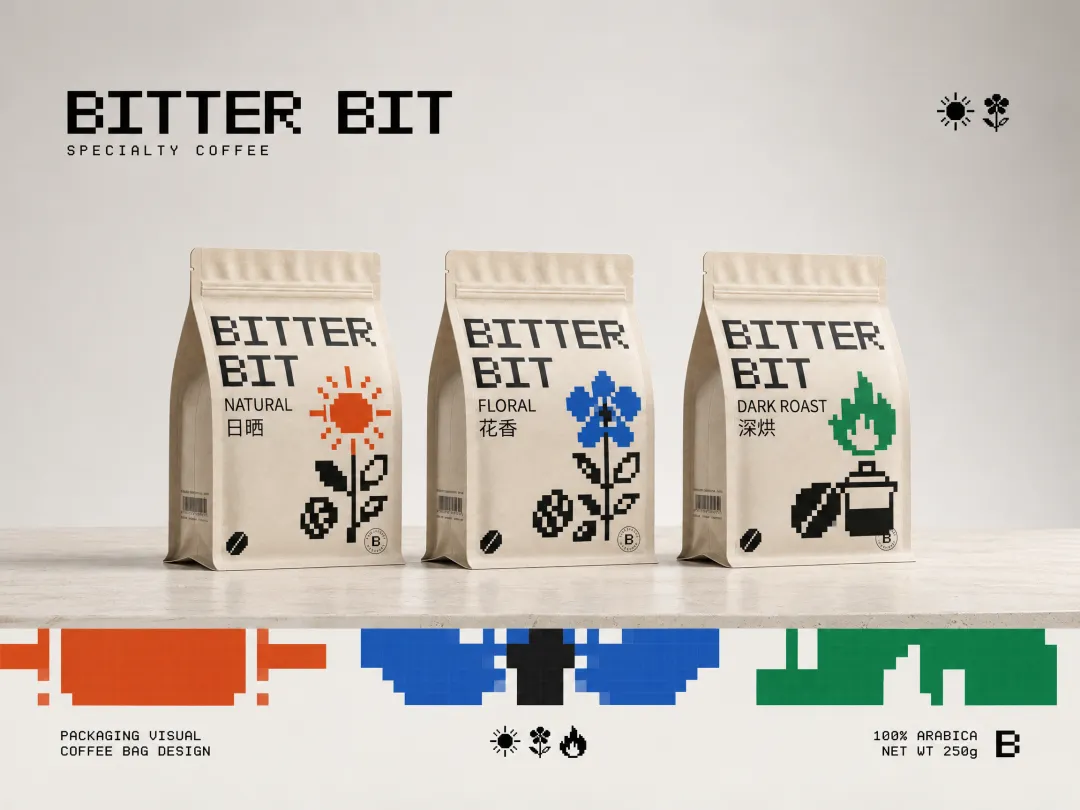
Make the parts visible.
Describe the object, its components and how they should be arranged. Leave room for labels and check every detail before sharing a diagram.
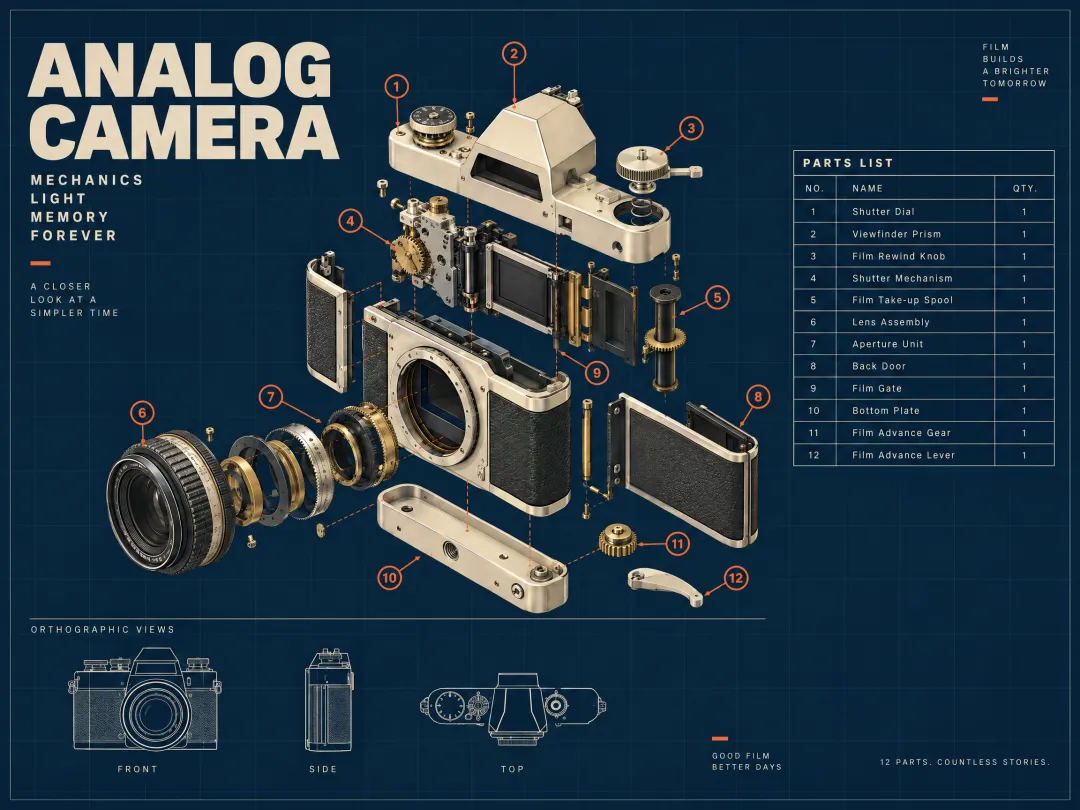
For a technical illustration, provide the part names and relationships in your brief. Generated labels and mechanical details still need to be checked against a reliable source.
Choose your model.
| Model | A starting point for | Size and quality | Image inputs |
|---|---|---|---|
| Image generation and reference edits. | 1K, 2K, 4K | Up to 10 references | |
| Image generation and reference edits with a speed focused variant. | 1K, 2K, 4K | Up to 10 references |
Both options support the same image sizes and reference limit in Clico. Highspeed is the speed focused option. Completion time and credit use depend on the request and provider conditions.
Create regularly? Pick your plan.
Monthly credits for video, images and chat. Choose monthly or yearly billing.
| Purchase details | Free$0forever No card required Explore Free | Pro$19.90per month Billed monthly Choose Pro | Max$49.90per month Billed monthly Choose Max |
|---|---|---|---|
| Credits each month | 100 | 2,000 | 5,000 |
| Credit refresh | Monthly | Monthly | Monthly |
| Video creation | Credit pack required | Included with credits | Included with credits |
| Chat and images | Selected models | Included with credits | Included with credits |
| Web chat models | Selected models | All current models | All current models |
All prices are in USD. Plan credits refresh monthly, including with yearly billing. Paid plans renew until canceled. Image generation uses credits. Available models and settings depend on your plan.
Questions and answers.
Can I edit an image I already have?
Yes. Add a supported image and describe what to change and what to keep. Review the result for details that may have shifted.
How many references can I add?
Clico lets you attach up to 10 files at once. Give each image a clear role in your request.
Which sizes are available?
Choose 1K, 2K or 4K in Clico, along with a supported aspect ratio.
How do the two variants differ?
Highspeed is the speed focused variant. The same prompt can produce different results, and actual wait time and usage can vary.
Does choosing a prompt start a generation?
No. It prepares a draft in the composer. Review it in Clico Web and send it when you are ready.