Real product proof
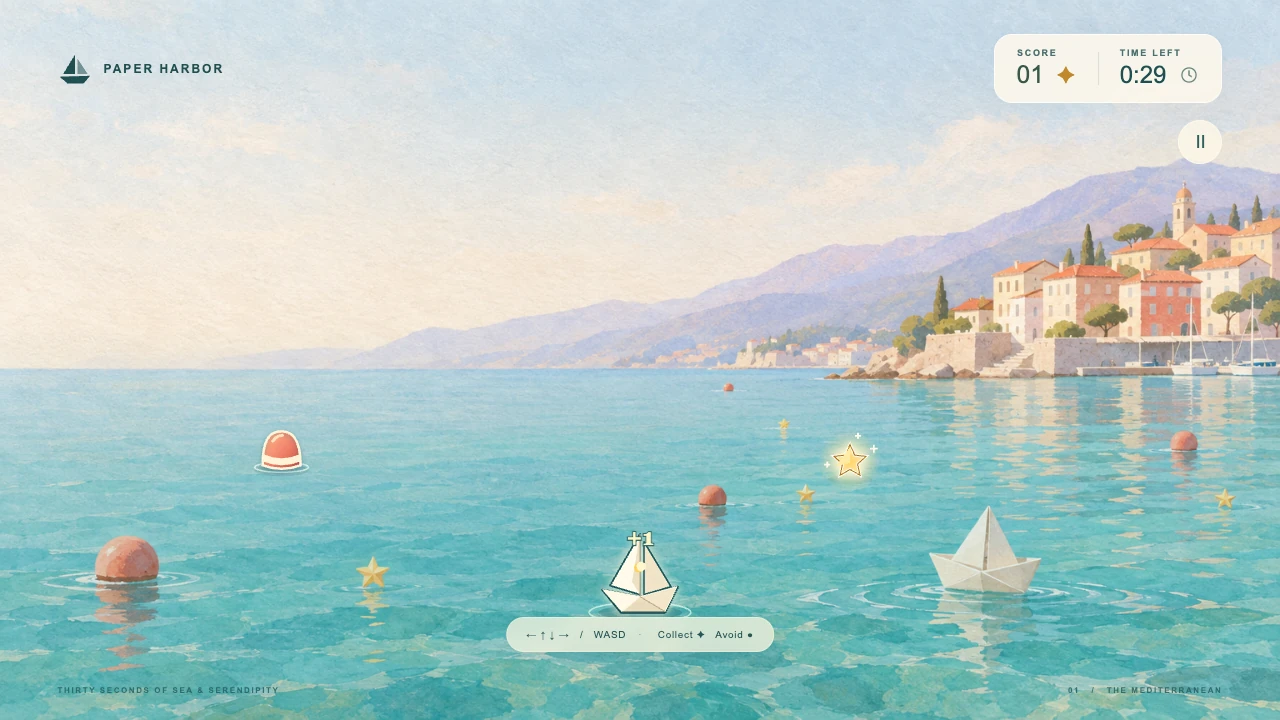
Show the interface and outcomes your audience will actually get. A product screen, a finished result or a gameplay moment makes the benefit concrete.

Give your next release a story worth watching.
Bring your product. Shape the script, visuals and sound in chat.
Describe your product and add your screenshots in Clico.
Open ClicoGive your product launch video a style that belongs to the release.
Real product evidence, creative visuals and sound can support the same message.
Show the interface and outcomes your audience will actually get. A product screen, a finished result or a gameplay moment makes the benefit concrete.
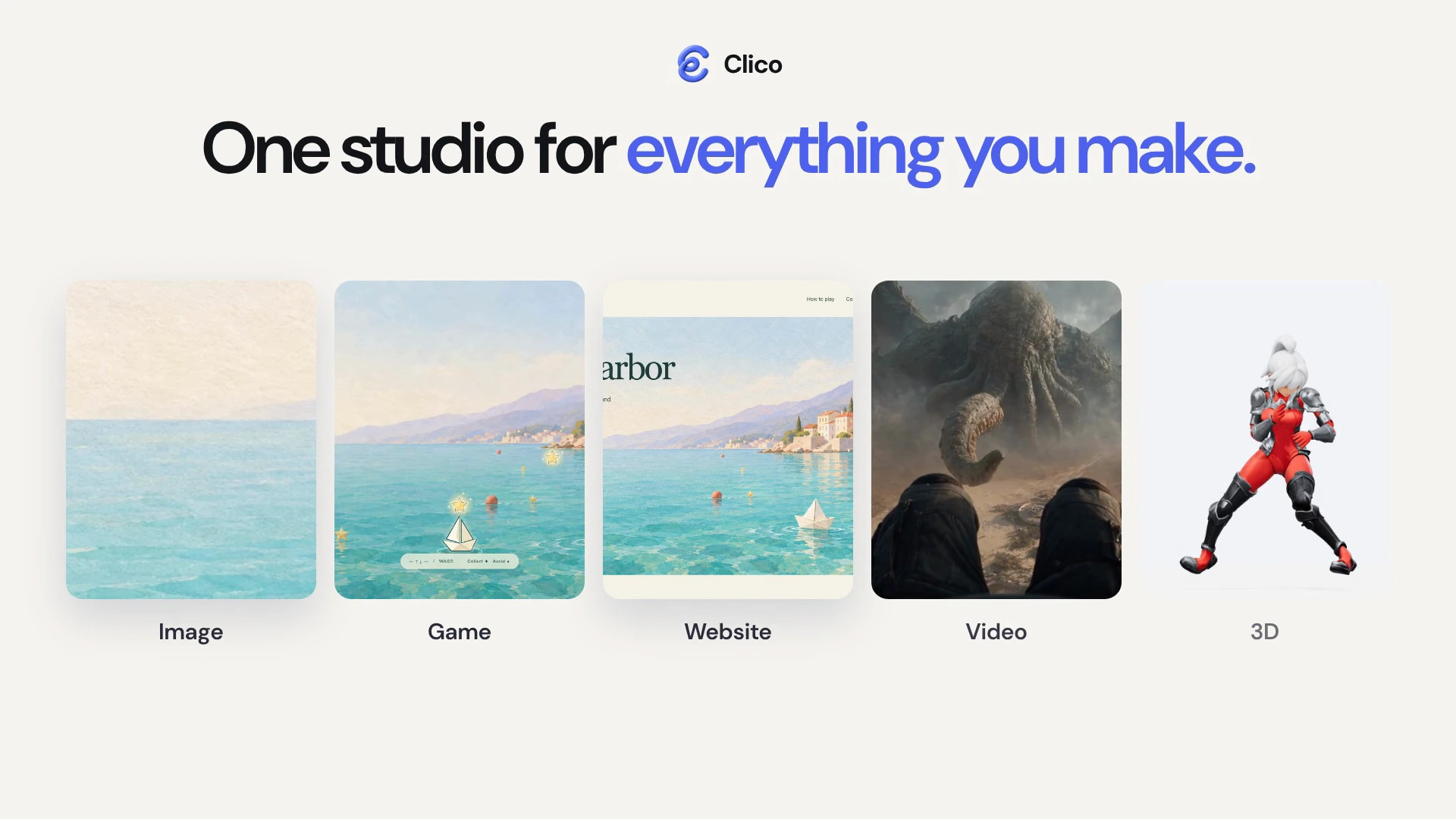
Bring brand assets, artwork, footage and animated copy into the same story. The featured Clico film shows how image, video, game, website and 3D examples can introduce a creative product.
Music and source audio can give the release a mood and support key moments. The Clico example combines generated music with an actual audio excerpt, so sound is part of the product story.
From a few product assets to a film you can refine.
A simplified view of the Clico workflow. When your story needs new footage, start with Clico’s AI video generator.
Start with your logo and one or two product images or clips. Tell Clico who the video is for, what your product makes possible and what viewers should do next. Review your brief, then send it in Clico.
Clico develops the idea, script and sound around your goal. Check the opening promise, the product moment that proves it and the final call to action. Add any missing facts before creating the draft.
Open the video draft beside chat. Watch the whole sequence with sound, then inspect the titles, product visuals and timing in the timeline. Make sure the story is clear before you export.
Tell Clico what to change and what to keep. Ask for a shorter opening, clearer title or different music in the same project. Replay the updated version to check the change and the moments around it.
Choose the saved version you want, then Download in the video workspace. Wait for the MP4 export and review the finished file with sound. Your editable project stays in Clico for later changes.
Give the film a clear role in your launch.
The message and placement should lead to the same next step.
Give visitors a useful first look at the product beside the action you want them to take. A launch film can connect the headline to a visible product outcome.
A reason to explore the product or start a trial.
Introduce the release to an audience meeting it in a feed. One recognizable product moment and a message that makes sense without sound can carry the announcement.
A focused introduction that leads to your launch page.
Give existing customers a reason to return. Connect the announcement to what changed, with a clear thumbnail and a link to the film or product page.
A useful update that brings people back to the product.
Create launch films for software and services, SaaS promos, feature reveals and focused UI demonstrations. Start with the audience and one product benefit, then develop the script, visual sequence and sound with Clico.
Bring a short product description, your intended audience and the action you want viewers to take. Add screenshots, a logo or other product assets you have permission to use. For a UI demonstration, provide matching screenshots or recordings of the actual workflow. Clico can help identify anything missing before production.
The useful length depends on the message and where the film will appear. A focused feature reveal needs a different amount of explanation from a detailed product demo. The featured Clico film is 40 seconds; that is an example rather than a required length.
A product launch video gives a new audience a reason to care about a release. A product demo explains a specific task or workflow in more detail. A launch film can include a short demonstration as product proof; choose the structure around what your viewer needs to understand and do next.
A launch film can combine product imagery, focused UI, animated text, footage and sound in an editable video project. Start in chat to plan and build that sequence. The Video mode in the composer is also available when you need an individual generated clip.
Continue in the same Clico conversation and video project. Describe the change, or select a specific text, visual or audio element to give the edit a clear target. Preview the saved version before exporting.
Ask Clico to adapt the same video project for the placement you need. UI, titles and framing should be recomposed for the new aspect ratio so they stay readable. Review each version; a vertical crop of a desktop screen is not always a useful demonstration.
Use real product assets and verified capabilities to support the story. Screenshots can be animated as illustrations; they do not prove a live interaction. Check that every shown action, result and claim matches your product before publishing.
You can write a brief and add supported files here. Continue to Clico to sign in, review the draft and send it. Model access and any media generation depend on your plan and available credits. Check the current pricing and the cost shown in the app before starting. View pricing.
Export the finished video as an MP4 from Clico’s video project. The featured film was made in Clico using existing first-party creative examples and generated music, including a real audio excerpt cut for the film. Product screenshots in the film are animated illustrations; its text-only storyboard is redrawn from a saved plan. The how-to diagrams are simplified illustrations of the Clico workflow. The sample button adds three starter references and a short brief; it does not recreate every asset or setting in the featured film.
Start with your product, your audience and one clear promise.
Create my launch video