Direct the dialogue and delivery
Choose a video model that supports generated audio and include who says each line. Ask for a pause, a quieter delivery or a different reaction, then listen to the returned take.

Turn a script or story idea into a vertical short drama. Work on the dialogue with Clico, then generate the scenes with a cast you can use again in the next episode.
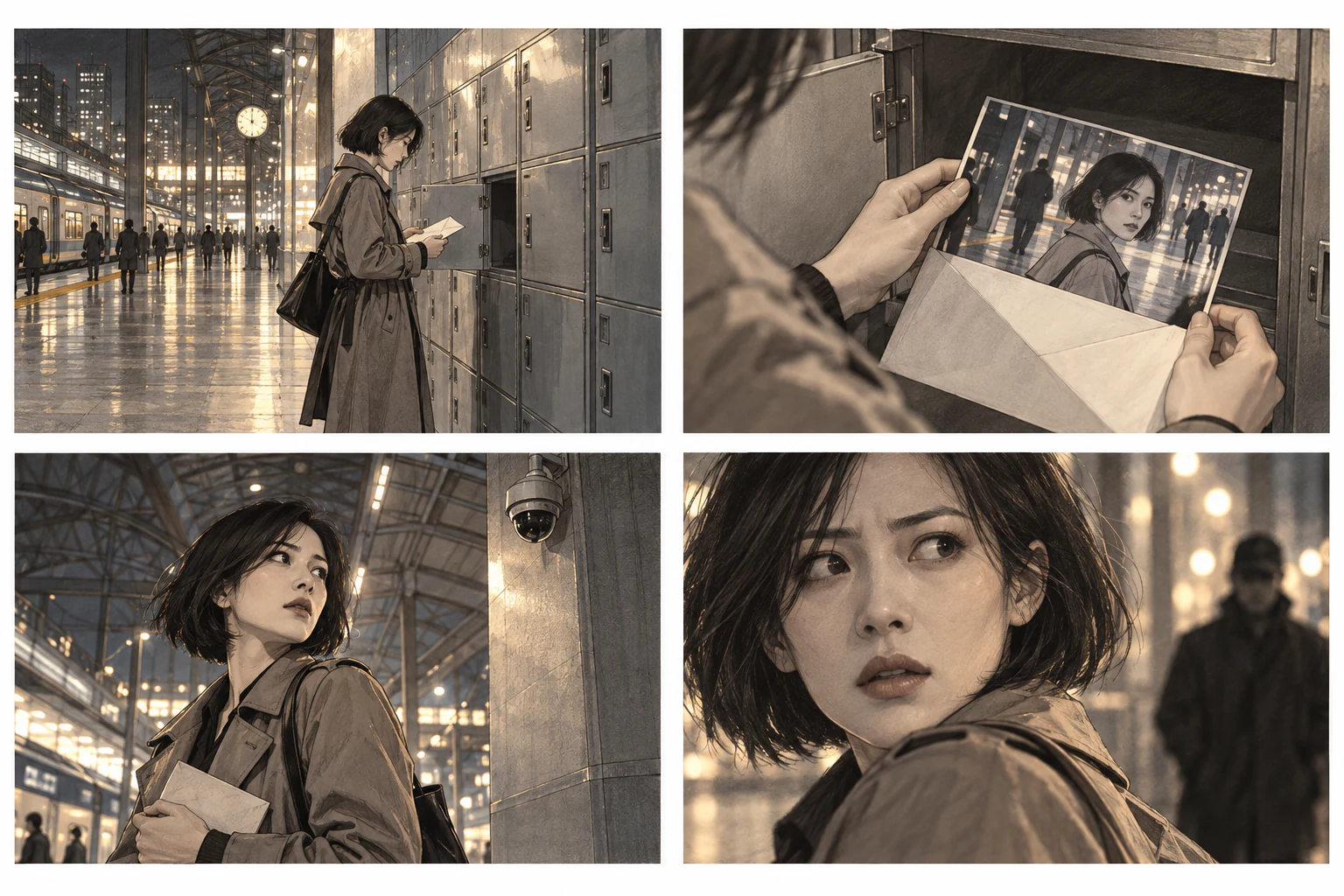
Wide shot
Insert shot
Medium shot
Close-up
Clico turns your script into shots with action, dialogue and camera notes. Review the storyboard, then change a line or camera angle before generating a scene. For individual clips and other video styles, explore Clico’s AI video generator.
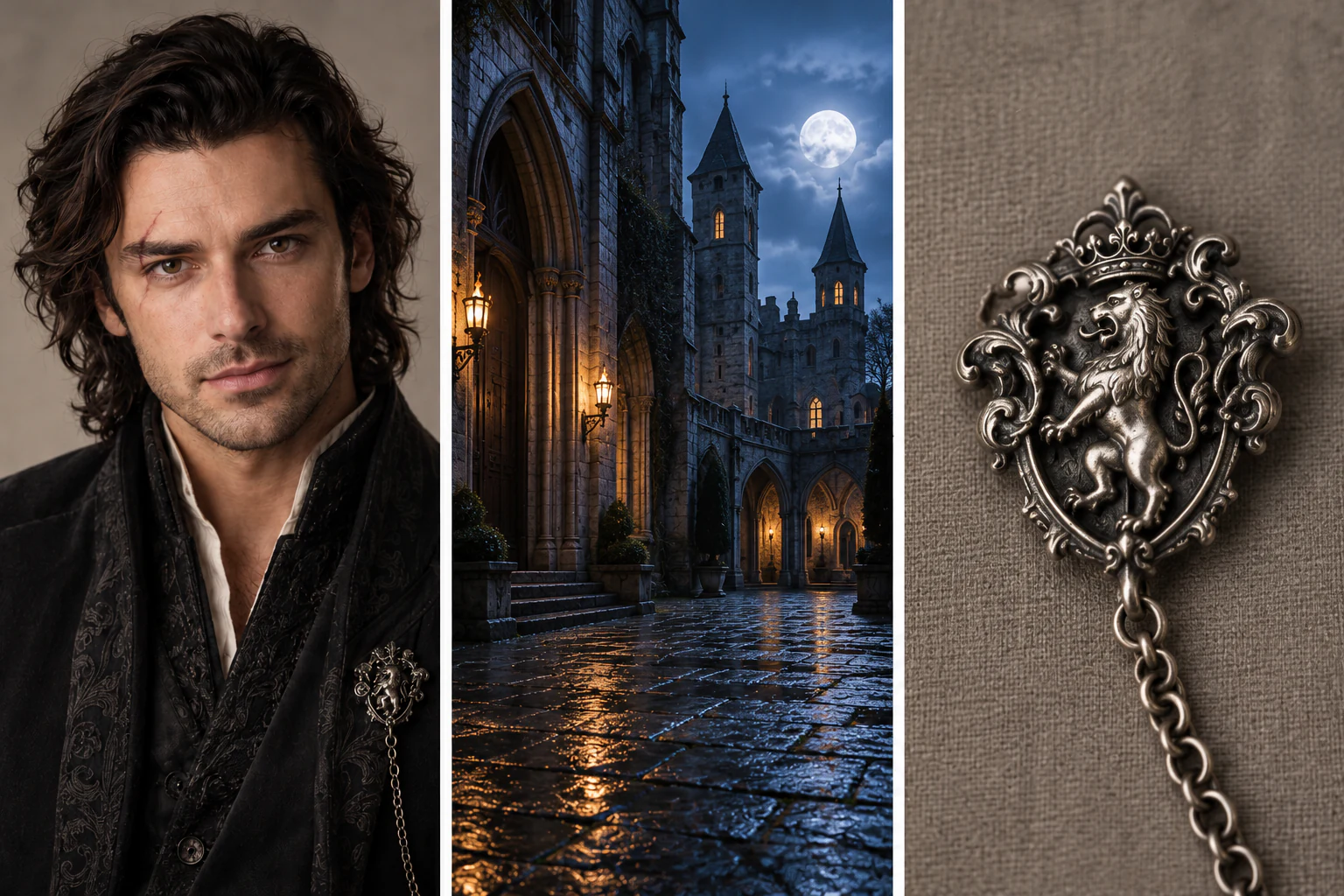
Character
Location
Prop
Reuse saved character references to help maintain the same face and outfit across scenes. Bring back locations and props in later episodes, and review each take for visual changes.
If the reveal is hard to see, select that shot and ask for a closer view. Review the new take before choosing it. The other selected clips do not need to be generated again.
“Move closer. Let us see the earpiece.”
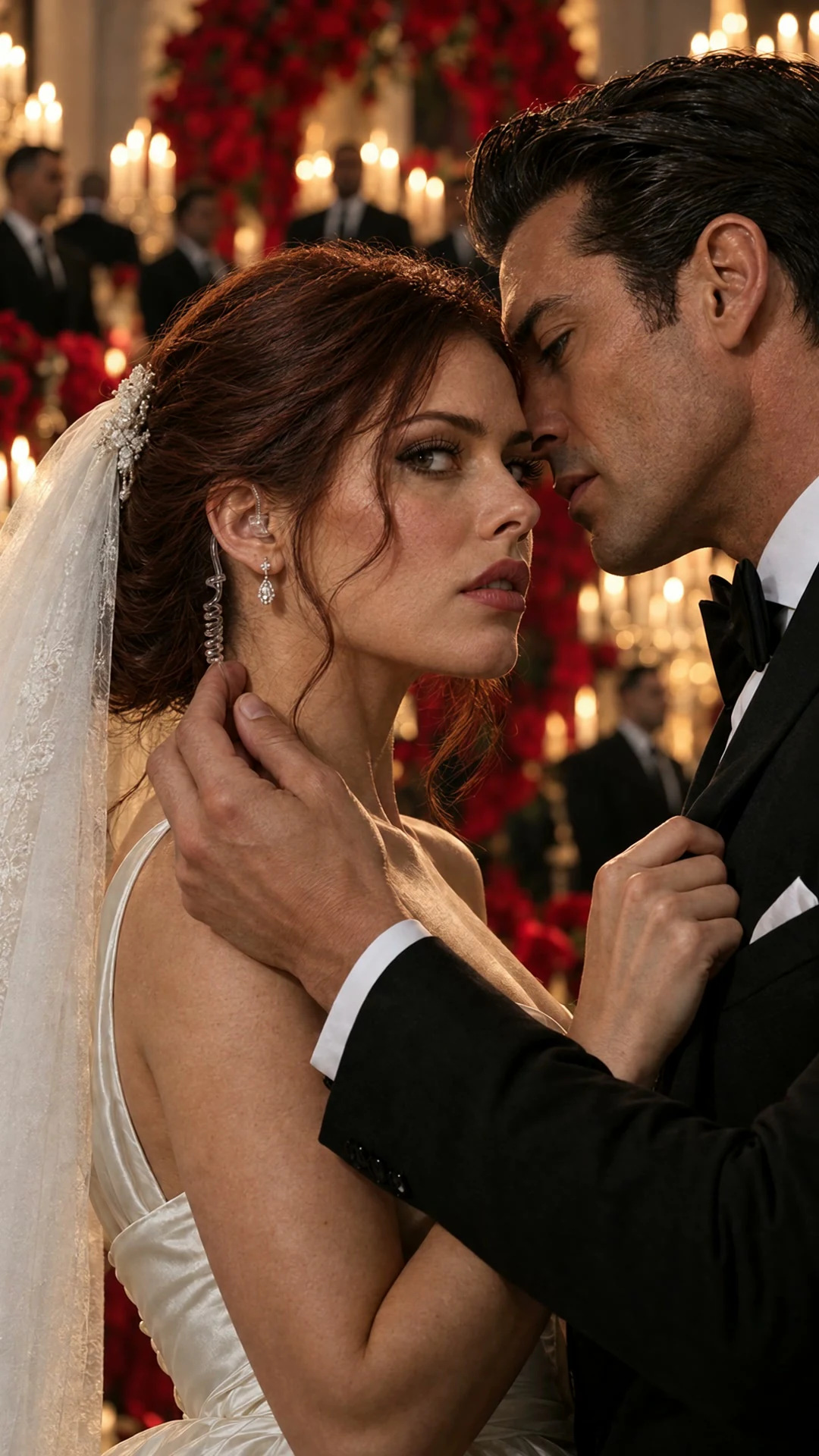
Choose a video model that supports generated audio and include who says each line. Ask for a pause, a quieter delivery or a different reaction, then listen to the returned take.
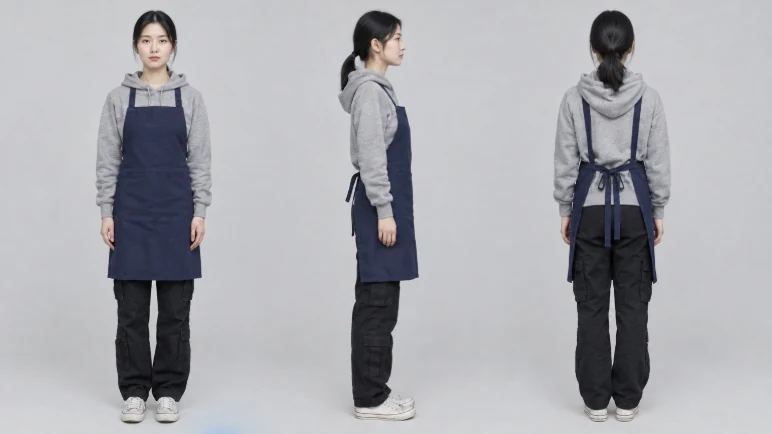
Add a reference image and describe the character’s appearance and role in the story. Review those details before choosing the character for a scene.
Choose 9:16 for TikTok, Reels or YouTube Shorts, or a landscape format for a cinematic short film. Plan the framing so the important reaction stays in view.
Ask for a close view when an expression carries the scene. For an exchange between two characters, specify who stays in frame and where each person looks.
Assemble the chosen clips in your selected format, review the captions and keep them clear of faces. Download the finished MP4 to share.
Use leading AI models to refine your script and dialogue. Research the setting and background with Clico, then describe the characters and action. Here, a commander rallies soldiers beneath battle flags, seen from a soldier’s viewpoint in the crowd.
Keep the view at a soldier’s eye level, mostly fixed within the crowd. Plan the commander’s raised hand and the soldiers’ response, with only slight natural camera movement.
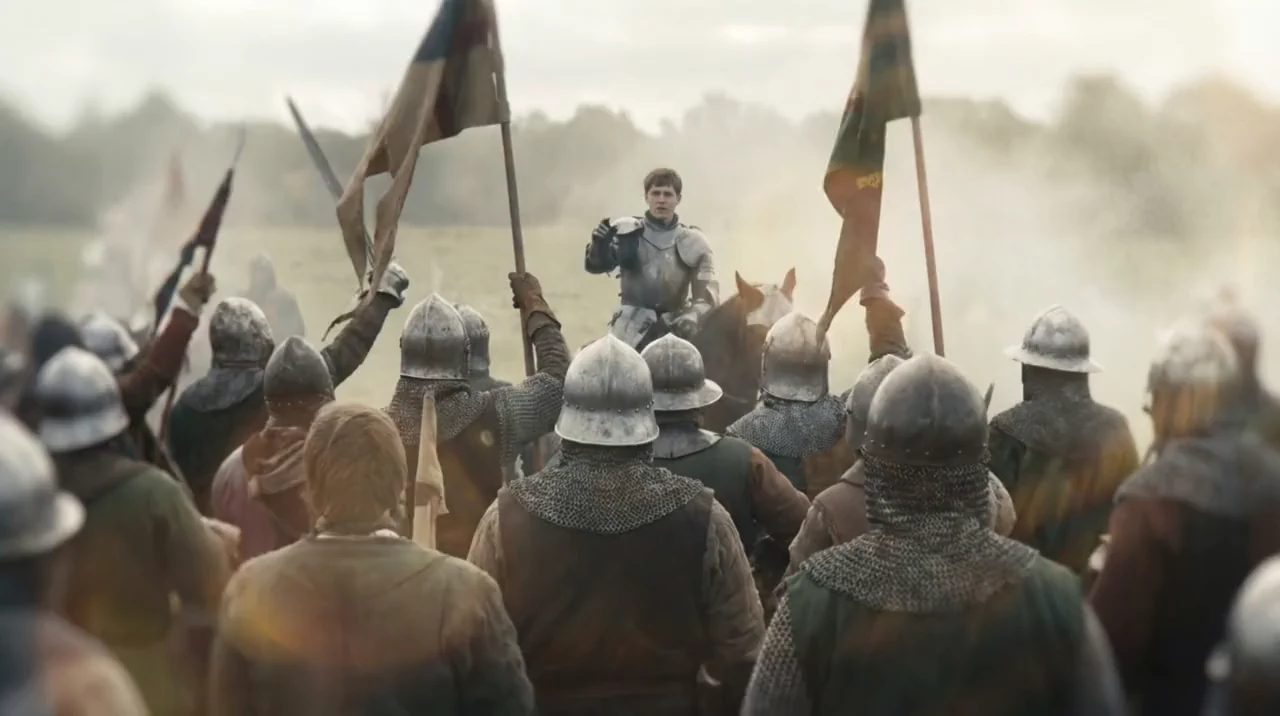 0:00 · The gathering
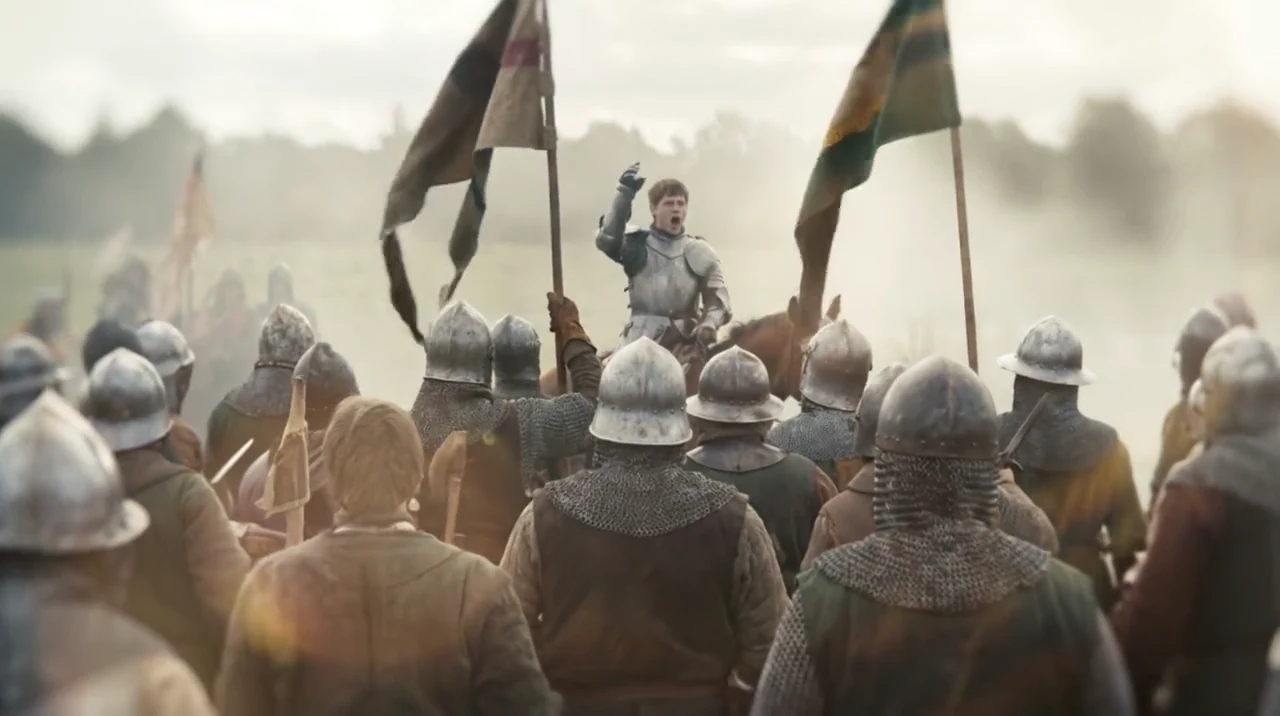 0:03 · The call
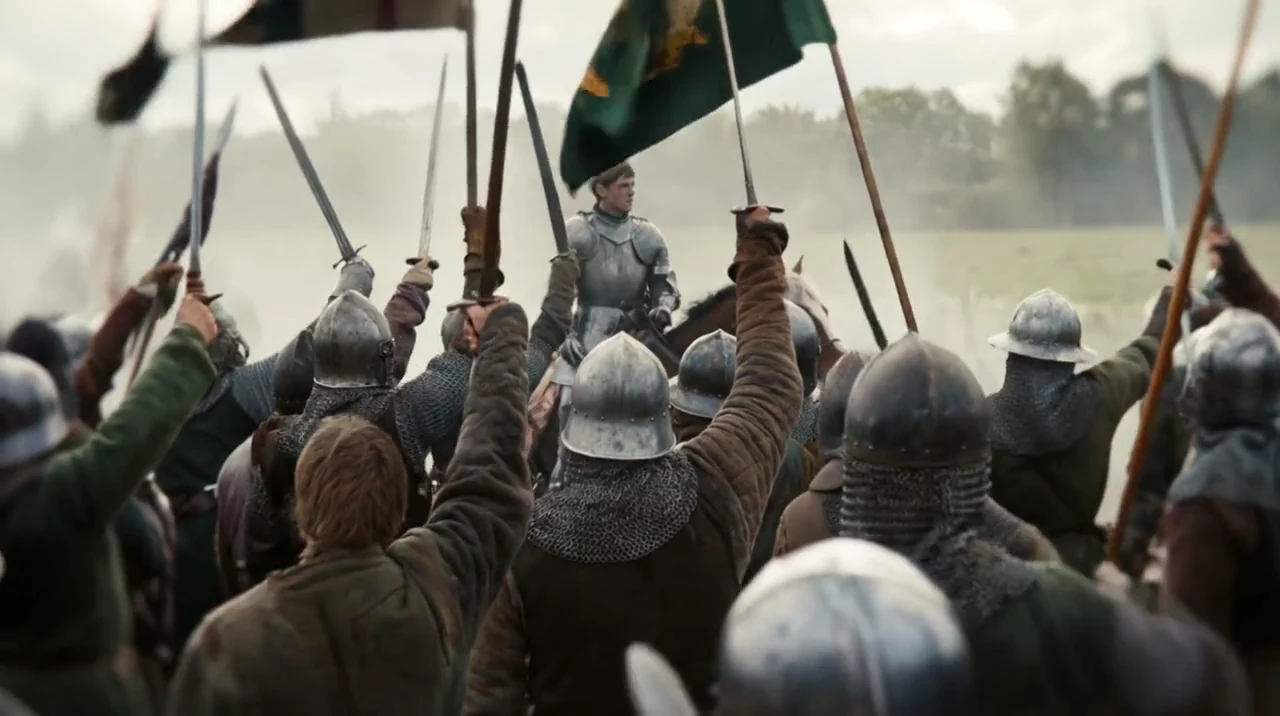 0:07 · The response
Choose your model and generate the scene. Check the characters, action and camera movement, then download the take you want or bring it into a longer episode.
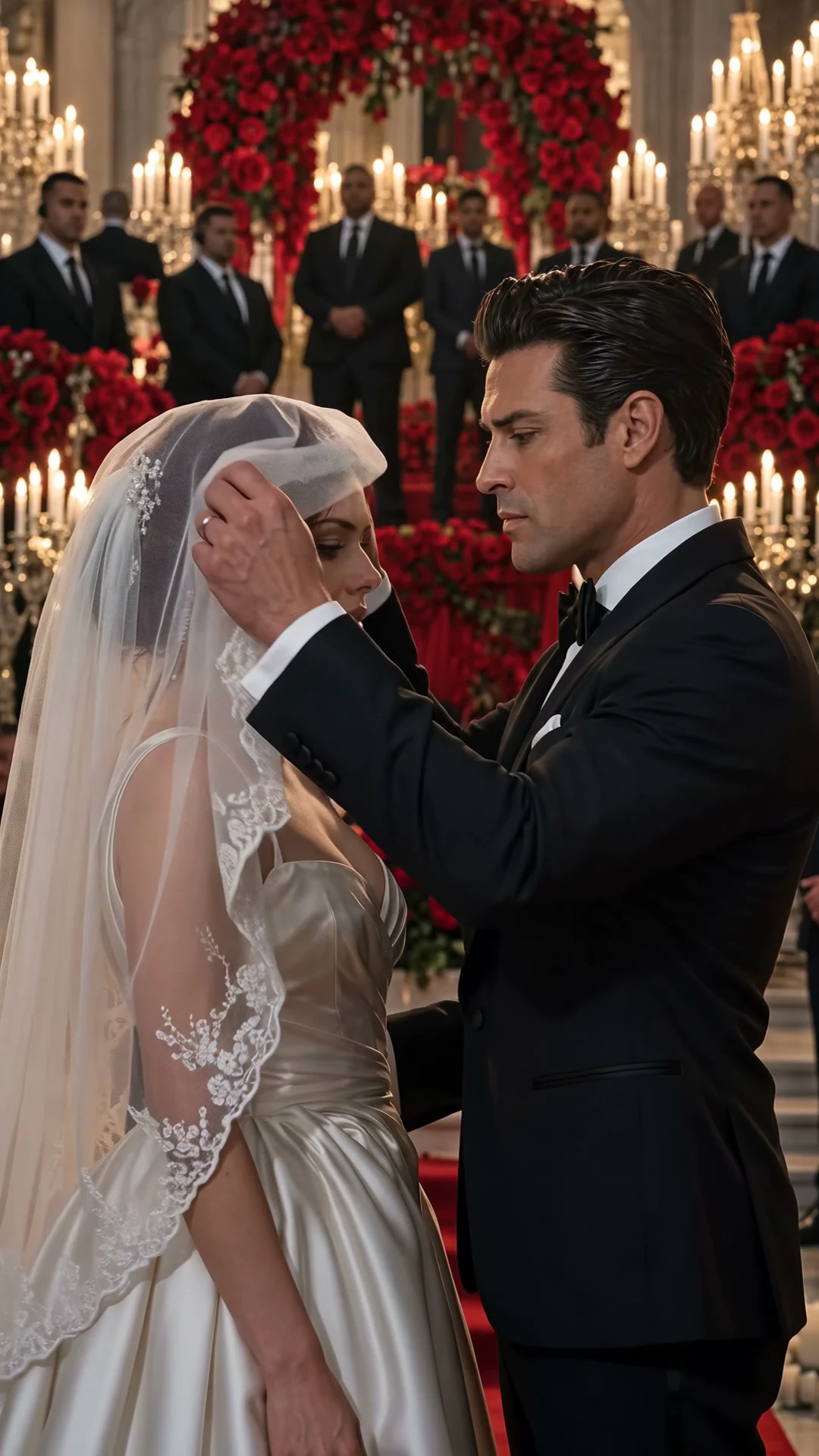
Turn a dangerous attraction, a hidden identity or divided loyalties into a mafia romance scene.
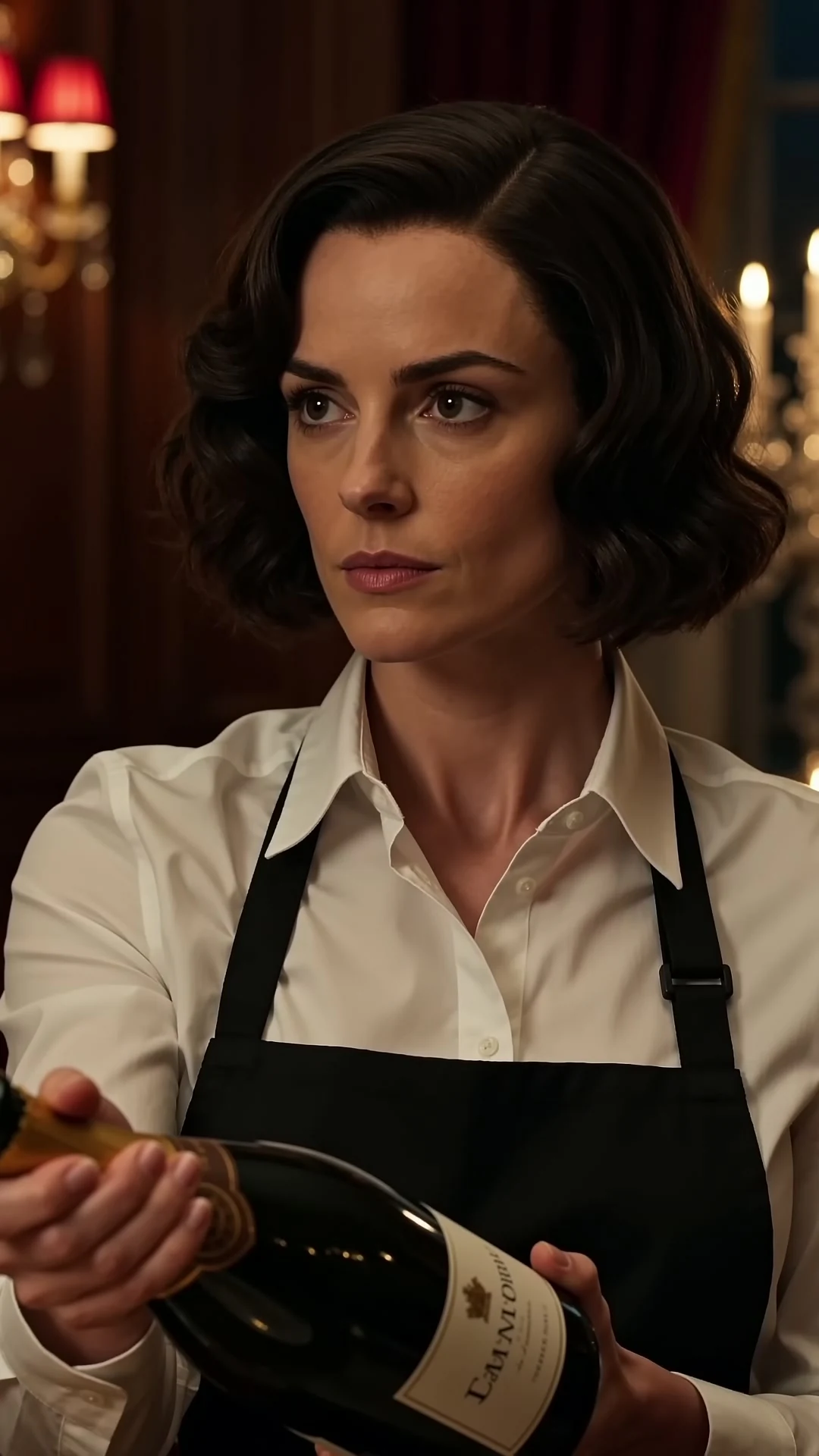
Start with betrayal, then build toward a confrontation or a reversal of power.
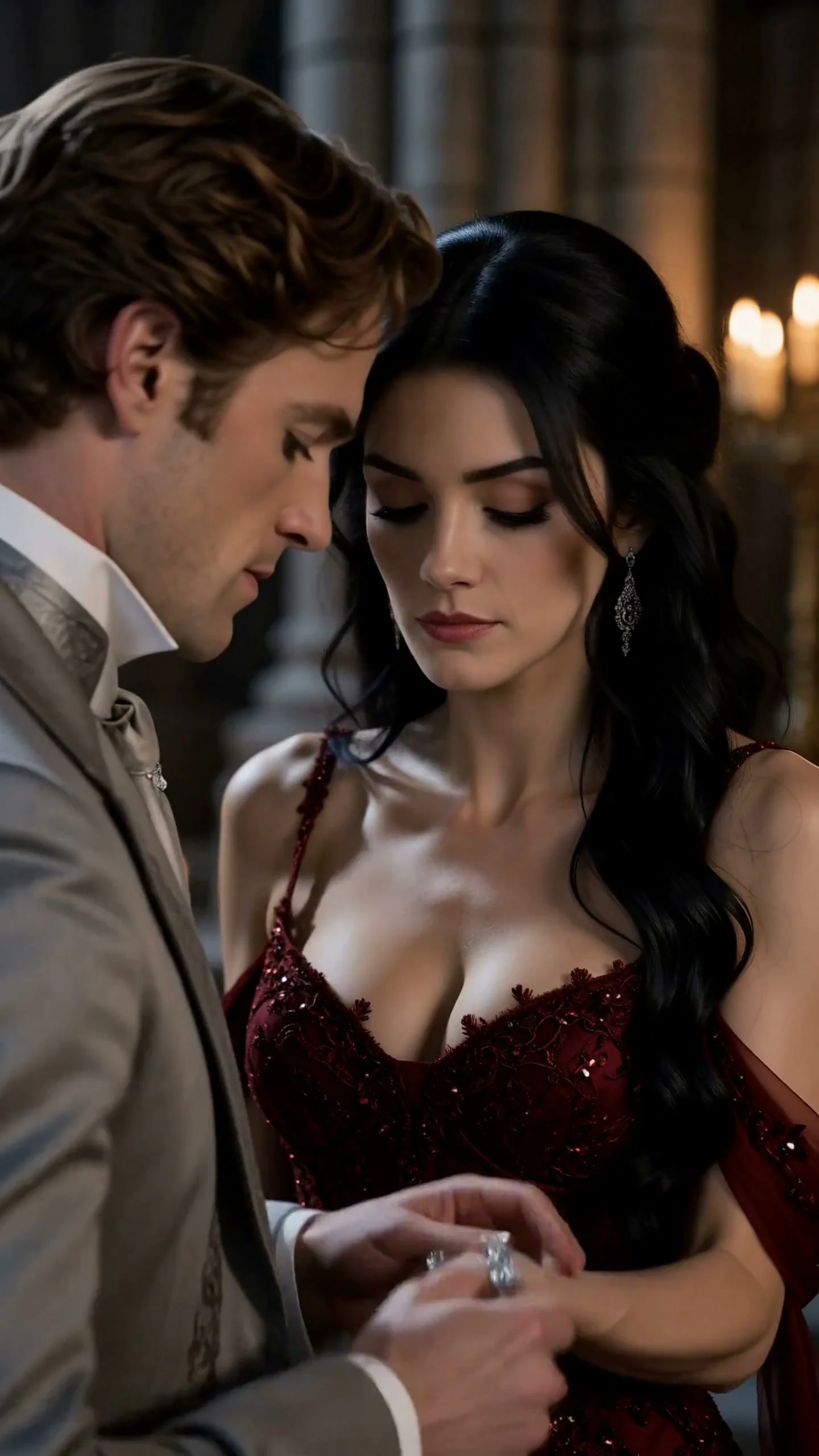
Build a supernatural love story around a rejected bond, a forbidden connection or a choice of partner.
Clico reuses your saved character images and appearance details as references for new shots, helping faces, hairstyles and outfits stay consistent across episodes.
Your cast, locations and props stay together in one series project. Continue from your pilot with the references you’ve already created, without uploading the same images or describing every character again.
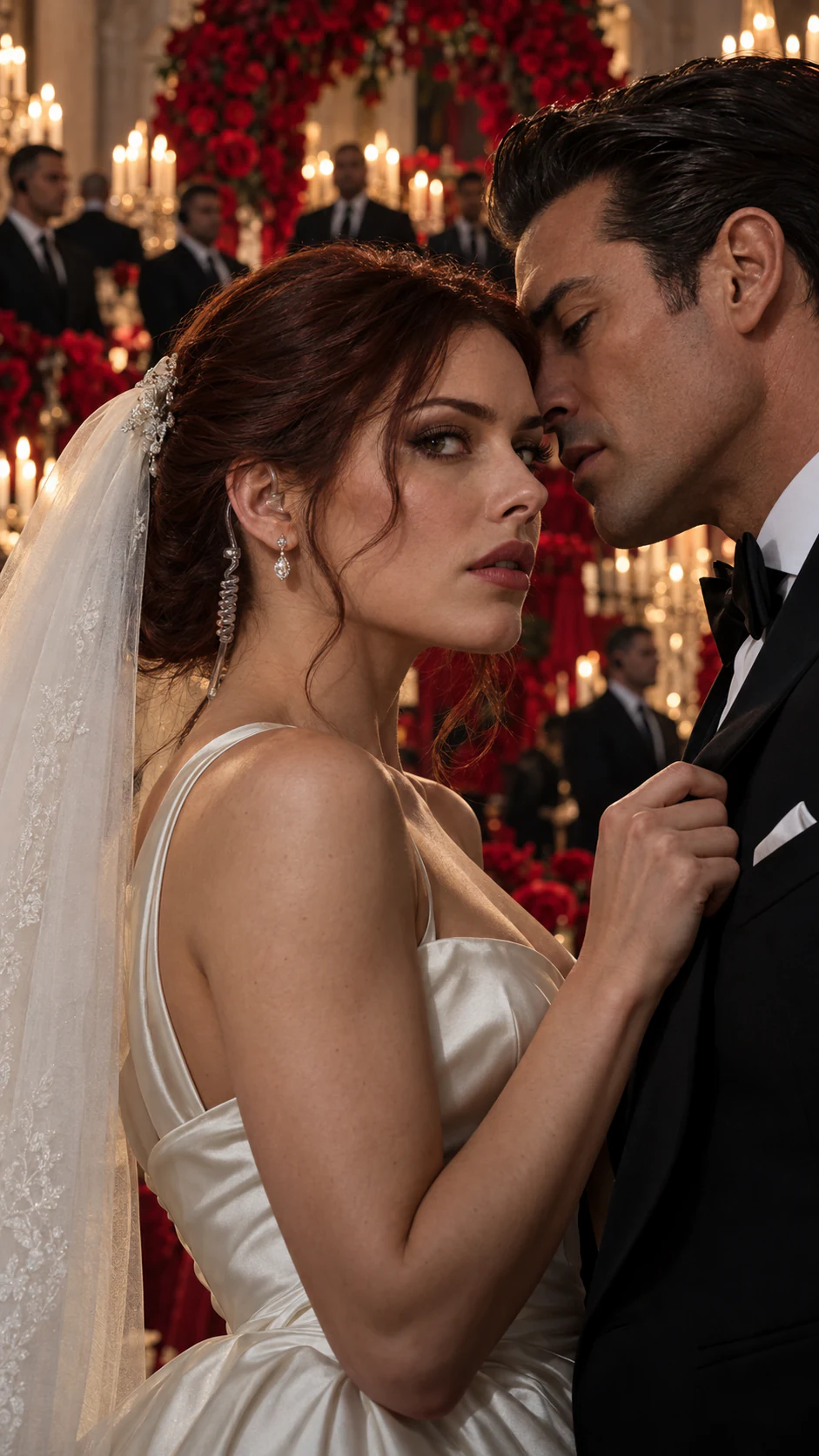
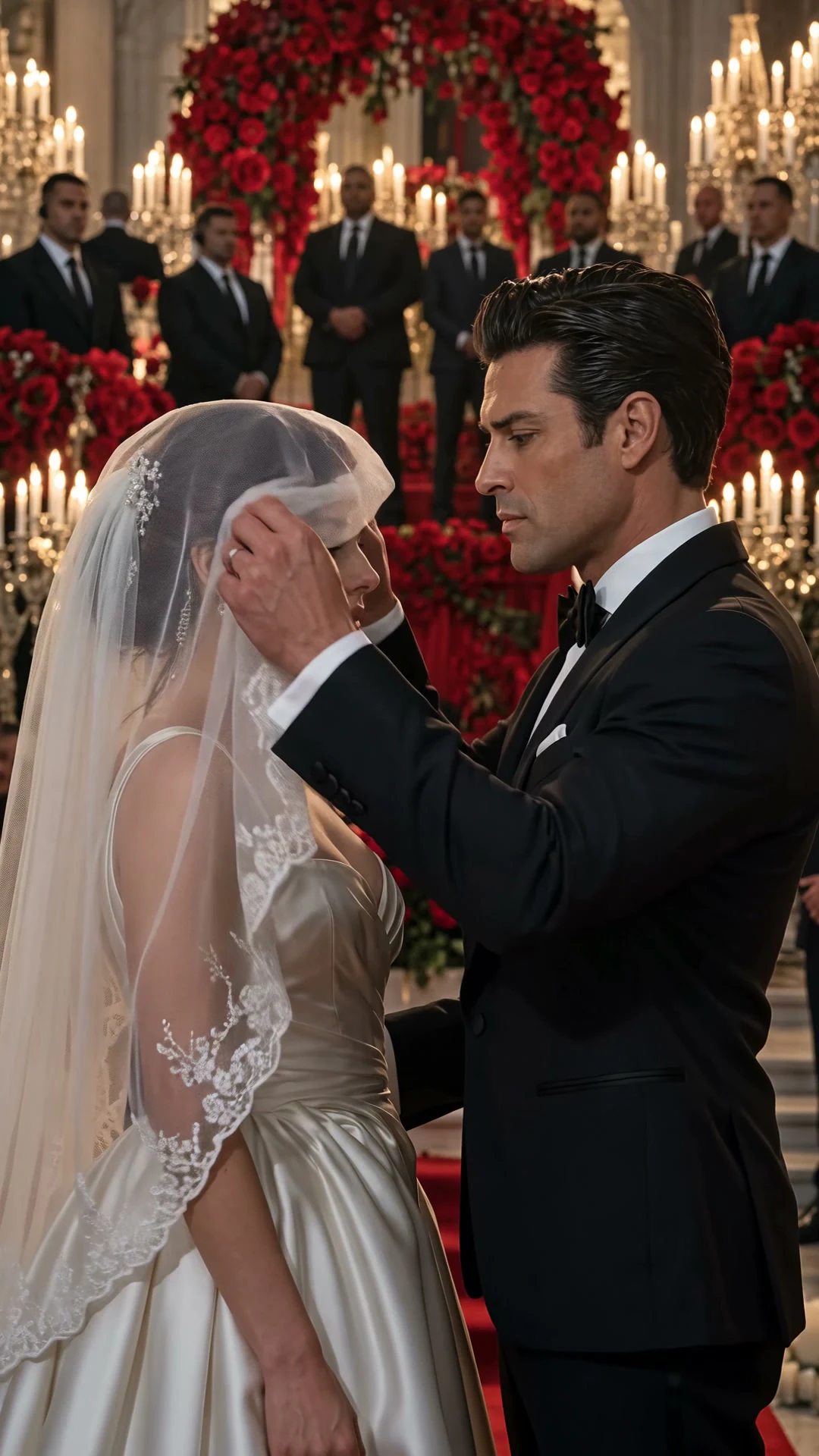
Paste a passage from your manuscript and choose what you want to make: a scene that tells part of the story, or a book trailer that invites readers in.
Choose an exchange or turning point that works on screen. Keep the relationships and essential dialogue, then turn inner thoughts into visible actions and reactions. Review the shot plan before generating the adaptation.
Pick the hook readers should remember: a forbidden relationship, an impossible choice or a secret. Use selected moments to introduce the characters and tension, then assemble a short teaser that leaves the resolution for the book.
You can start with a single scene, adapt a chapter into a pilot, or develop an episodic microdrama. In Clico, the script, shot plan and generated clips are stages you can work on separately. A finished episode also needs its selected clips assembled and exported.
Video generation requires an eligible paid plan and uses credits. The cost depends on the model, clip length and settings. Generating another take may use more credits. Check the current options before you submit a generation. View plans.
A model’s duration options apply to each generated clip. An episode can combine several clips in the editor. Production time depends on rendering, the number of shots and the revisions you choose; the three 15 second examples are scene samples, not a fixed episode length.
Reuse the chosen character references and wardrobe notes for that shot. Check the face, hands and important details in the returned take. You can revise the affected shot while keeping the other selected clips. References help continuity, but do not guarantee identical results.
For spoken scenes, choose a model that supports generated audio and specify who says each line. Review the speech and mouth movement in each take. Reusing a character image does not lock a voice across clips, and generated audio alone does not provide a separate lip sync correction step.
Choose a 9:16 format for a vertical scene or episode, then download the MP4 and upload it to your chosen platform. Resolution depends on the selected model and export settings. Clico does not add its own branding overlay to the generated video; review the returned file before publishing.
Confirm the terms that apply to your account and selected model before using an output commercially. Use scripts, character references and music you have permission to use. Contact Clico with questions about commercial usage terms. Contact Clico.
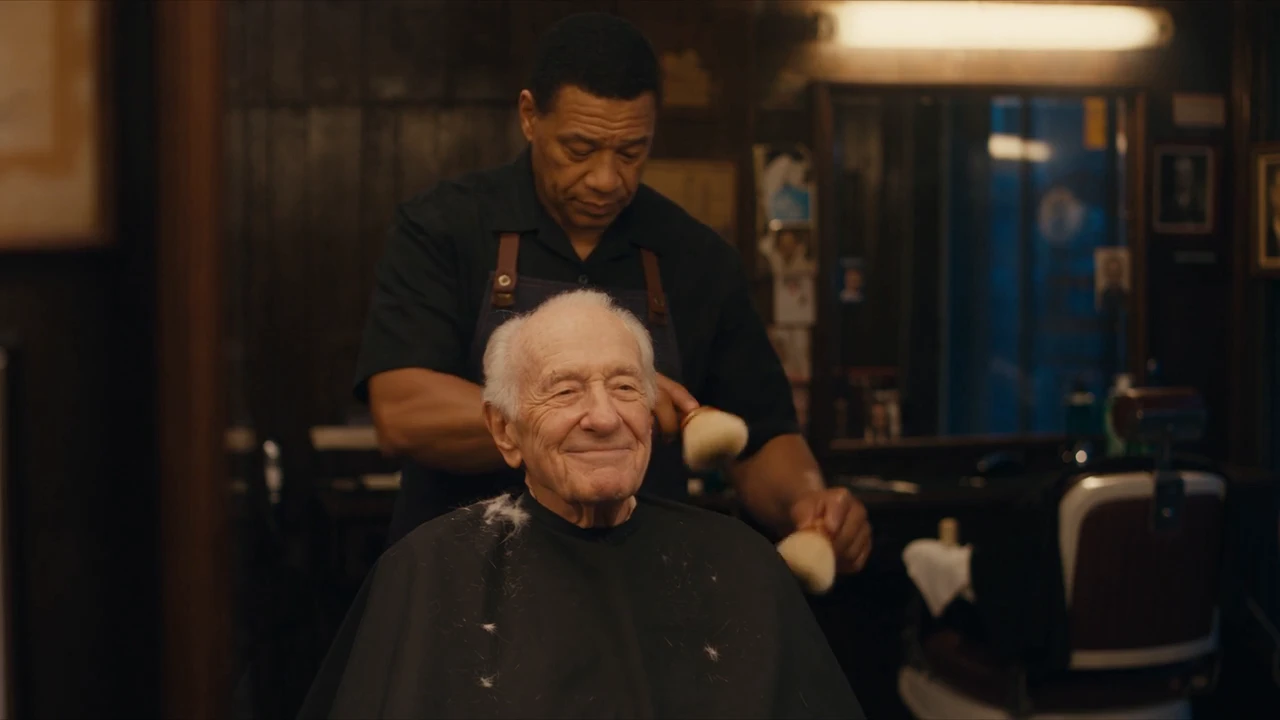
The three genre videos and the two camera takes are recorded Clico outputs. The hero clips, the barbershop film and the knights workflow example are model showcase videos featured in Gallery, where each entry identifies its source. The knights brief and frame breakdown are reconstructed from that source video, not a recorded Clico generation workflow. The storyboard and shared story elements are concept illustrations. The workflow visuals reuse Clico UI components; they do not document a newly generated episode. They show different stories, rather than a controlled model comparison or one completed episode.
Bring a script or a story idea. Make your first scene with Clico.