The group chat cameo
Put the friend with the quietest entrance in the dancer role, with another friend watching in disbelief.
Make your version
One dances. One can’t believe it.
Cast yourself in the viral barn dance.
The shush, the grin, the careful little steps. Put yourself in the strange fairy-tale scene, with a friend watching from the straw.
The first photo casts the dancer. The second gives the reaction a familiar face too.
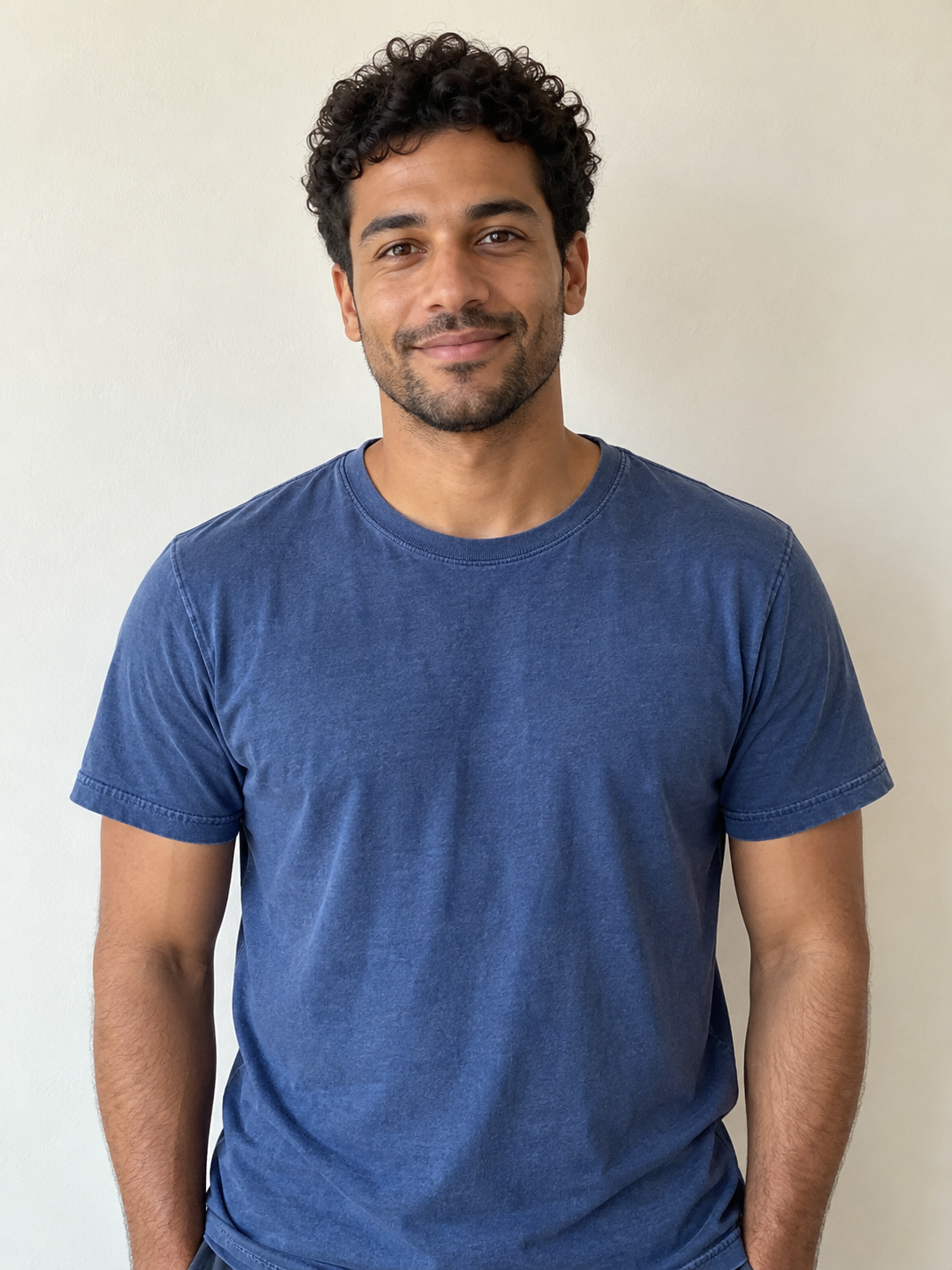
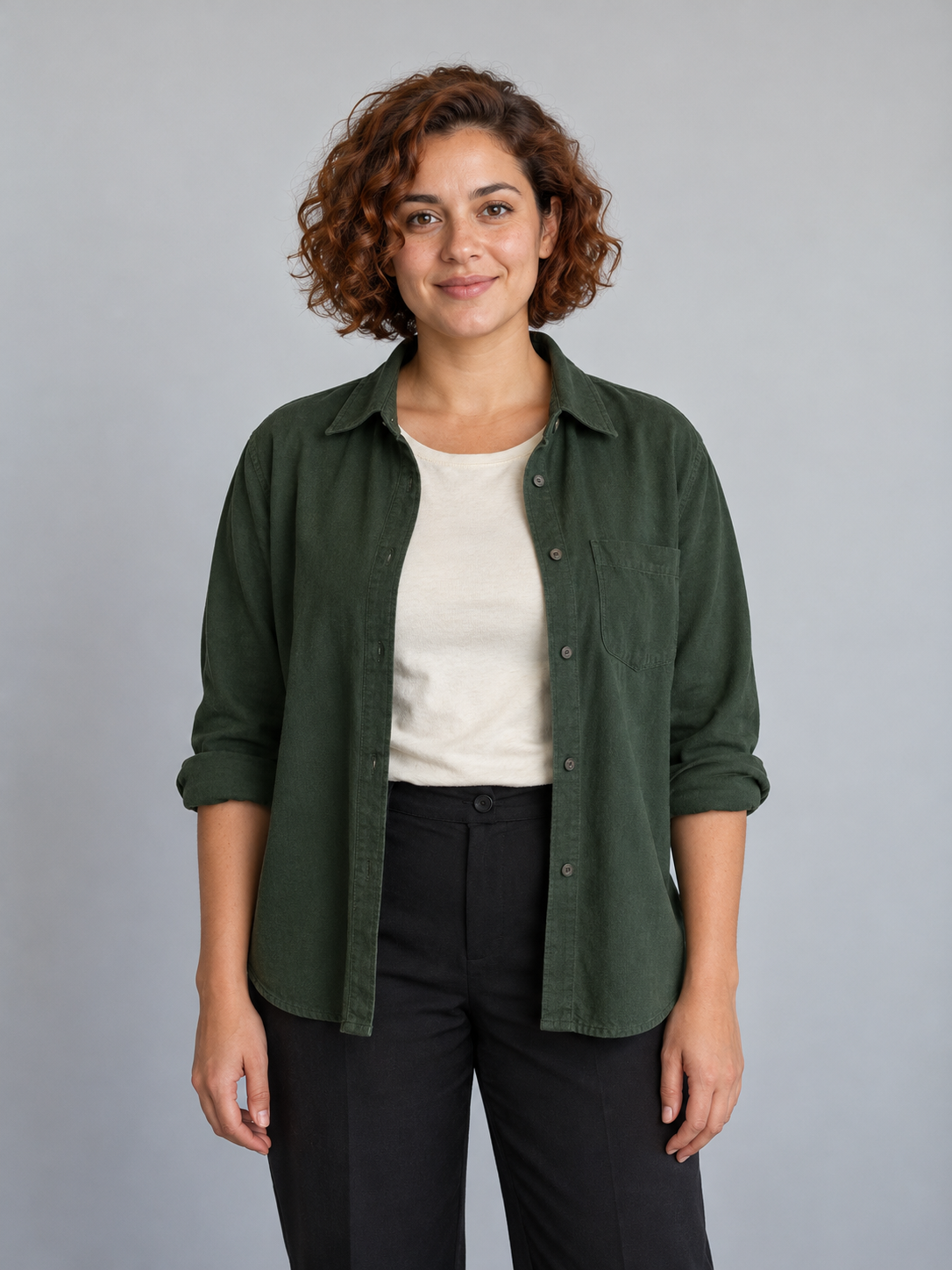
These fictional portraits are the inputs used for the Clico example. The first person performs; the second watches. Their identities follow the original shush, reaction close-ups and tiptoe sequence.
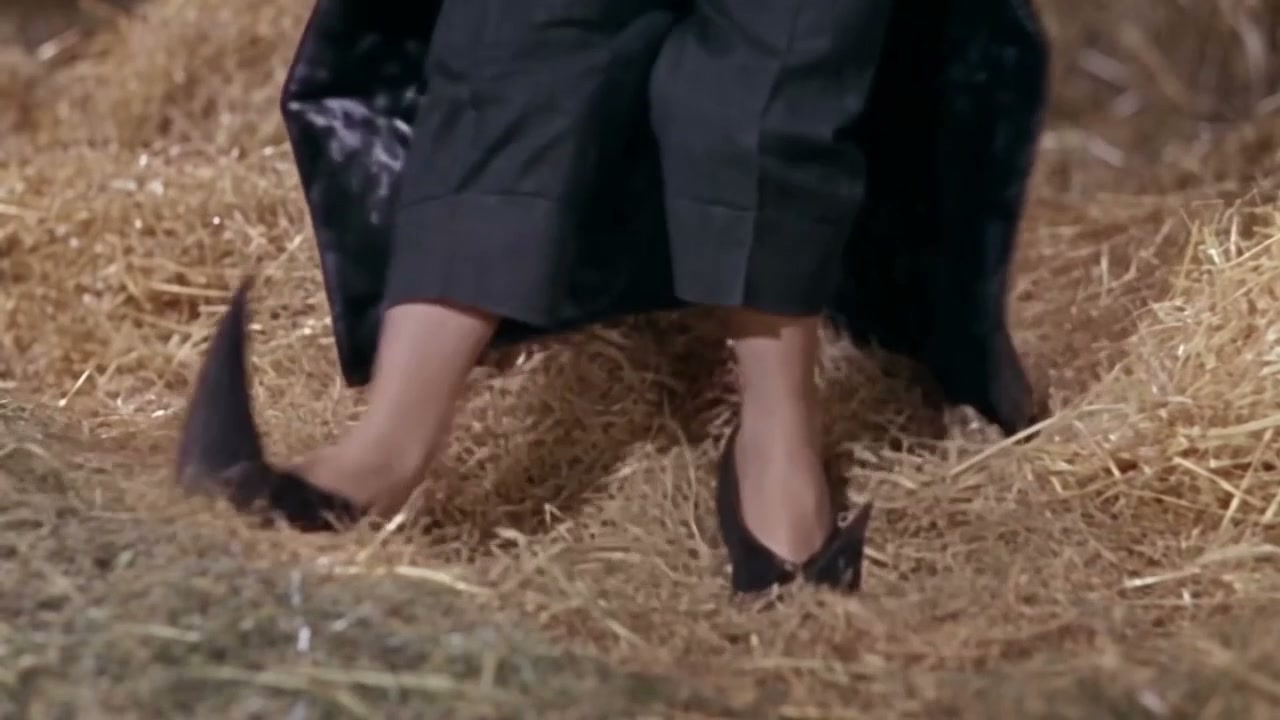
The full sequence brings the quiet entrance, the reaction and the footwork together.
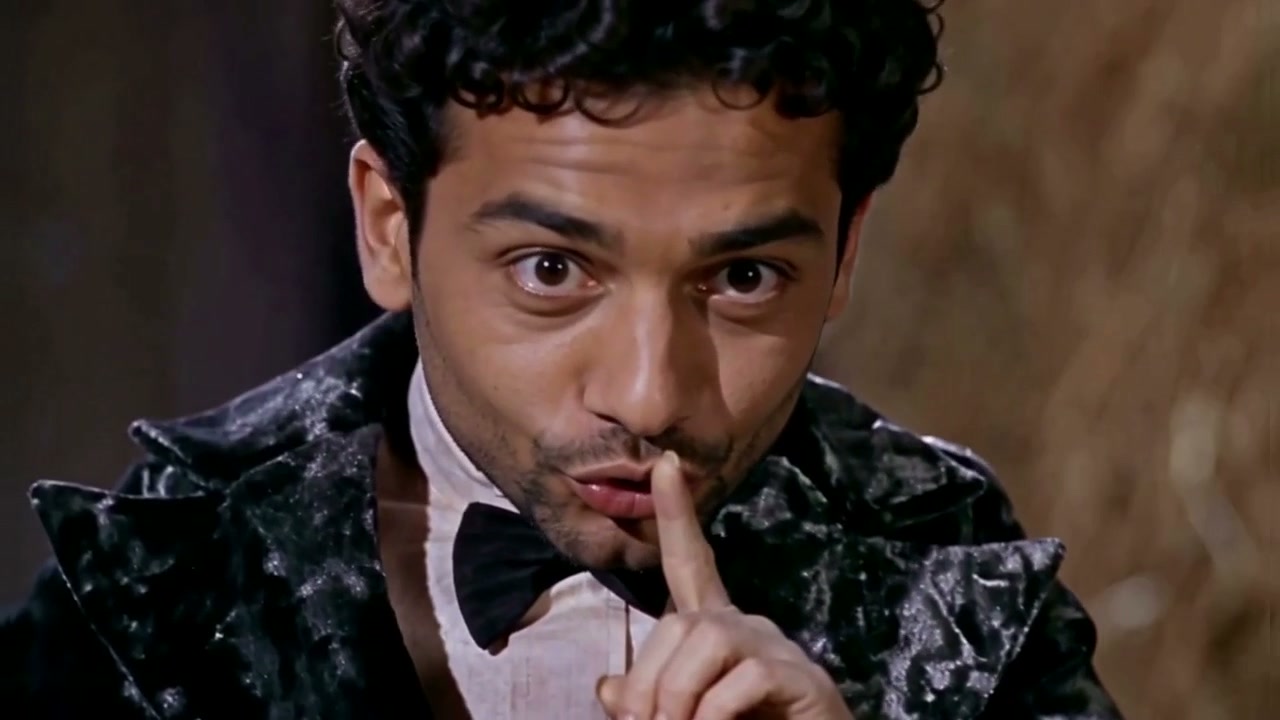
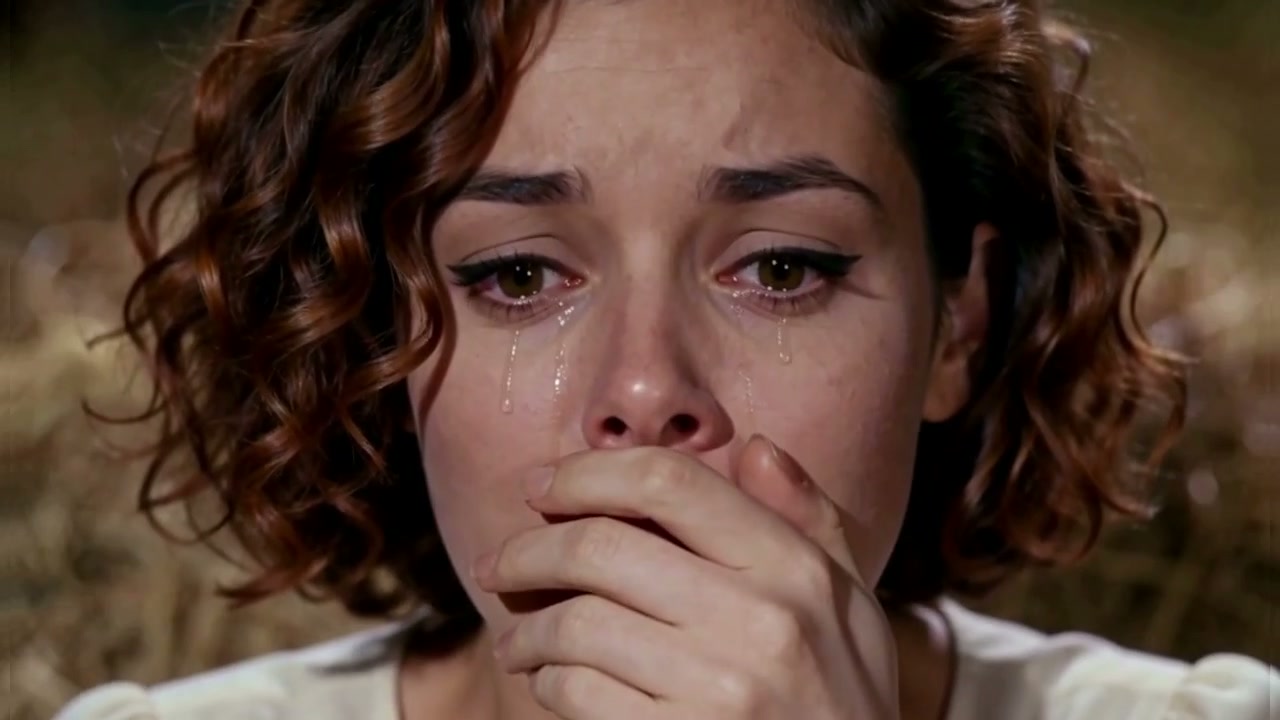
The performance is prepared. You bring the cast. For a different scene, start with Clico’s AI video generator.
Add a clear photo of yourself or someone you have permission to transform. Add a second portrait for the watcher.
Your photos and their roles carry into your saved draft. Sign in, review the credit estimate and start the video.
Review the faces and footwork through the whole clip, then download the 12-second MP4 with its prepared soundtrack.
A familiar pairing makes the unexpected entrance even better.
Put the friend with the quietest entrance in the dancer role, with another friend watching in disbelief.
Make your versionChoose who does the sneaking and who notices. Swap the roles before generating for the opposite pairing.
Make your versionGive your late-night snack mission a fairy-tale entrance. Add your caption later in Clico.
Make your versionIt is the mischievous barn dance often called the Rumpelstiltskin tiptoe meme: a finger-to-lips shush, a grin and tiny steps through the straw while another character reacts. This Clico template casts your photo in the dancer role and keeps the prepared scene and sequence.
Add two clear portraits, one person per image. The first photo casts the dancer, and the second casts the seated watcher. Use Swap roles to change the casting before continuing.
The first upload, labelled Dancer, is the person performing the shush and tiptoe dance. The second upload is the seated Watcher, reacting beside the dancer. The template keeps these roles across the original close-ups and dance shots.
Use sharp, well-lit photos with an unobstructed face, natural skin texture and clearly visible hair. Avoid sunglasses, heavy filters and group photos. JPG, PNG and WebP are supported, up to 8 MB per photo. The template supplies the fantasy costumes and barn.
The finished MP4 uses the soundtrack from the prepared reference, starting at the same point as the example. It does not clone your voice or ask the model to remake the song. Check the music rights and your publishing platform’s requirements for your intended use.
This template makes one 12-second landscape MP4 in 16:9 at 720p. Its fixed length keeps the shush, reaction and dance together. A vertical crop can cut off the watcher or the feet; request a separate reframe in Clico after reviewing your result.
No. The dance reference and instructions are prepared. Choose the cast here and continue in Clico. The template sets the scene, role order, length and performance direction.
The same template and reference guide every generation, including this page’s example. AI faces, expressions and fine hand movements can still vary. Review both people and the complete dance, from the opening shush through the final steps. Another take uses credits.
Watching the example and choosing photos are free. Generating a video requires a paid Clico plan and uses credits. Review the estimate before starting.
Your photos, their role order and the template settings carry into Clico as a saved draft. Continue after signing in or return after upgrading. Returning to the draft does not start a paid generation automatically.
This preset follows the prepared barn dance. For a kitchen scene, a different routine or another soundtrack, continue with your result in Clico or use the AI video generator. Further generation and editing use credits.
Download the finished MP4 from Clico. Use photos you have permission to transform, review the finished faces and movements, and follow the platform’s AI-content and music rules. This independent Clico tool is not affiliated with the artist or reference creators.