Lean into it
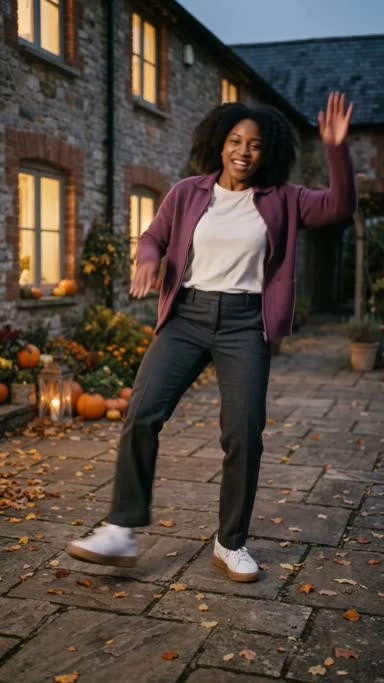

Clico’s Thriller Dance AI video generator turns one photo into a Halloween dance video.
The dance, scene and settings are ready. In Clico, check your photo and credits, then start with one click.
Preparing your video workspace…
Open Clico to create your danceAdd one photo of yourself. Clico uses it to guide your face and outfit in the dance.
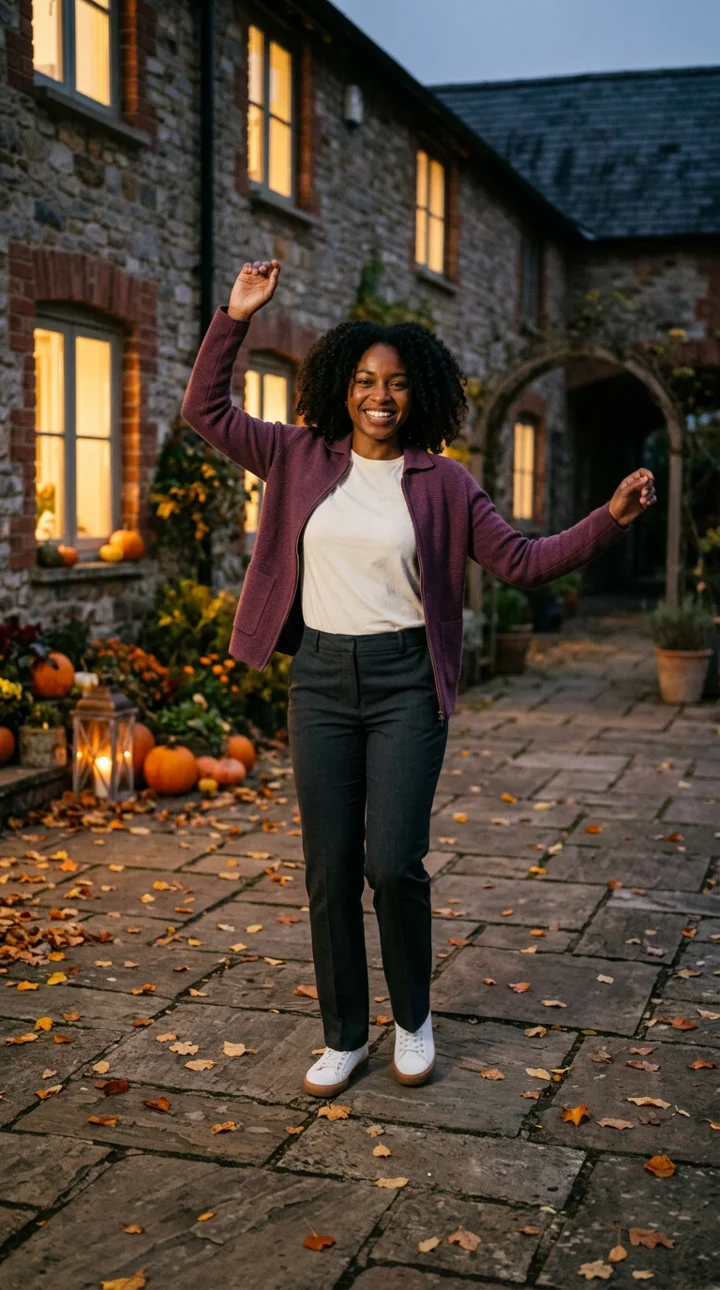
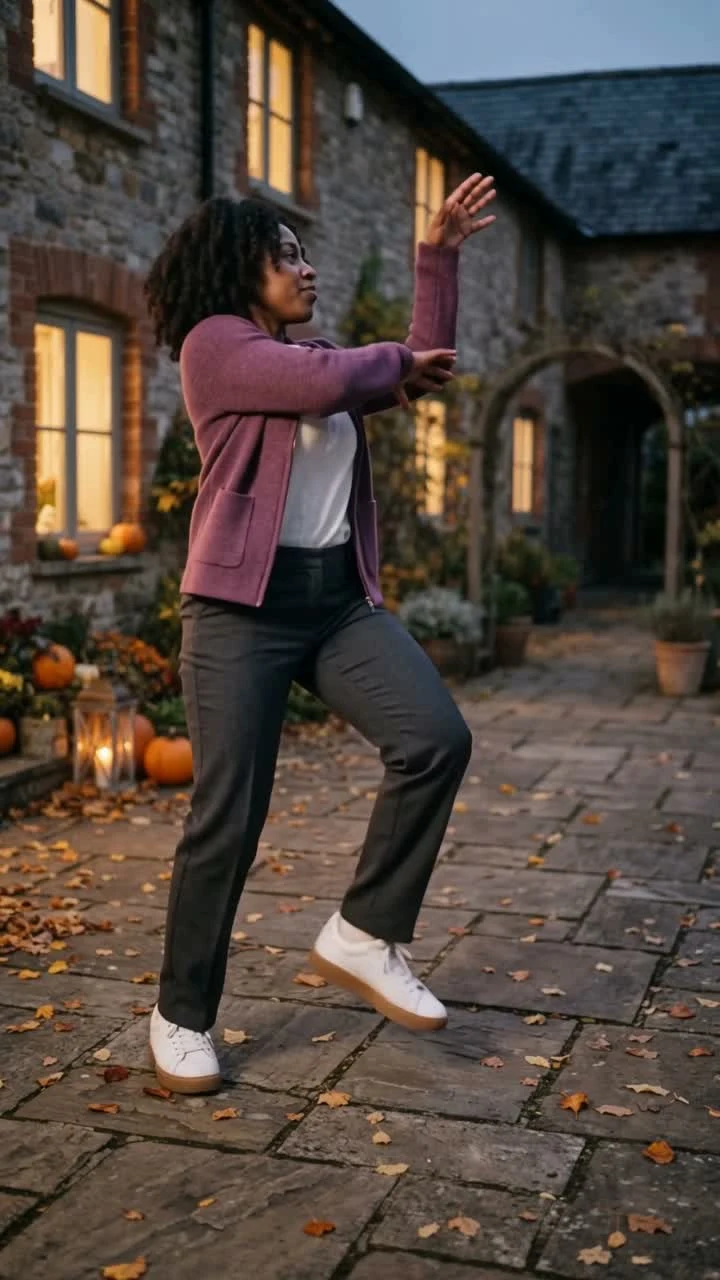
The photo and dance frame come from the same example.
Clico includes a dance clip to guide the moves. You do not need to film or upload your own.
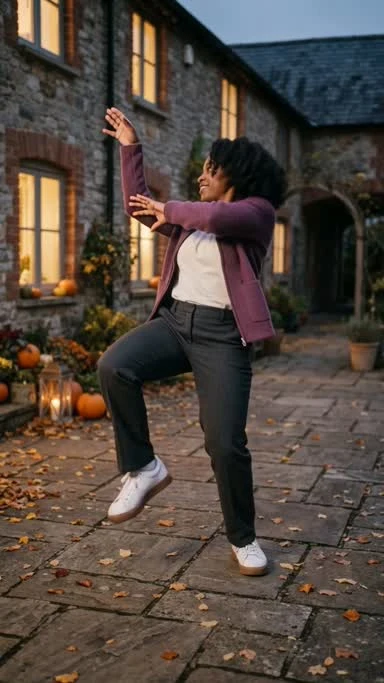
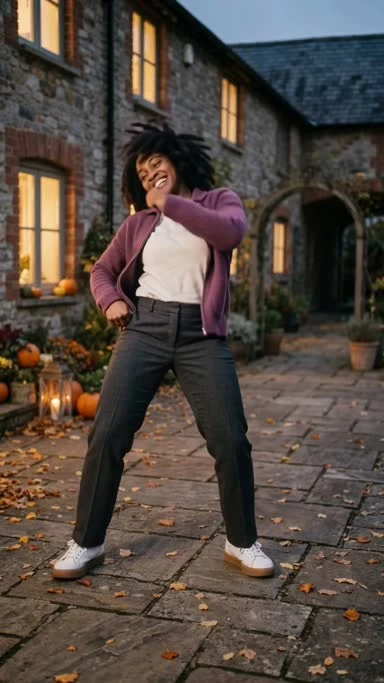
Make a Reel or Story for friends. Trim it or add text and sound in Clico’s video editor. To create a different scene, explore the AI video generator.
Add a photo, open Clico and start your video with one click.
Add one photo of one adult. Show the face, hands and feet.
Sign in if needed. Check your photo, settings and credit cost.
In Clico, click Send to make your video. Then edit or download the MP4.

Give Clico a clear view of your face and body.
Show your head, hands and feet. Leave space around your body.
Use a sharp photo in good light. Keep your face clear of masks and heavy filters.
Choose a simple pose with one adult. This template is made for a solo dance.
It turns one photo into a short dance video inspired by Thriller.
Clico supplies the moves, scene and settings. You do not need to film a dance.
Yes, once your photo and template are ready in Clico, one click starts the video.
Sign in if needed and check the photo, settings and credit cost first.
You will need to wait while Clico makes the video.
Use one clear photo of one adult. Keep the face, hands and feet in view.
No. Clico includes the dance clip, prompt and scene. Add your photo to use the preset.
Use a clear JPG, PNG or WebP photo. Show your face and your full body.
Pick one adult in good light. Keep hands and feet inside the frame.
Use a photo you have permission to edit.
The template is set to 15 seconds, 720p and 9:16.
Your MP4 may have a slightly different length or size.
No. Clico makes a new beat. The original Thriller song is not included.
You can add music you have permission to use before you share.
Your photo guides your face and outfit. AI can still change details.
Check your face, hands and feet before you share the video.
Yes. Open the clip in Clico’s video editor.
Ask to trim it, add text or change the sound. Then download the final MP4.
Yes. Download the MP4 from Clico and share it as a Reel, Story or message.
Use photos and music you have permission to share.
You can view the example and add a photo for free.
Making a video needs Clico Pro or Max and uses credits.
You can check the cost in Clico before you start.
Your photo and template move to a new Clico tab. Sign in there if needed.
Keep this page open until the draft is ready.
If the new tab is blocked, allow it and try again.
Yes. It uses this template, with the same dance guide and settings.
The adult in the sample photo is made up. New videos can still vary.
Use one adult in one photo. This template is not made for groups or pets.
Add your photo and open the ready template in Clico. The dance and scene are already set.