
Best AI video generatorsfor product ads
Compare ways to turn product references, scripts and listings into video ads.

Among the best AI video generators for product ads, I would start with Clico when an approved product image needs movement. If the product photo needs a new setting first, Runway Product Shot Video Builder lets you review a generated still before animation. Photoroom Video Ad Maker starts from product photos and helps plan an ad. Creatify starts from a listing, while HeyGen Product Placement combines a product image with a presenter and script. Choose by the production work you need to complete, then compare the output with the item you actually sell.
A five second product shot and a finished ad have different acceptance tests. The shot needs accurate packaging and usable motion. The ad also needs a supported message, an offer, a clear next action and a way to revise them later. Our Clico bottle example shows why those tests should stay separate: the cap and base remained visible in inspected frames, but the output did not have the requested widescreen proportions.
The routes below start with different materials: an approved scene, product photos, a listing or a script. I use those starting points to choose what to test, then check the generated product against the approved reference.
| Your starting point | First workflow to evaluate | Decision before generating | Remaining work |
|---|---|---|---|
| An approved scene image | Clico product video generator | What may move while the product stays recognizable? | Review the shot, then add the offer and edit |
| A product cutout that needs a setting | Runway Product Shot Video Builder | Does the generated still preserve the SKU? | Animate the approved scene and finish the ad |
| Several product photos and an ad idea | Photoroom Video Ad Maker | Does its plan and voiceover say the right thing? | Review the generated sequence and export |
| A product image and a spoken explanation | HeyGen Product Placement | Is a presenter appropriate, and does the combined image make sense? | Check delivery and product interaction |
| A current product listing | Creatify URL to Video | Are the extracted assets and claims still correct? | Review the ad against the offer |
| Several shots that need a story | invideo | What does each shot need to communicate? | Refine the sequence and final export |
What do these tools cost?
I checked these public plan pages on November 3, 2026. Credits belong to each service and do not represent equivalent amounts of video. Check the model, duration and generation quote before buying.
- Clico Pro: $19.90 monthly, or $192 annually ($16 per month), with 2,000 credits per month. Credit packs start at $9.90 without a subscription; check the quote for your chosen model and settings.
- Runway: Free includes 125 credits once. Standard is $15 monthly or $12 per month billed annually, with 625 credits per month.
- HeyGen: Free includes three videos per month with a watermark. Creator is $29 monthly with 600 credits.
- Photoroom Max: $20.99 per month billed annually, with 25,000 credits per month. Video for ads and product pages is included in Max and Ultra, but not Pro.
- Creatify: Free includes 10 credits per month. Standard currently displays $10 per month, reduced from $15, with 55 credits per month; confirm the billing period at checkout.
- invideo Basic: 190 credits per seat per month. Confirm the price at checkout.
What does your ad need to show?
Decide whether the product needs a new setting, subtle movement or an explanation before choosing a tool. A clean catalog image can start a new scene; an approved campaign still may need only a camera move; a complex product may need a presenter.
In a September 2026 discussion with Michael Stelzner, creator Ross Symons describes planning the visuals before generating video. For a merchant, I would apply that separation to two decisions: approve the product's appearance first, then explore the environment and motion. A new setting can be a creative choice; a changed cap or size marking changes what the customer sees. Symons's process is a production example, not a test of SKU accuracy or sales.
If the product itself is the reason someone buys, pay particular attention to its shape, color and markings. A generator can make a convincing scene while changing the closure on a bottle or inventing text on a label. That may be acceptable during concept exploration, but it can make a finished ad misleading. Compare the output to a reference at the beginning, middle and end, not only in the thumbnail.
If the message is the main job, start with the script. An avatar can deliver a prepared explanation, but a natural sounding delivery does not establish that the speaker has used the product. Review any testimonial, demonstration and result claim before using the video in an ad. When authenticity matters to the idea, real footage of a person using the product may be more useful than a generated presenter.
If the ad needs several shots, ask what remains editable after generation. A tool that returns one video file may let you regenerate the whole result, while a workspace with a timeline may let you replace an individual clip or revise a text layer. Neither workflow guarantees that a small change will preserve everything else. Check before investing in a long sequence.
What I learned from a product shot in Clico
Clico is worth considering when you already have a visual direction and want to describe what should move. The input can be an image, with a prompt specifying the camera, product and surrounding motion. The result is a shot to review and potentially use in an ad, not evidence of how the finished ad performs.
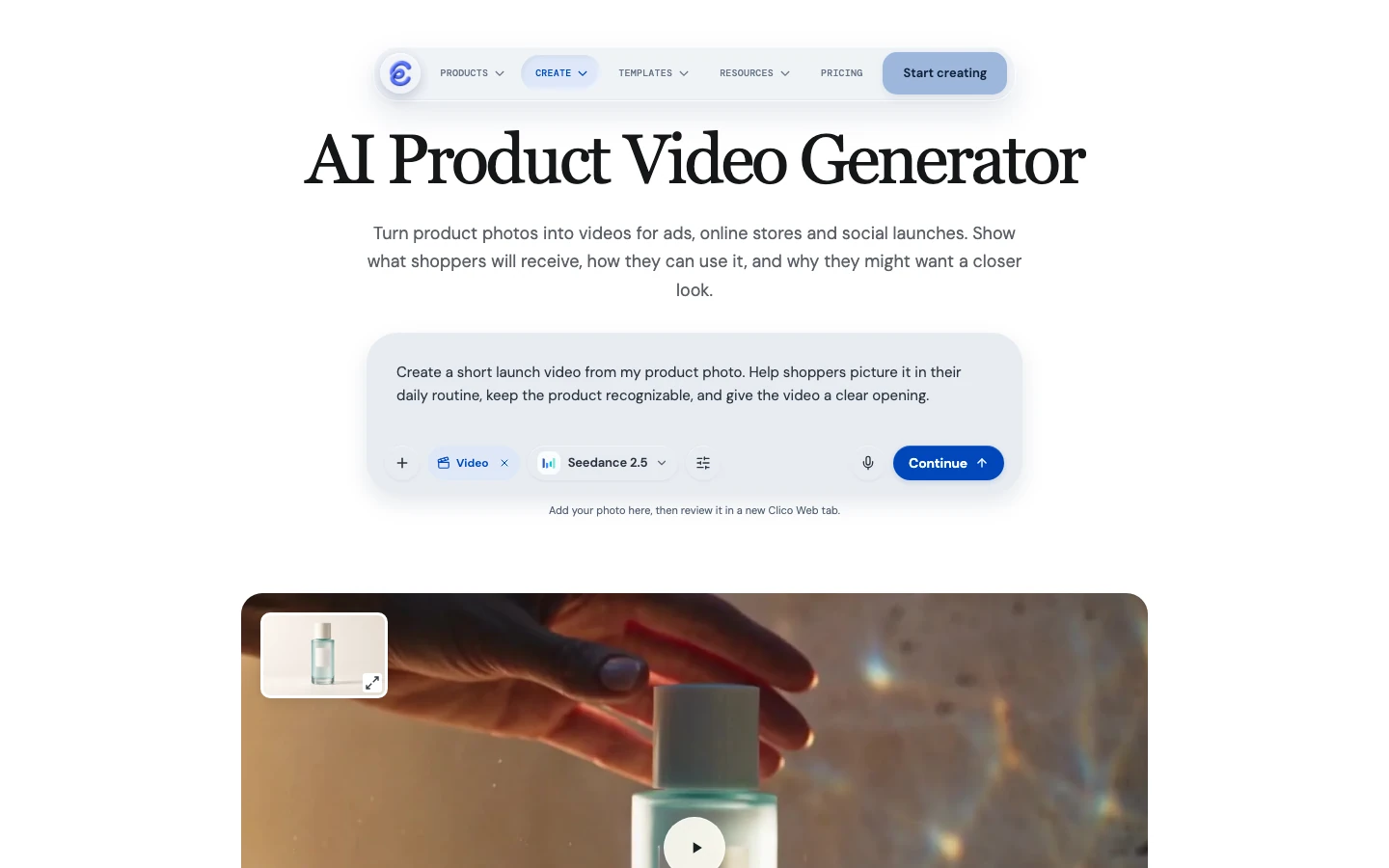
Clico’s product video generator.
On October 20, we tried this with an AI generated scene of an unbranded aqua bottle in shallow water. We wanted a quiet product shot, so we kept the existing composition: the cap, blank label, bottle base, background and glass slab were already in the reference. The bottle was a mock product with a blank label.
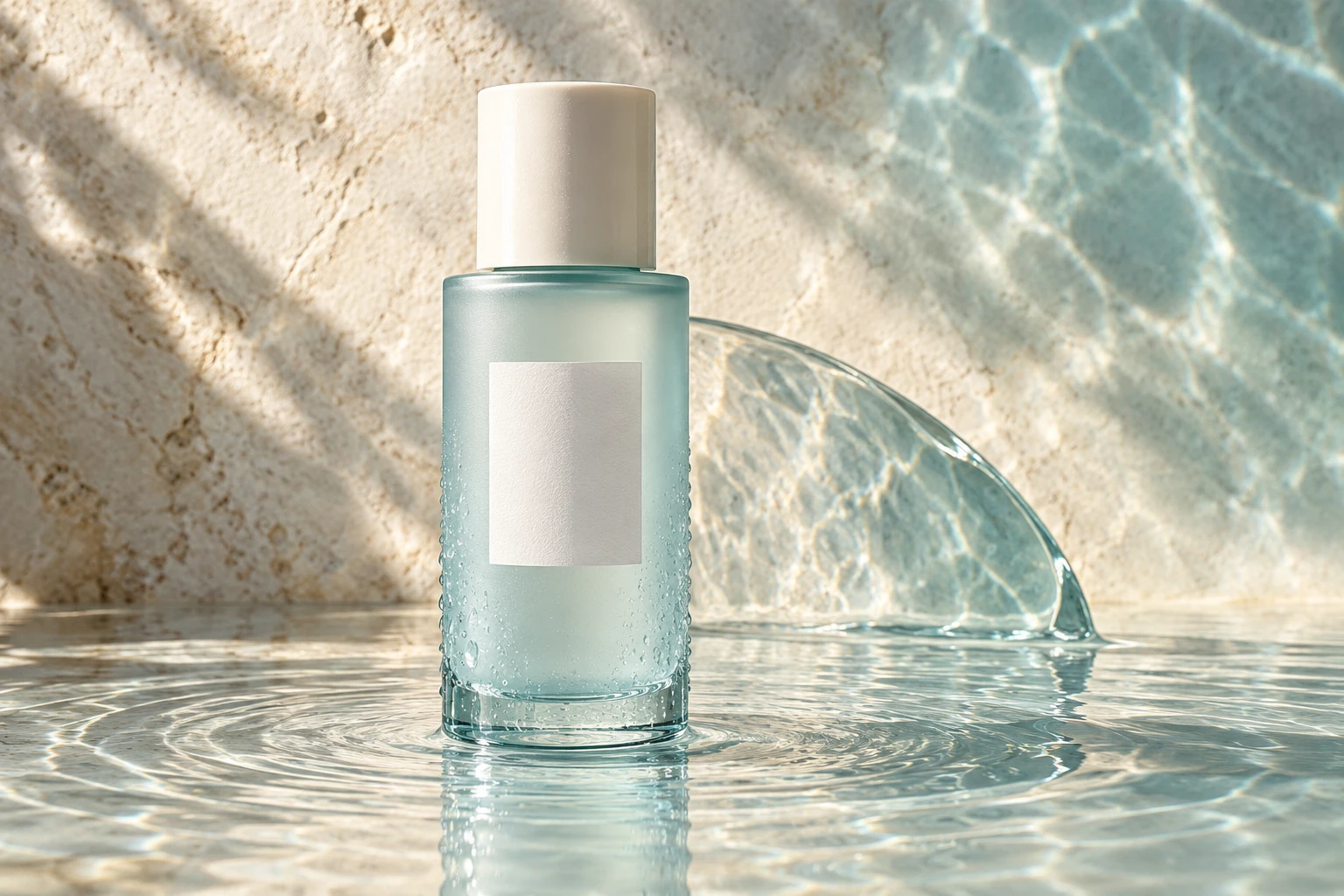
The playable result is a transcoded copy of the downloaded clip.
We chose Seedance 2.5 and requested five seconds at 720p, 16:9 and no audio. In the Chinese prompt, we specified a fixed camera and asked to keep the entire cap and bottle base visible, with only gentle ripples and moving reflections.
The resulting file is approximately 5.04 seconds and 1178 by 786 pixels, closer to the input's 3:2 proportions than the requested 16:9. When we inspected frames from the beginning, middle and end, the cap and base remained visible while the water and reflections changed. I would use this result as a starting shot for a concept, not as proof that a generator can reproduce a real package. The blank label gives me nothing to check against a logo or ingredient list. Before using this workflow for a merchant, I would repeat the check with the actual package, especially its label and closure.
For a real SKU, prepare a review sheet with the approved front image, variant, cap or closure, label and any detail a customer would use to identify it. A blank label, like ours, cannot test small print. If that print carries the offer or product identity, use footage or an actual product image that preserves it. When the problem is the setting, approve a still first; when the setting is already right, test only the movement needed. That keeps a visual concept from silently becoming a product claim.
Runway lets you review the scene before it moves
Runway's Product Shot Video Builder begins with a product image and asks for positioning choices including palette, audience, environment and concept. It generates a still first. You can redo that frame before providing an optional motion description and generating a video.
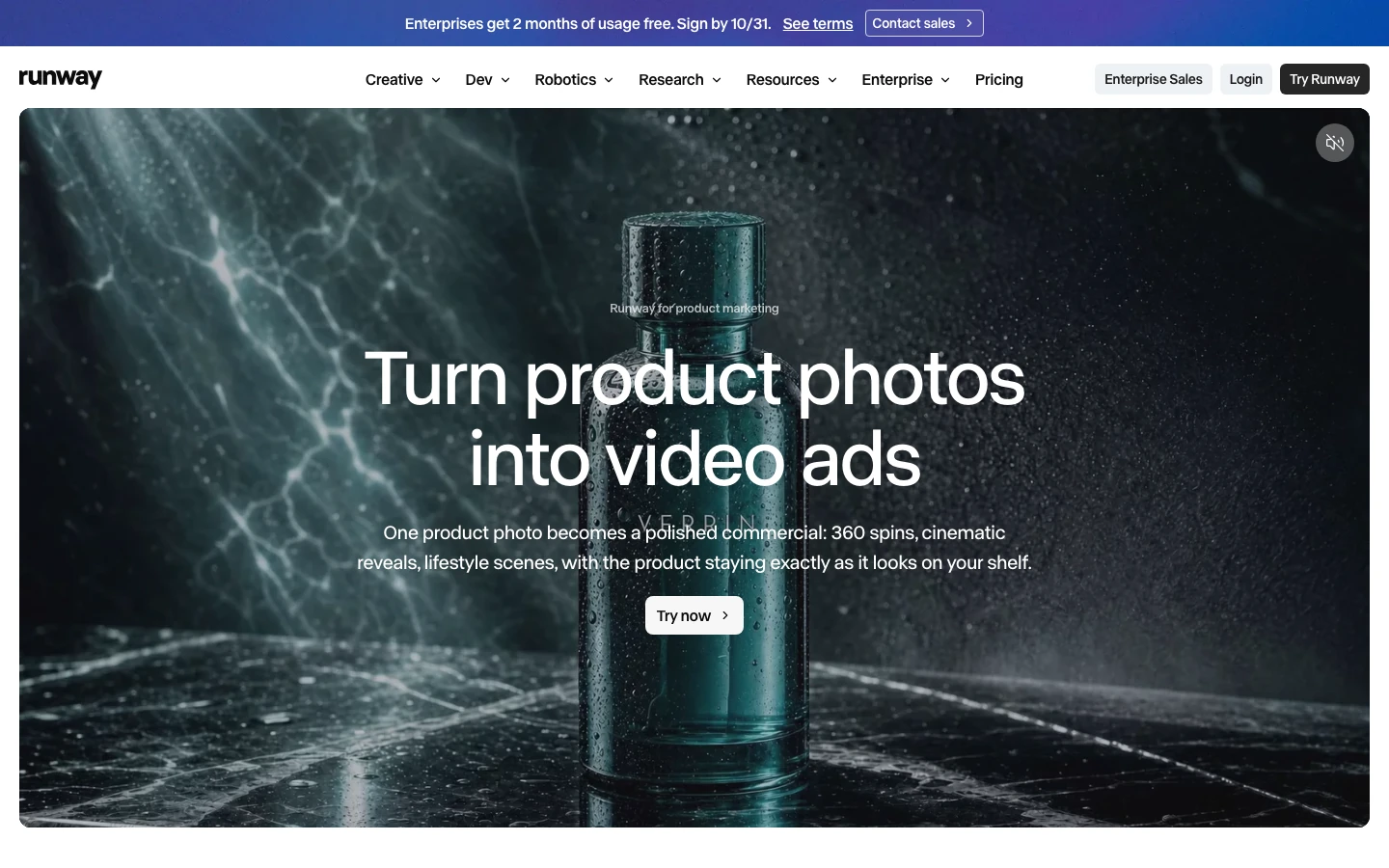
That intermediate still is useful when the scene is the hardest part of the brief. Check whether the product still looks like the one you sell before spending credits on motion. If the image changes the bottle shape or adds incorrect packaging details, animating it will not repair the underlying problem.
Runway's Edit Studio also documents changes to existing video using a selected frame and an edit that is applied across the clip. That is a different operation from changing an independent text layer in a conventional editor. For a regulated claim or exact offer, keep a verified text layer or original asset available and inspect the final export.
Runway may suit a team that wants to explore a visual concept before animating. It is less useful to assume that the generated still is automatically an accurate representation of a physical SKU. The comparison that matters is the one against your own reference.
Photoroom starts with your product photos
Photoroom Video Ad Maker starts with product photos and a conversation about the intended video. Its guide describes choices such as format, duration, subject, tone and marketing angle. The tool can include actors, music and voiceover. On the web app, the plan can be customized before generation, and an AI generated voiceover script can be edited.
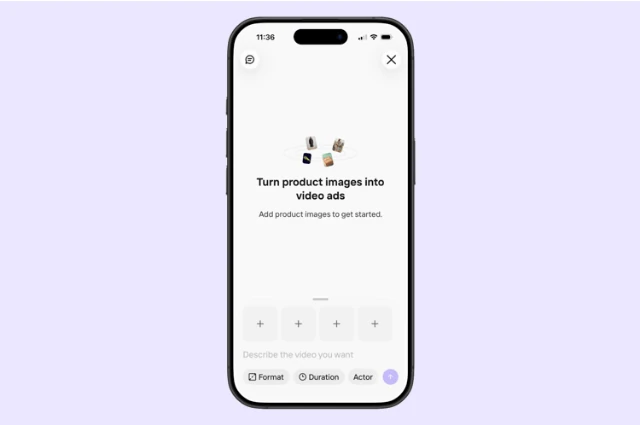
This is a useful route when the problem is not merely animating a still: you need help deciding what a short ad should contain. Supply clear photos from the angles needed to understand the product. Before generation, check the plan for claims the photos cannot establish, such as ingredients, durability or results. A convincing visual is not a substitute for evidence about the product.
Photoroom also documents a separate Product Animator for short silent videos. If the finished ad will be assembled elsewhere and you only need product motion, that narrower workflow may fit better. The Video Ad Maker guide describes rollout on web and iOS; check availability on your device before organizing a production around it.
HeyGen pairs a presenter with your product
A presenter can explain a feature that a product beauty shot cannot. HeyGen's Product Placement workflow first combines a product photo and an avatar into images; you select a combined image before adding the script. Its guide recommends small or handheld products and warns that large objects may be scaled down. Review that combined image before committing to the spoken version. A chair shown at hand size would misrepresent the product even if the delivery sounded natural.
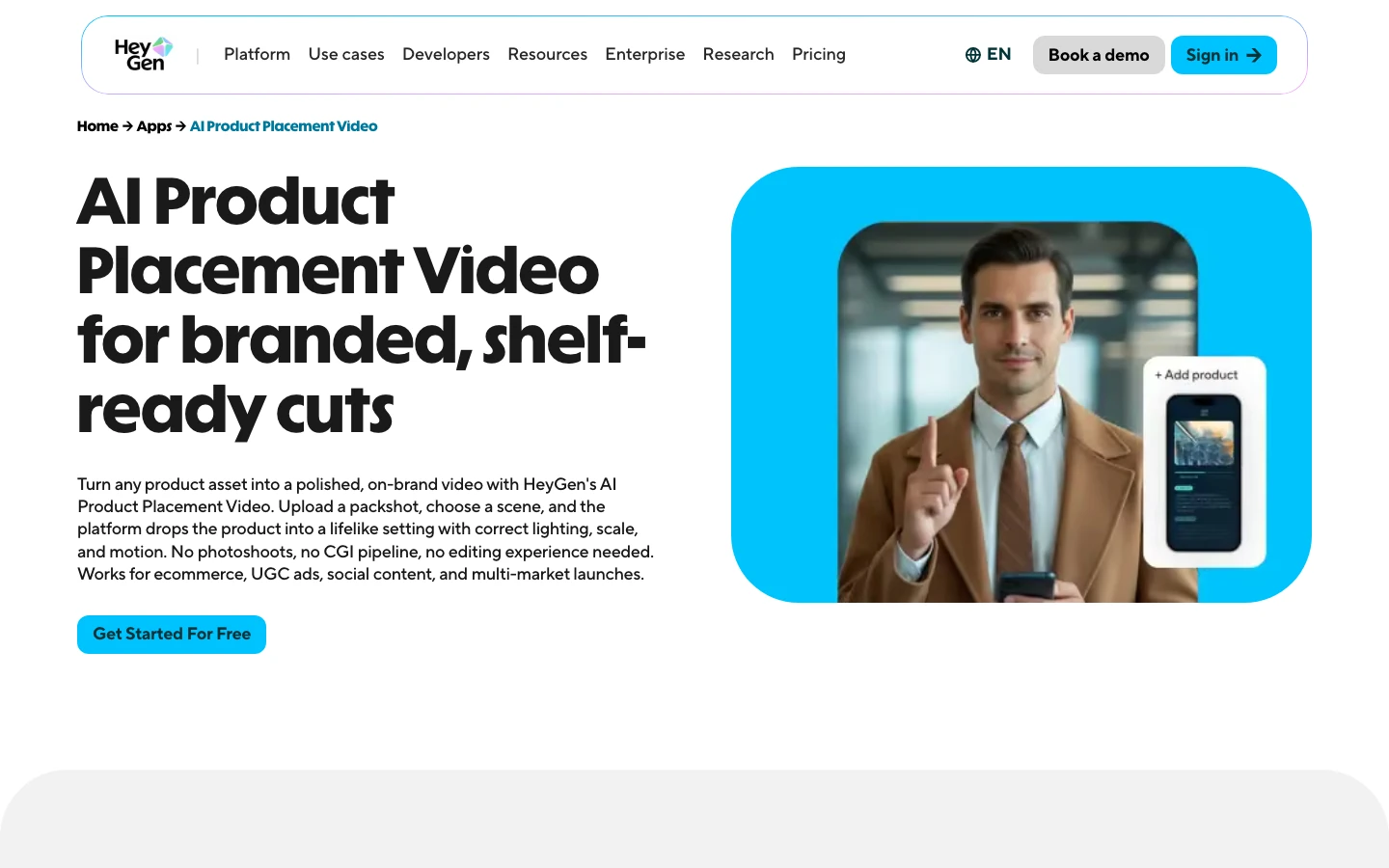
Write the script from facts you can substantiate. If an avatar says a product solved a particular problem for them, viewers may understand that as a real experience. Use wording that accurately represents what the video is and what the product can do. For a demonstration, watch the hands, product orientation and sequence of actions; the video should not imply a use that the real item cannot support.
The practical choice is whether a generated presenter serves the story. If a founder's knowledge or a customer's real experience is the reason the message is credible, filming that person can be the stronger source. An avatar may still help produce a separate explanatory version, provided its claims and presentation are accurate.
Creatify starts with a product listing
Creatify's URL to Video starts from a product link and provides options for an avatar and ad creative. Its help guide also describes manually supplying assets when a URL is unavailable.
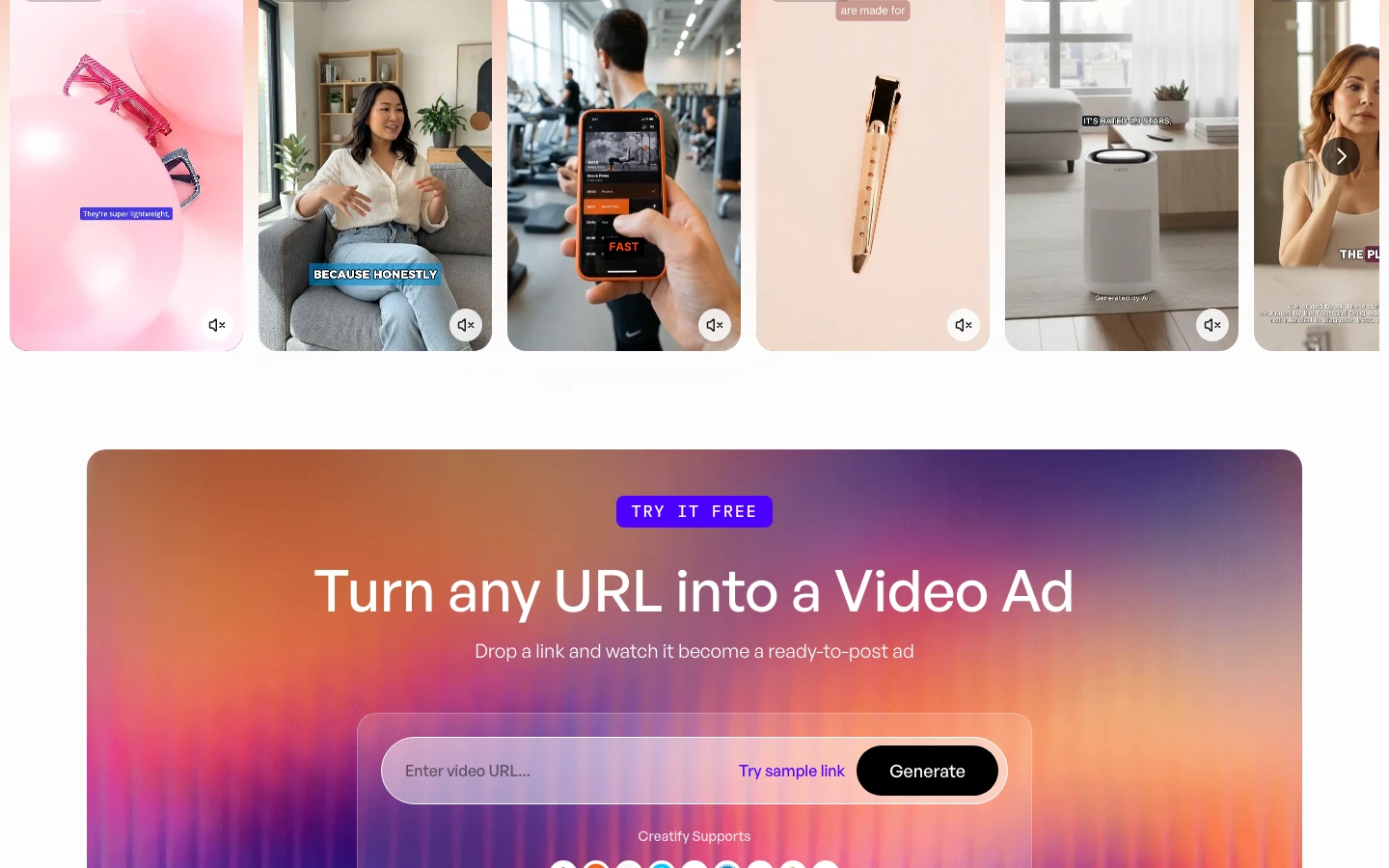
A listing can save you from reentering information, but it can also carry old prices, missing caveats or descriptions that were written for a product page rather than a short ad. Before generation, compare the selected images and extracted copy with the current offer. After generation, listen to the entire voiceover and read every caption. Confirm the size, variant, price and destination match the version you plan to advertise.
This option makes sense for teams working from established listings and needing a starting ad structure. It does not remove the need to check that a speaker's claims are accurate or that the product shown matches what the buyer will receive.
InVideo helps you plan a sequence of shots
InVideo's AI filmmaking guide describes a workflow that includes a script, storyboard, generation and editing. Consider it when you need to organize a sequence rather than generate a single product shot.
A storyboard makes it easier to see what each shot must communicate. For example, a product shot might introduce the item, followed by a real demonstration and a final offer. If a generated scene fails the product accuracy check, a sequence built from replaceable shots can give you a way to keep the rest of the edit. Verify the actual editing controls and export available to your account before depending on a particular revision workflow.
Which workflow fits the ad you need to make?
Imagine a small skincare seller preparing two concepts for a new moisturizer. The team has a verified front photo, ingredient information, and a landing page. The first concept is a quiet closeup for an opening shot. The second explains how to use the product. Neither idea requires a generator to invent the product's formula or a customer experience.
For the closeup, try the reference image in Clico if the scene is already approved and the remaining question is movement. Specify whether the product should remain stationary and whether the camera may move. If the current photo is plain and the team needs a new setting, Runway's intermediate still provides a point at which to review the scene before animation. Photoroom's Product Animator is another route for a short silent product clip. These choices produce material that still needs an offer and an edit.
For the explanation, start with the actual instructions and the visual proof needed for each step. A presenter made with HeyGen can deliver a script alongside supporting footage. Creatify may be a useful starting point if the listing already contains the information and images the team wants to draw on. Photoroom's planned ad can combine product photos with an actor or voiceover, with a chance to inspect the plan first. These workflows overlap, but their starting points differ: a listing, a product photo and plan, or a presenter plus product image. Choose the input your team can review most reliably.
A generated person holding a container does not prove that the container opens, dispenses or applies the product correctly. For the demonstration, use a real recording when the movement carries factual meaning. The generated opening can then establish a visual mood without bearing the burden of proving a physical action. If you combine the clips, check that the actual item and generated item have matching colors and proportions.
For a catalog with several variants, produce a reference sheet before scaling. Record the exact front image and variant name for each version. Have someone compare the generated shot to that variant, not merely to a generic brand image. A different cap color or missing size marking is easy to miss when the scene itself looks plausible. If the variants differ mainly by small print, preserve the actual packaging in a real shot or use an approved overlay, provided the final image does not conceal a changed product.
What independent examples reveal about the choice
A model comparison and a platform comparison answer different questions. A model test can isolate how one engine animates the same image and prompt. A platform test includes the decisions around that engine: how the brief is interpreted, whether a plan can be edited, what the account can render, and whether the result can be exported. Those differences matter even when two services offer some of the same models.
getimg.ai compared five models in October 2026 using one generated skincare campaign image and the same motion prompt. Each model received one attempt without an ending frame or editing. Four had a six second target; Veo produced eight seconds in that interface. The publisher scored Seedance 2.5 highest overall and gave Kling O3 the same product preservation score, while rating Veo highest for natural motion. These judgments describe five individual clips. The image includes label text, but it is a generated campaign image rather than evidence that a real merchant’s packaging will survive.
A separate iArt platform comparison, updated October 2026, used the same serum photo and a similar brief across seven competing services. The interfaces did not all accept the brief in the same way, and several free accounts could not finish a video. The author reports that Creatify rendered one four second scene before credits ran out, while HeyGen produced a nine second video with unrequested captions and voiceover. The iArt example was generated on a paid account and the author noticed a changed cap texture. These observations show where a workflow stopped and what appeared in specific outputs; they are not a complete comparison of finished videos across all platforms.
The distinction between a preview and a usable export matters when evaluating a free plan. In that iArt test, the author could watch the completed HeyGen video but encountered a payment requirement when attempting to download it. Account terms and available features can change, so check the current export and watermark conditions for the exact workflow before committing. A still that preserves a label is also only an intermediate result: inspect the moving video and final export before concluding that the package held up.
What Swayclip’s product photo test can and cannot tell you
In October 2026, Swayclip published a product video benchmark using five generated, unbranded product images and the same orbit prompt across six models. It says it published all 30 outputs and compared the first, middle and final frames for fidelity, motion instruction and artifacts. Its initial Veo requests failed because of an aspect ratio setting; the published Veo clips came from a rerun after that setting was fixed. Swayclip operates a video platform, so it has its own commercial perspective even though it says it is not affiliated with the model providers.
The test is useful because its inputs and outputs give readers something concrete to inspect. It reports a tradeoff between product fidelity and following an orbit instruction in its sample. It does not test the full ad workflows in this article, nor does five images establish how a model will handle your particular packaging, platform settings or future version. Provider credits reported there are specific to its test and should not be transferred to another service's pricing. Use the examples to design your own check, not as a universal ranking.
A meaningful internal comparison can be much smaller than a production campaign. Select one product with a label that matters and one with a distinctive shape. Use the same approved reference wherever the input permits, and keep the desired motion simple enough to judge. Save all attempts, including rejected ones. Note whether the tool interpreted the instruction, whether the object stayed recognizable, and whether the result can be revised at the level you need. The goal is to find a workflow your team can review and afford, not to crown one model for every creative task.
What does a revision cost?
Compare the operation you need to repeat, rather than treating every provider's credit as the same unit. A shot generator, an avatar and a planned ad perform different amounts of work. Check current quotes for your model, duration, audio and output format before generating.
For a concrete planning example, Runway lists Gen-4.5 at 60 credits for five seconds. Three five second attempts use 180 credits. If only one is accepted, that is 180 credits for five usable seconds, before still generation, editing or other operations. Those assumed attempts illustrate the calculation; they are not a measured retry rate or the price of Product Shot Video Builder.
A script revision may use a different rule. Creatify's credit guide lists five credits per 15 seconds, rounded up, for specified standard video tools. At that rate, 16 seconds enters the next block and uses ten credits. The same guide treats qualifying Pro revisions differently when script, avatar and voice stay unchanged. Editing the script can therefore change the budget even when the visual layout stays the same; dynamic tools have their own charging rules.
For Photoroom, the Generate button shows the quote for the chosen video. For Clico, record the model's displayed quote and the actual charge for the attempt. We have no matched cost test across these services. Keep the selected operation beside each price so that an avatar minute is not mistaken for a finished product ad or a generated shot.
Keep the offer editable after the picture is approved
A price change should not require recreating a product scene. Where the finishing editor permits it, put the offer and call to action in separate text layers. Then verify the revised export against the destination page. If the price is embedded in generated footage, budget for a new take or a conventional edit rather than assuming a prompt can replace only those characters.
A useful comparison brief includes one revision: the offer changes after the picture is approved. Ask each workflow to make that revision, and record what must be regenerated, what stays editable and the actual charge. This reveals more about a repeatable ad workflow than comparing the first export alone.
What should you check before the ad goes live?
Play the export at its intended size and with sound on and off. Verify that the product stays recognizable, that text can be read, and that captions match the audio. Compare the final frame with the destination page: the advertised product, offer and next action should agree. If the platform crops vertical and square placements differently, inspect each exported version rather than assuming a single preview covers them all.
Finally, separate creative approval from performance measurement. A clip that looks convincing has passed a visual check; it has not yet demonstrated sales. If you run variants, define the audience, placement and success measure before comparing results. Keep enough context to know which creative and offer each result belongs to.
Keep the approved product reference with the export. If the scene is already approved, evaluate motion; if the scene is missing, evaluate a still before animation. For an explanatory ad, choose the script and source of credibility before choosing a presenter. The workflow earns its place by helping you approve the product, message and next revision independently.