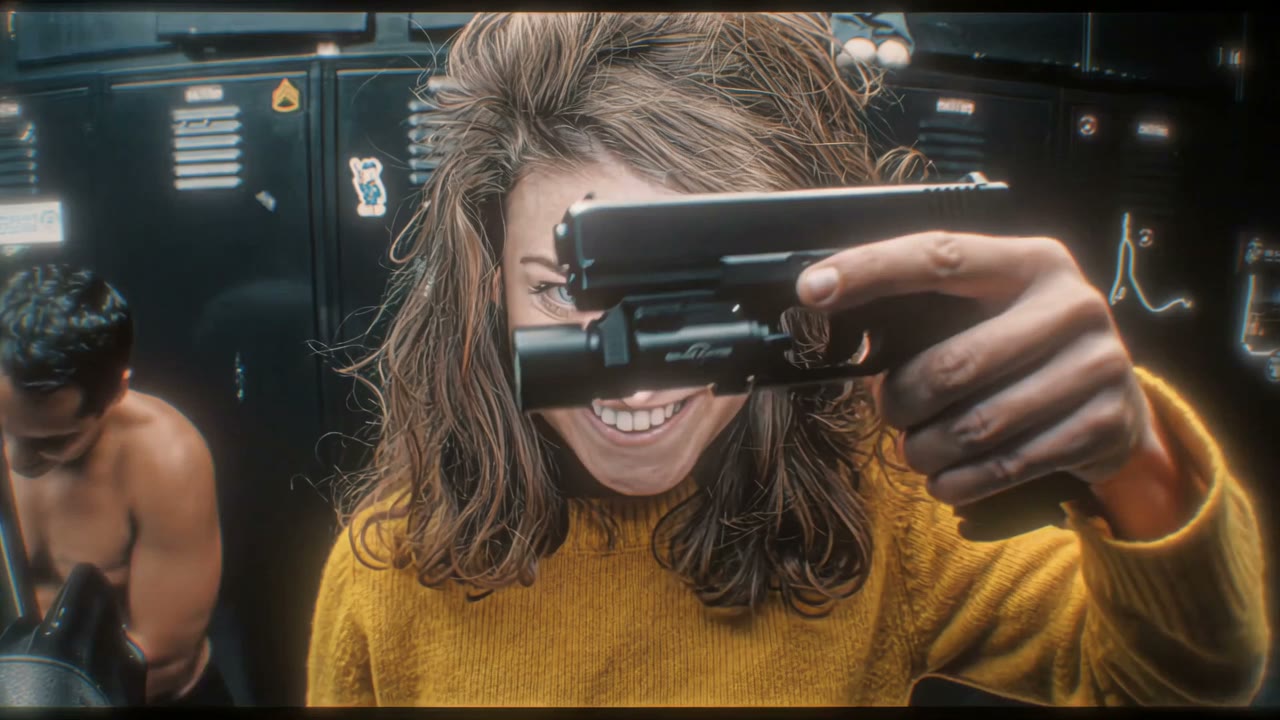
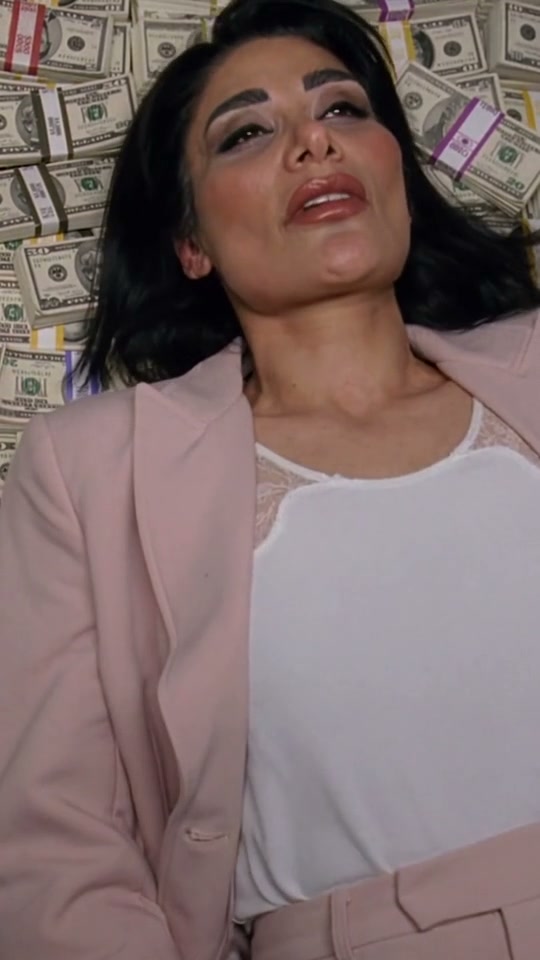
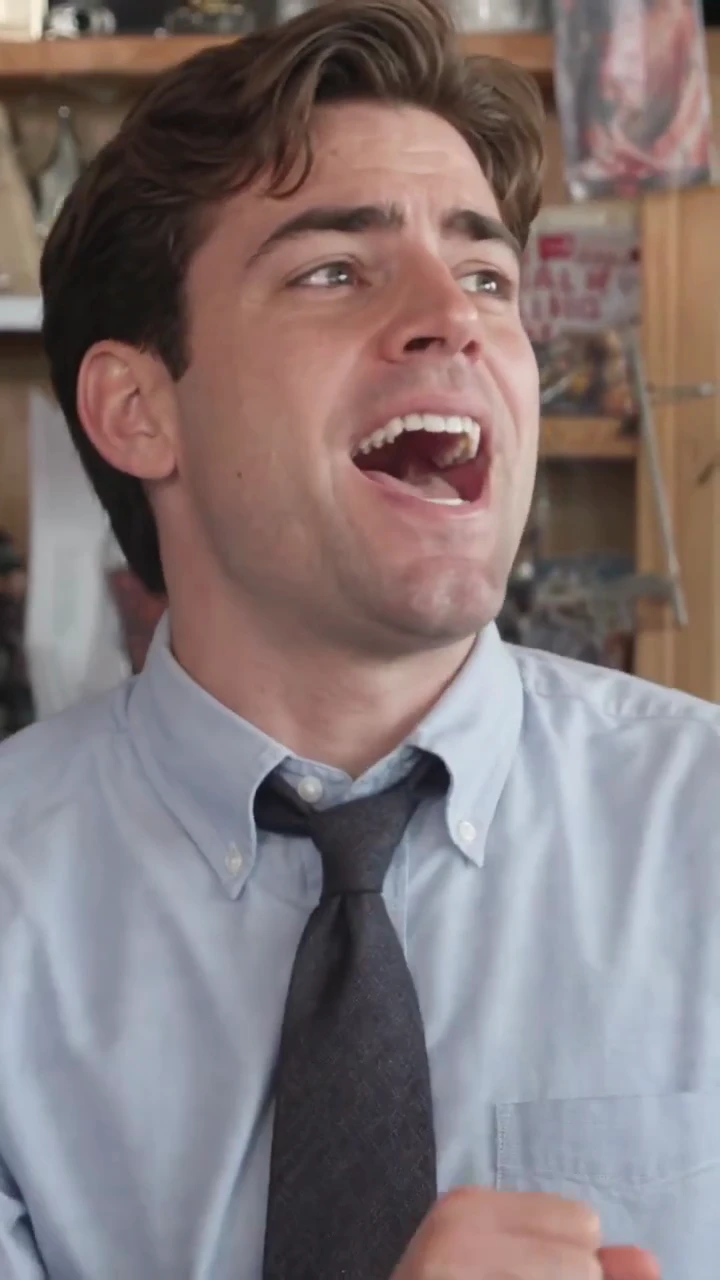
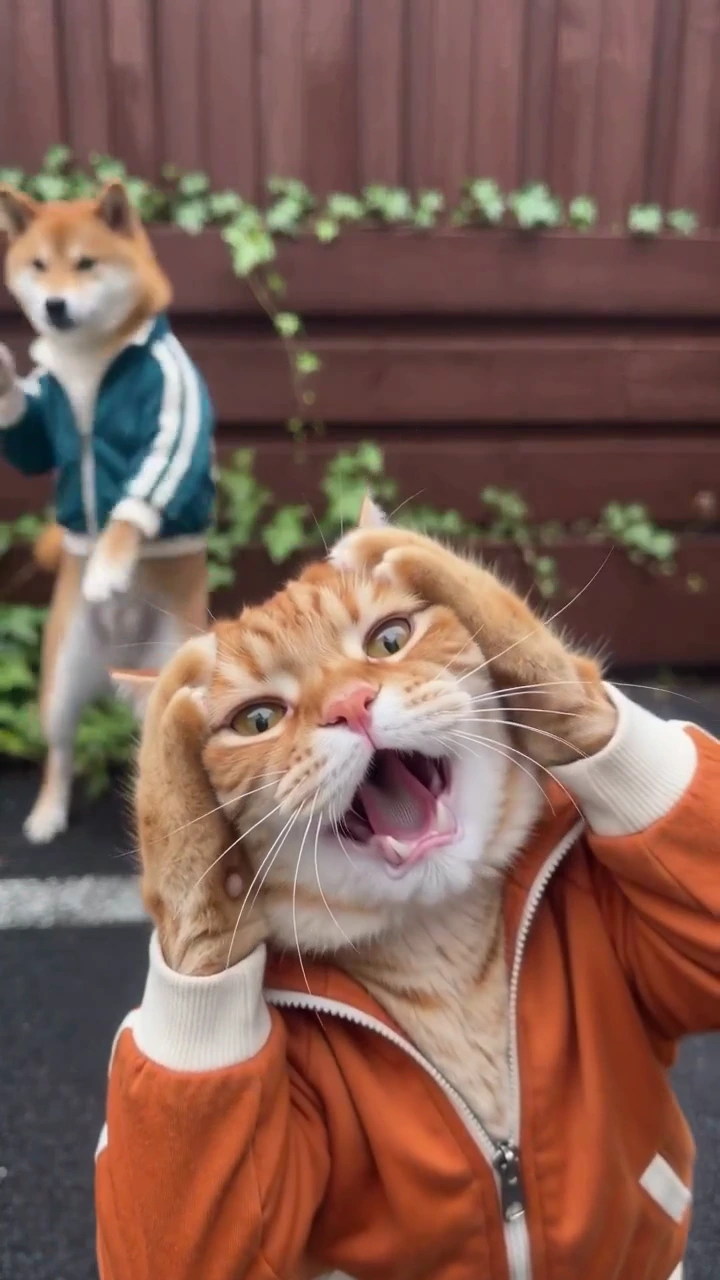
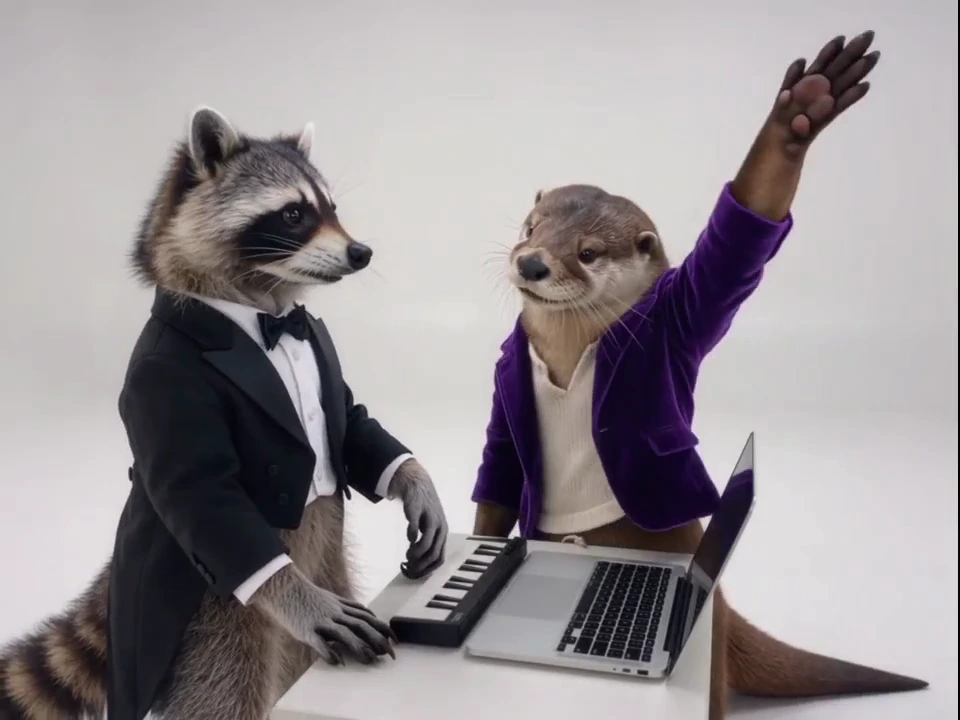
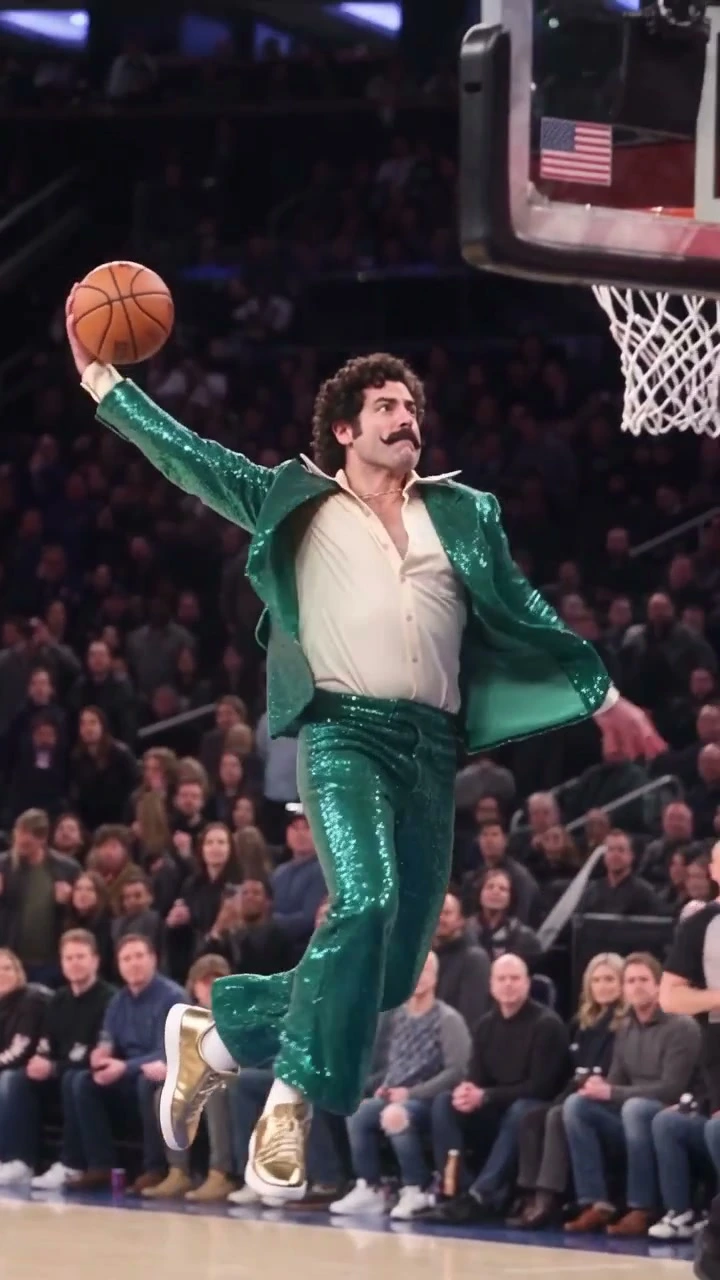
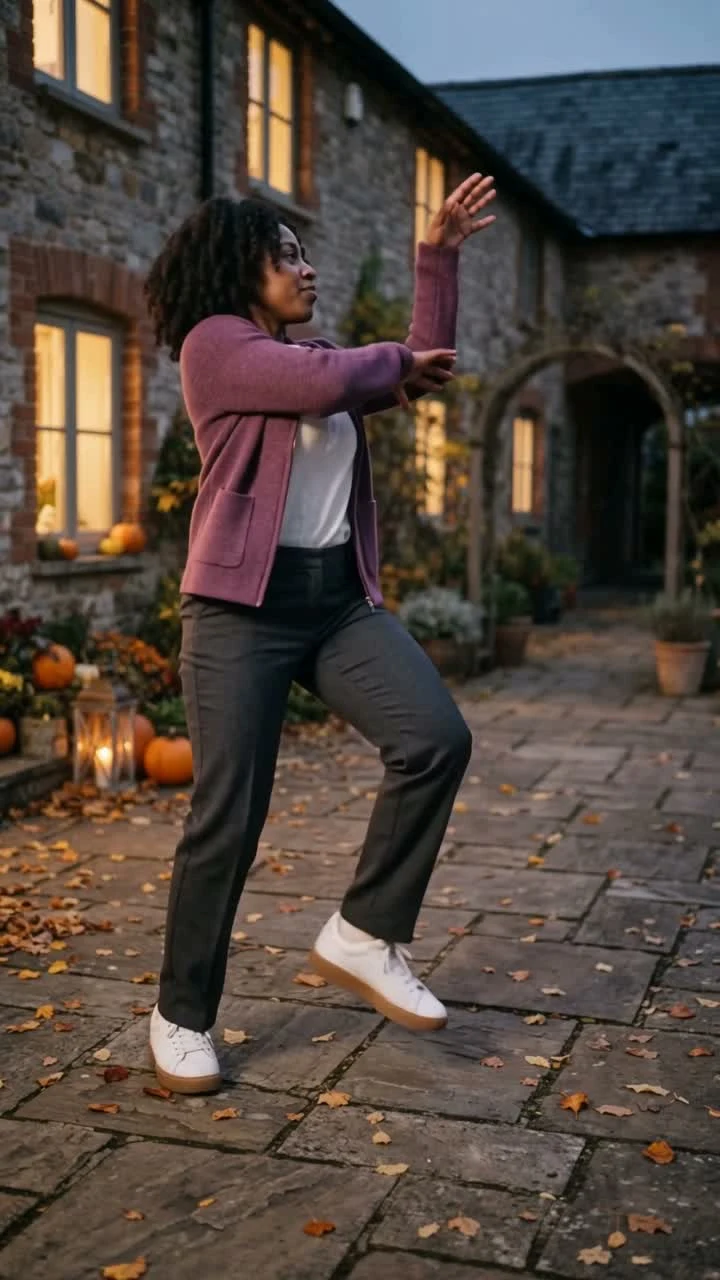
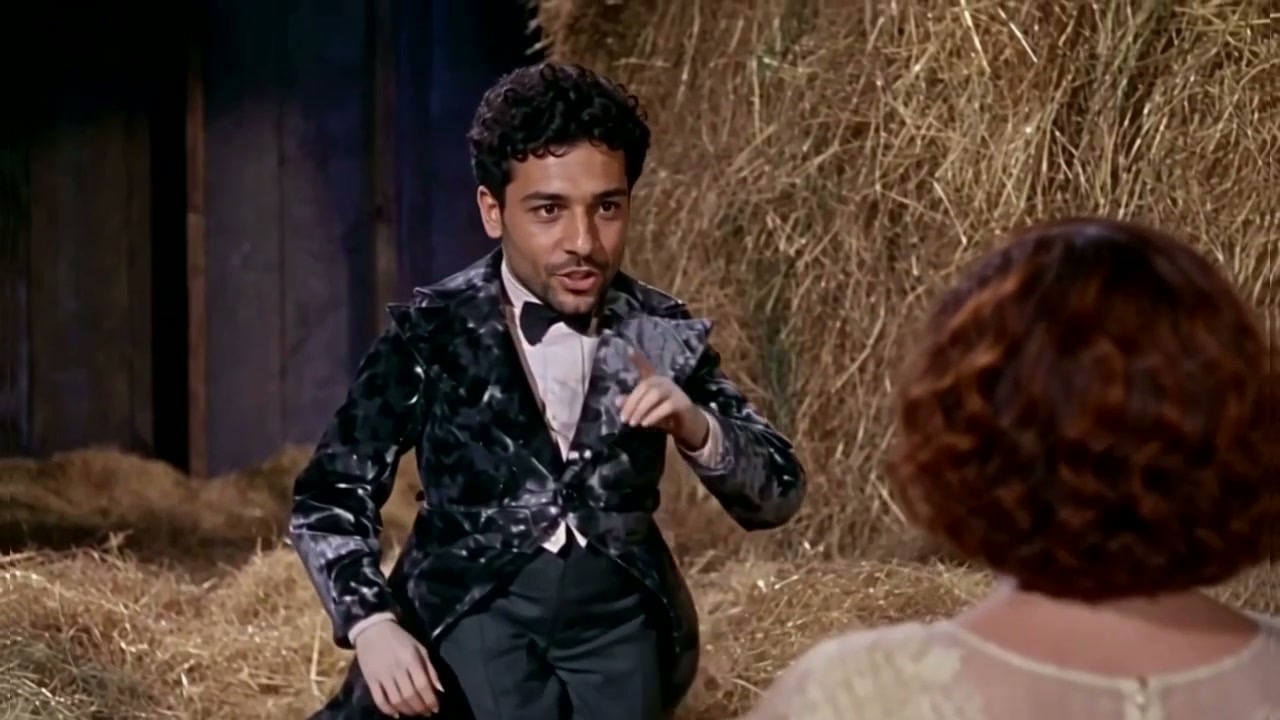
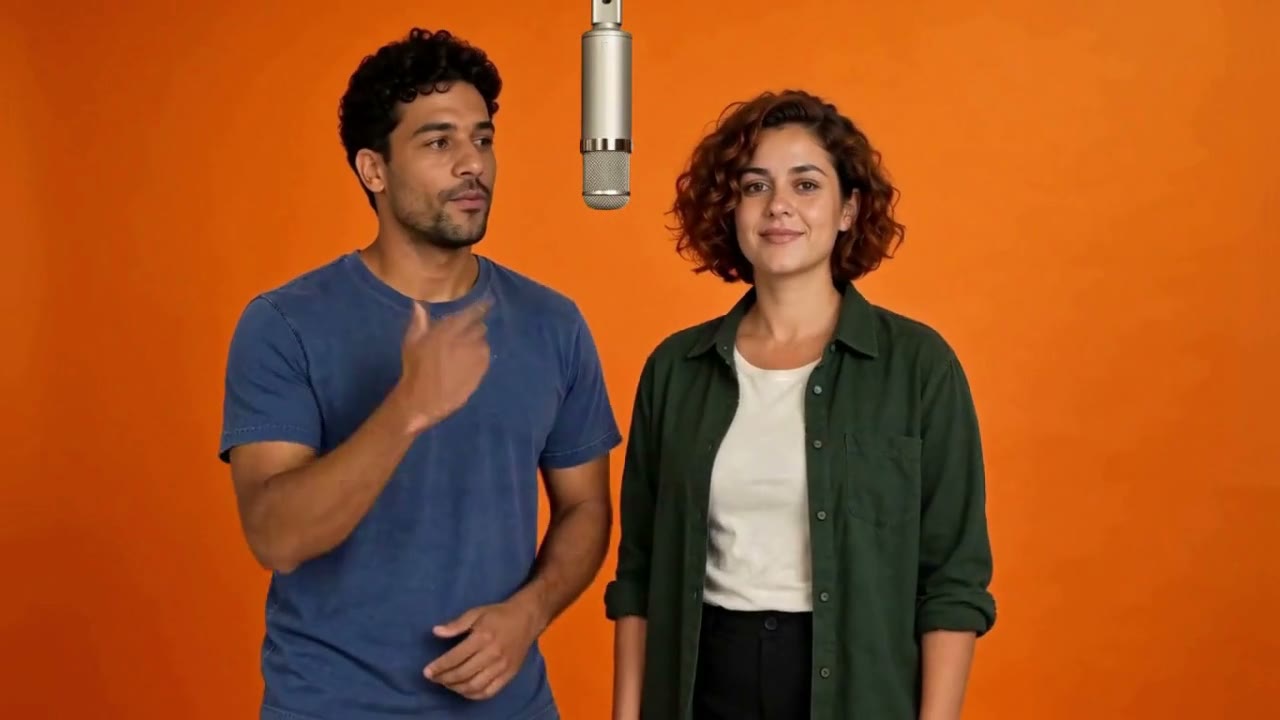
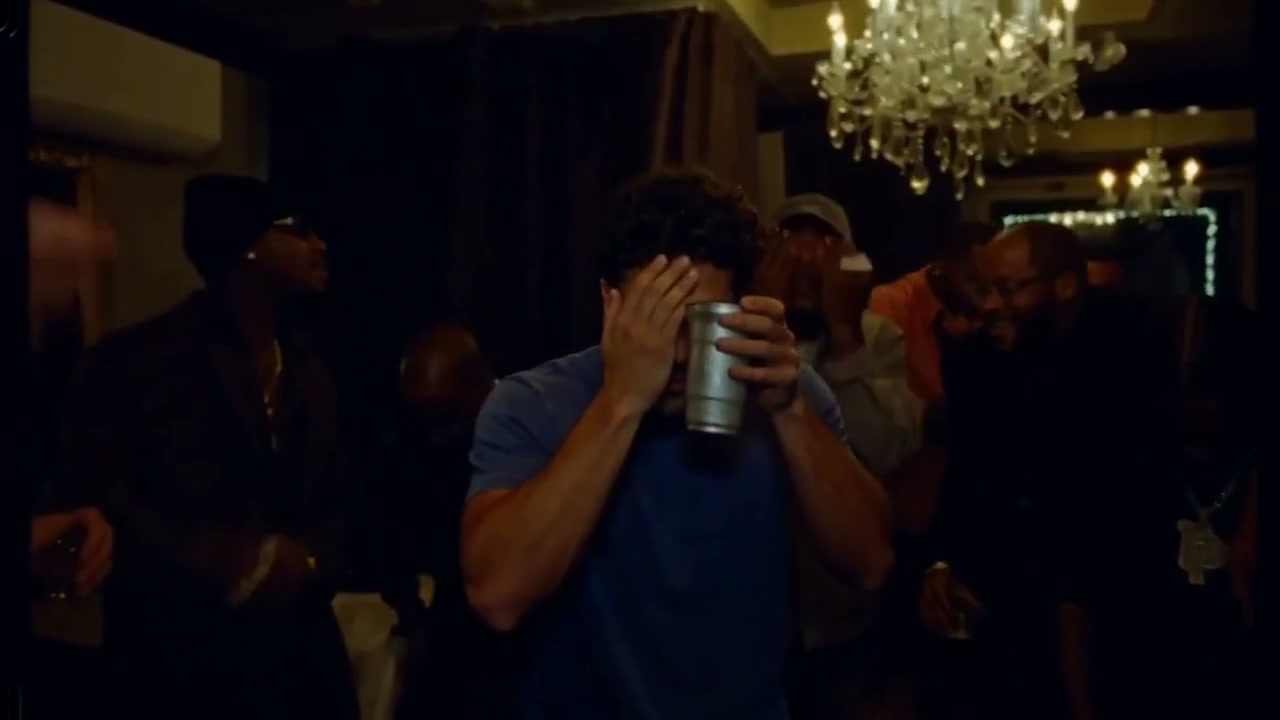
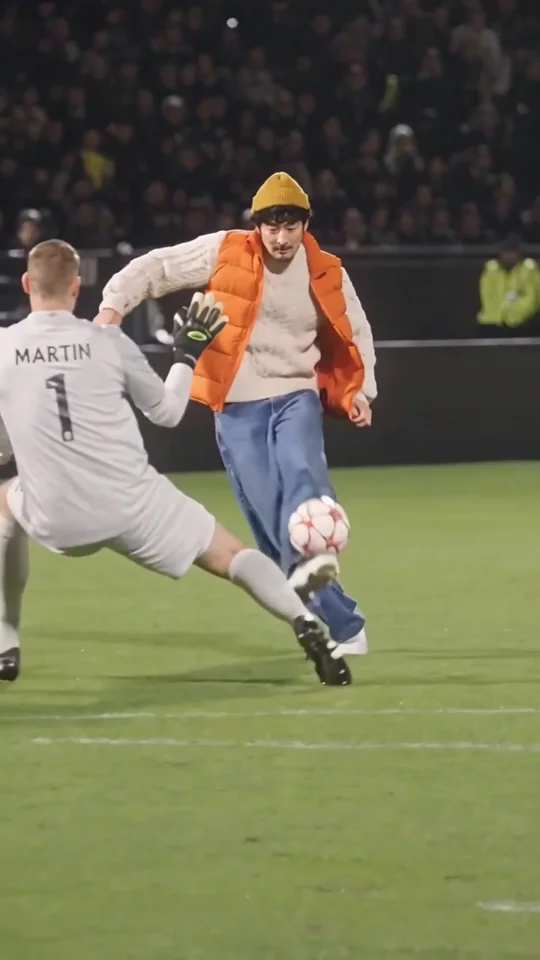
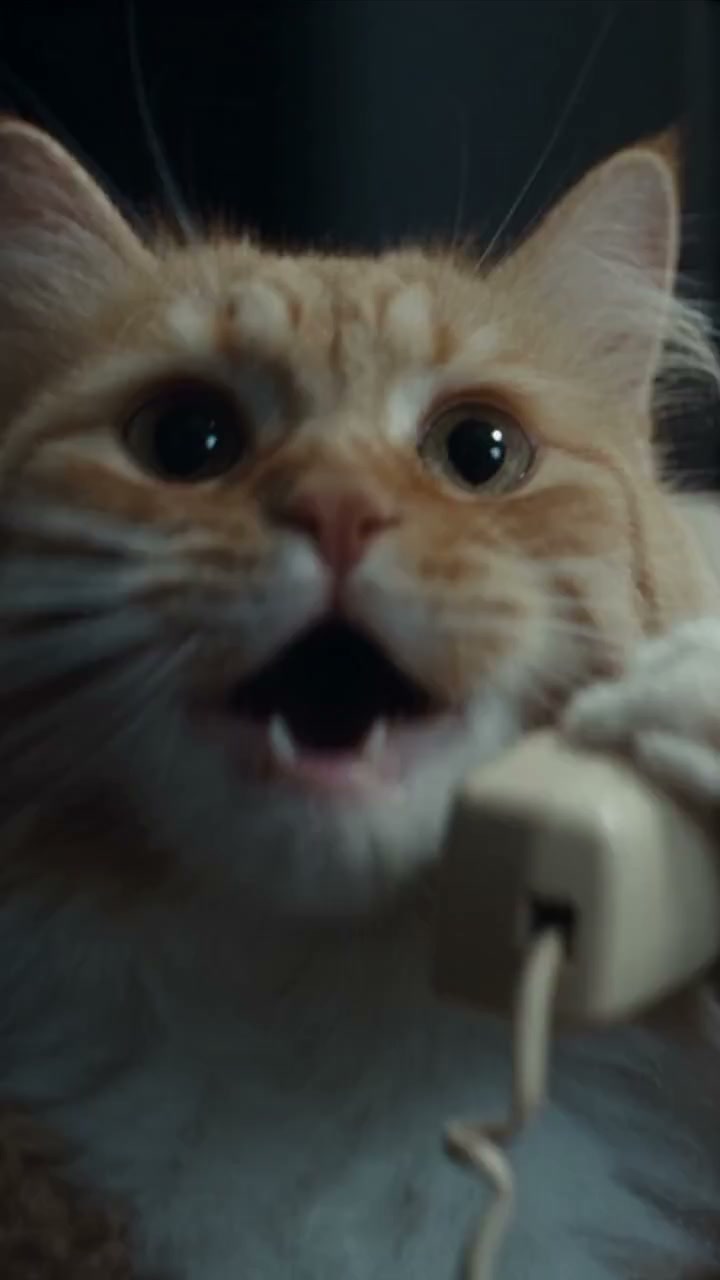
Fancy Cafe
2 photos15 secondsPortrait

Recreate the viral memes you keep saving.
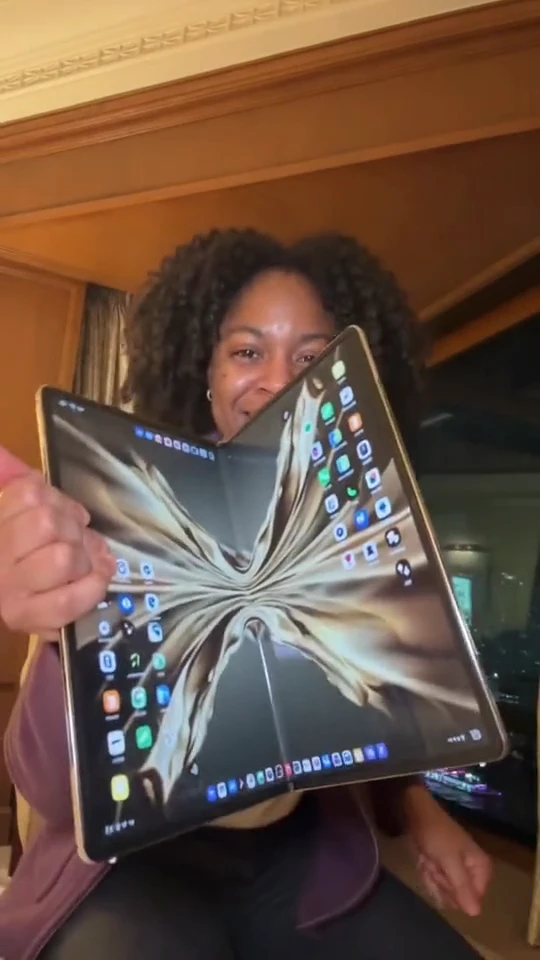
Pick a face swap template and add your photos.
Find the dance or meme you want to be in.
Add your photos to its face swap template.
32 templates found. Showing Fancy Cafe
2 photos15 secondsPortrait
Make a face swap video from a template and your photos. Or bring your own video to Clico and describe what you want to change.
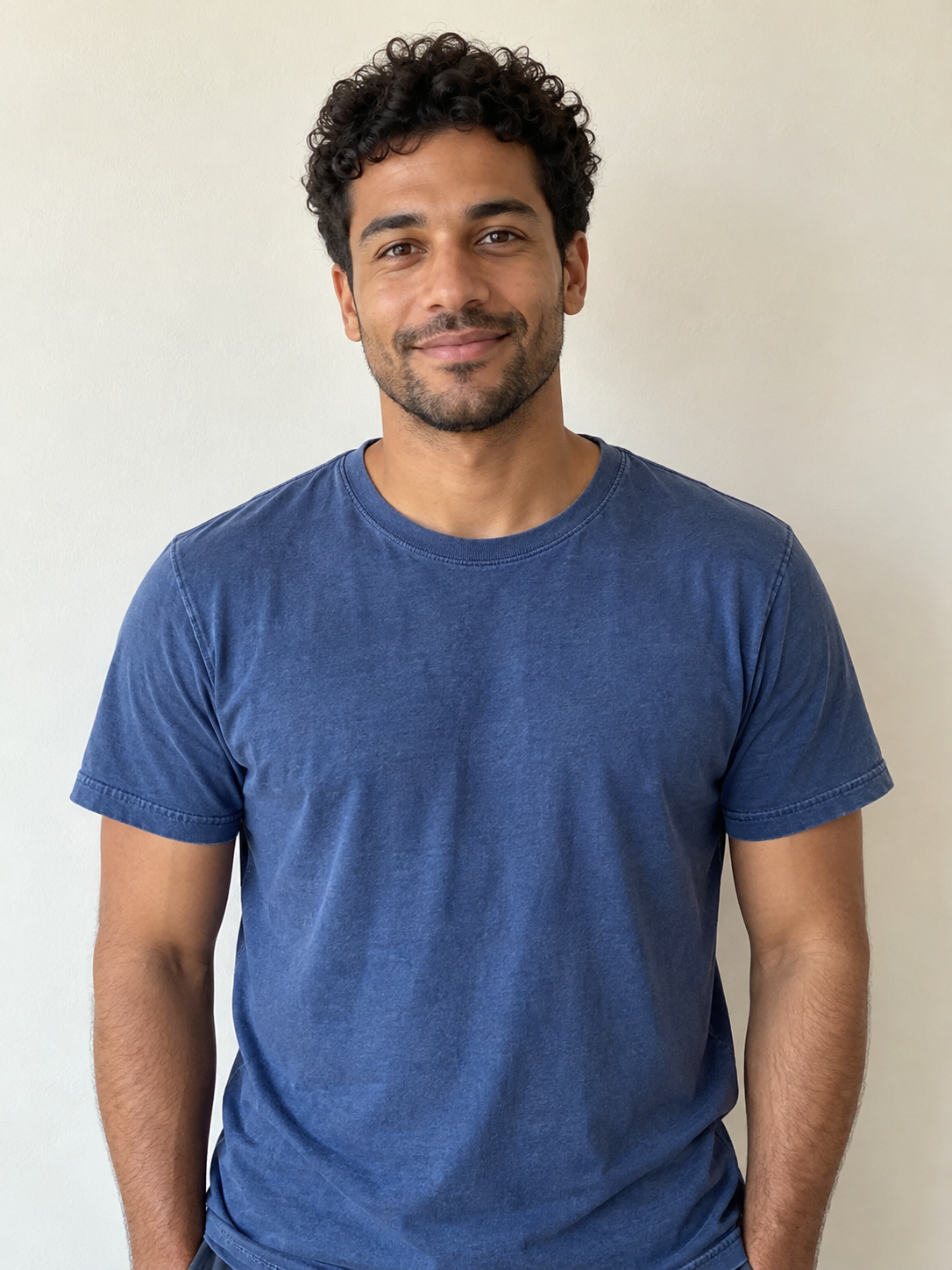
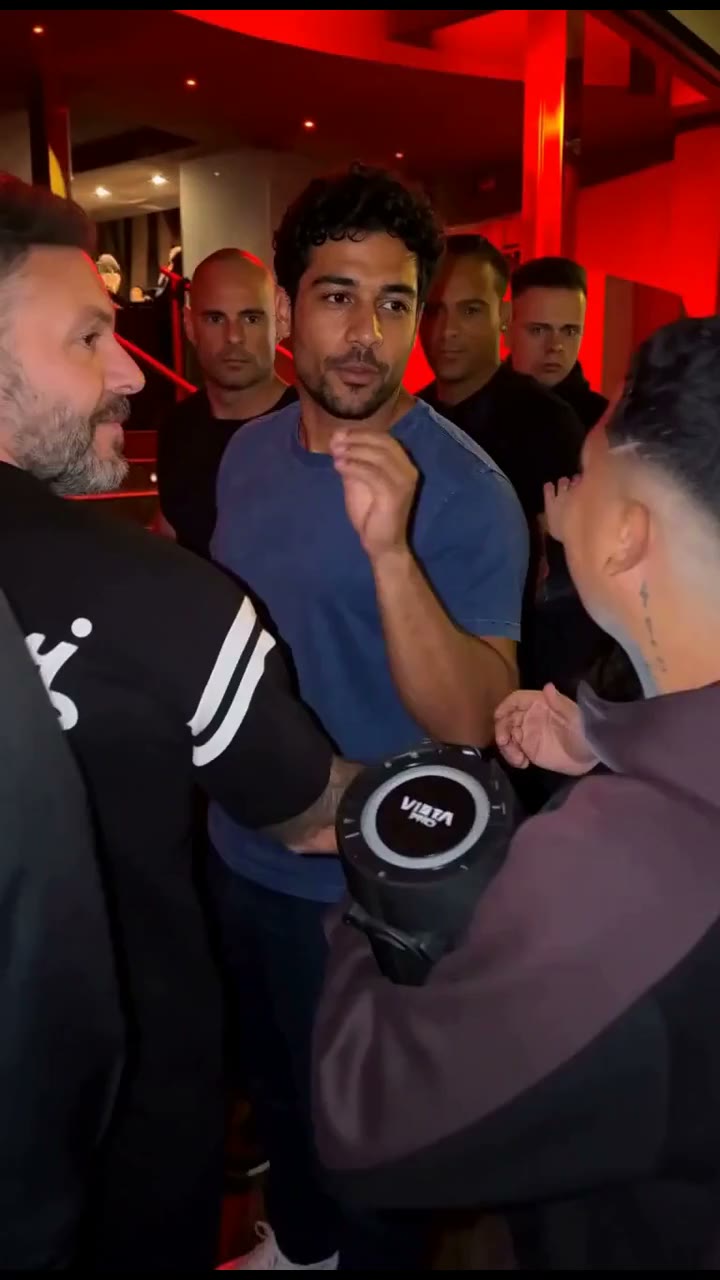
Upload a clear photo to step into the Bulin 47 freestyle. The performance and original sound are already prepared.
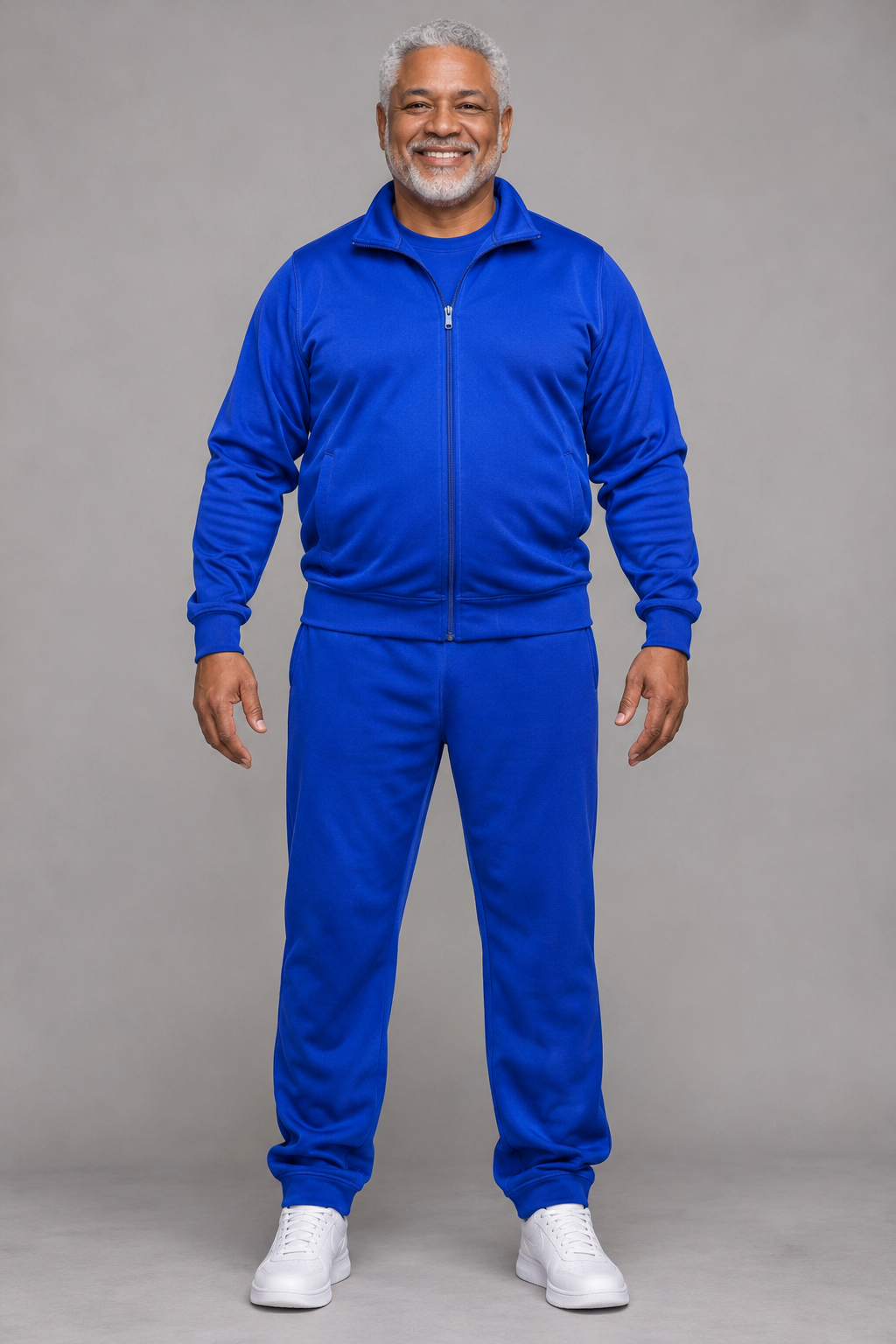
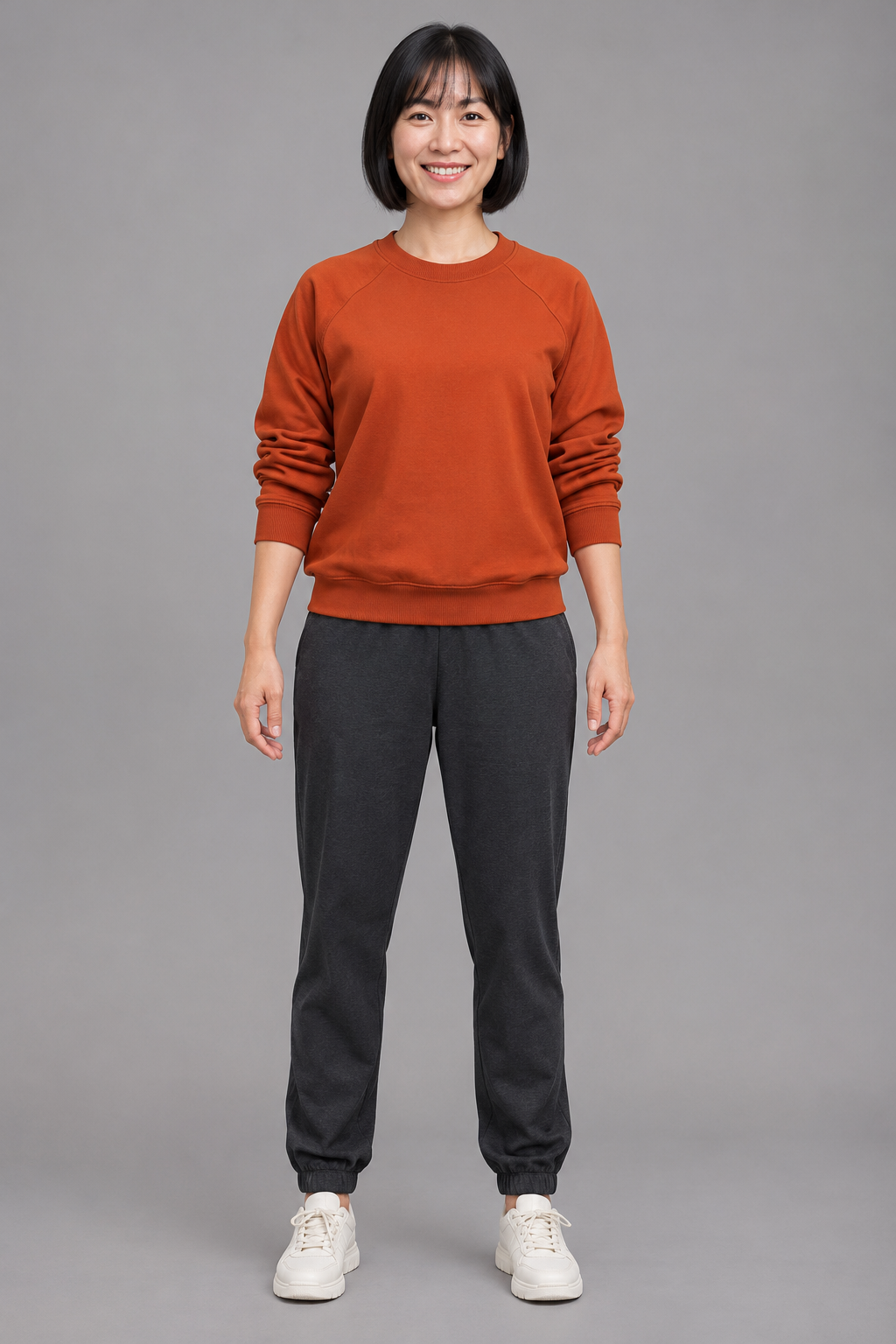
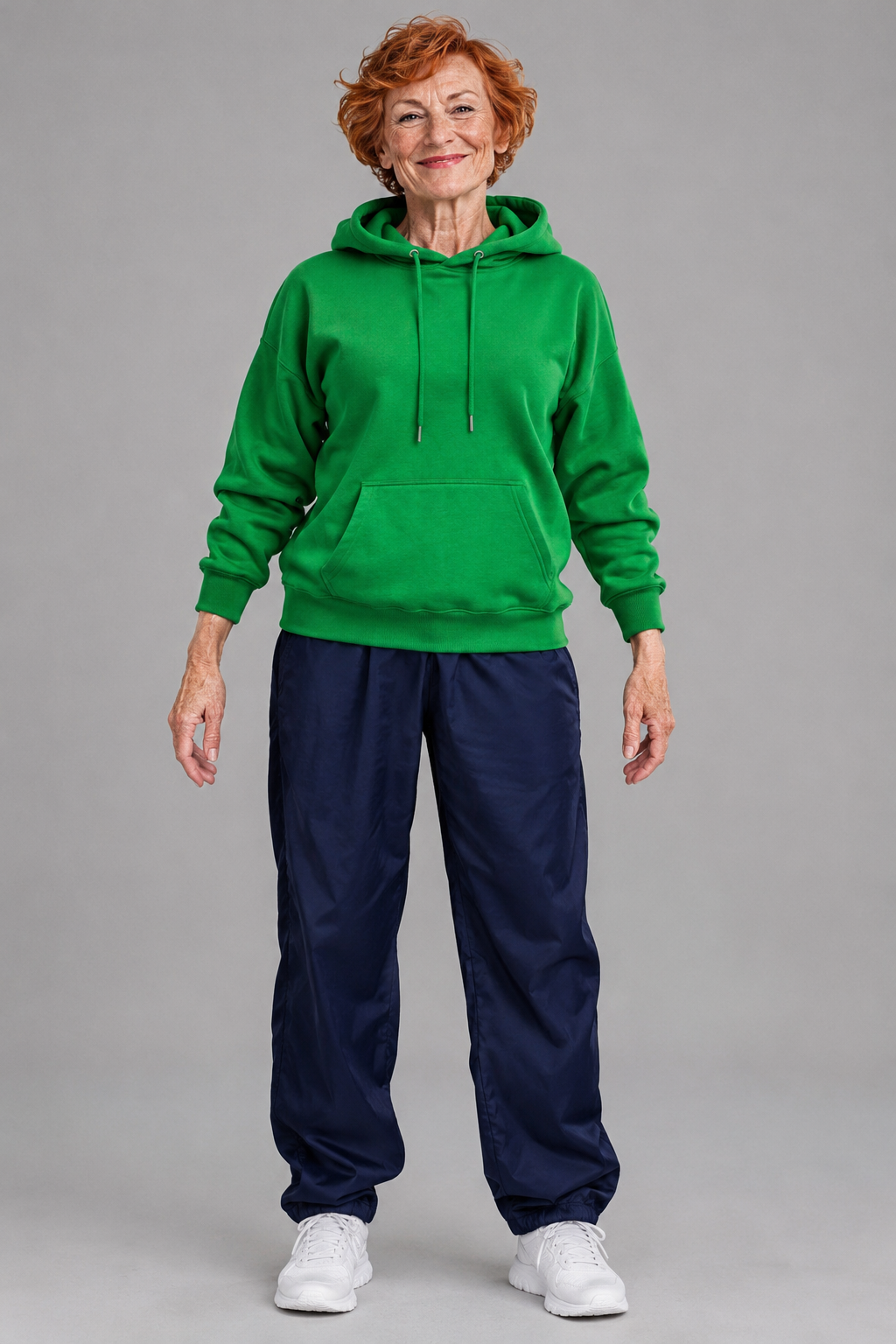
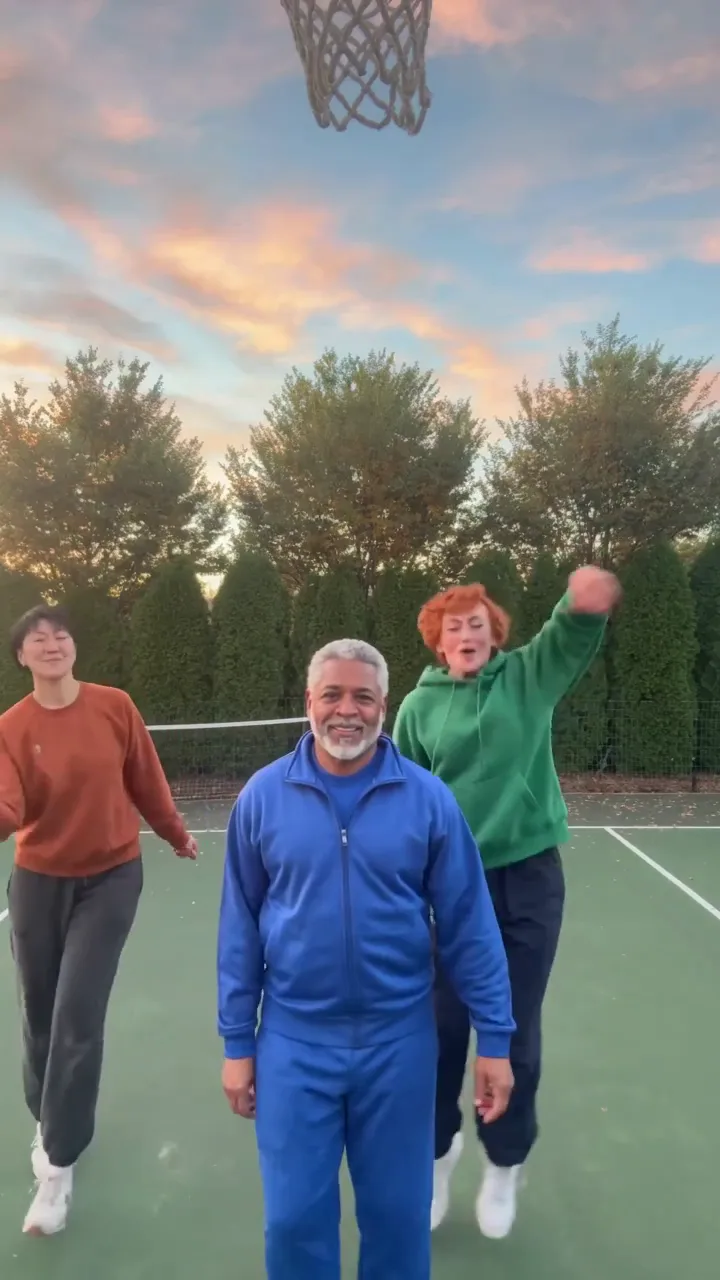
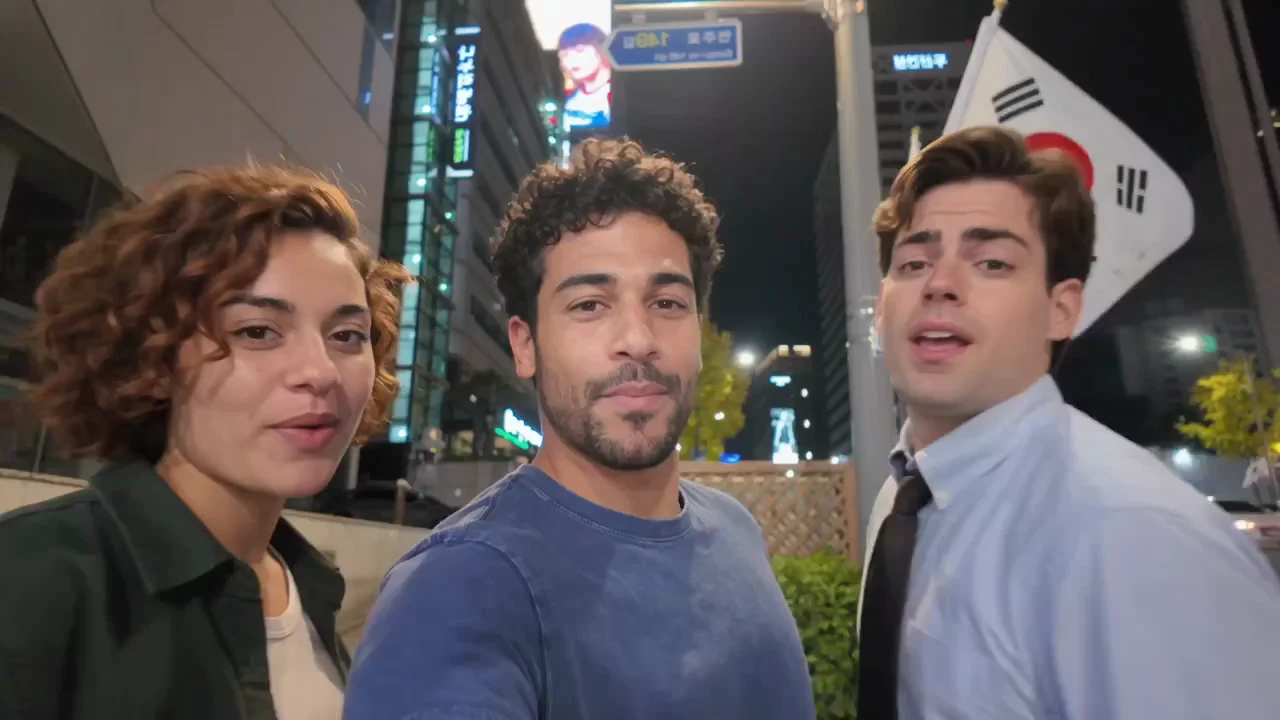
Add a separate photo for each dancer. The Chipmunks template puts your trio into the same routine.

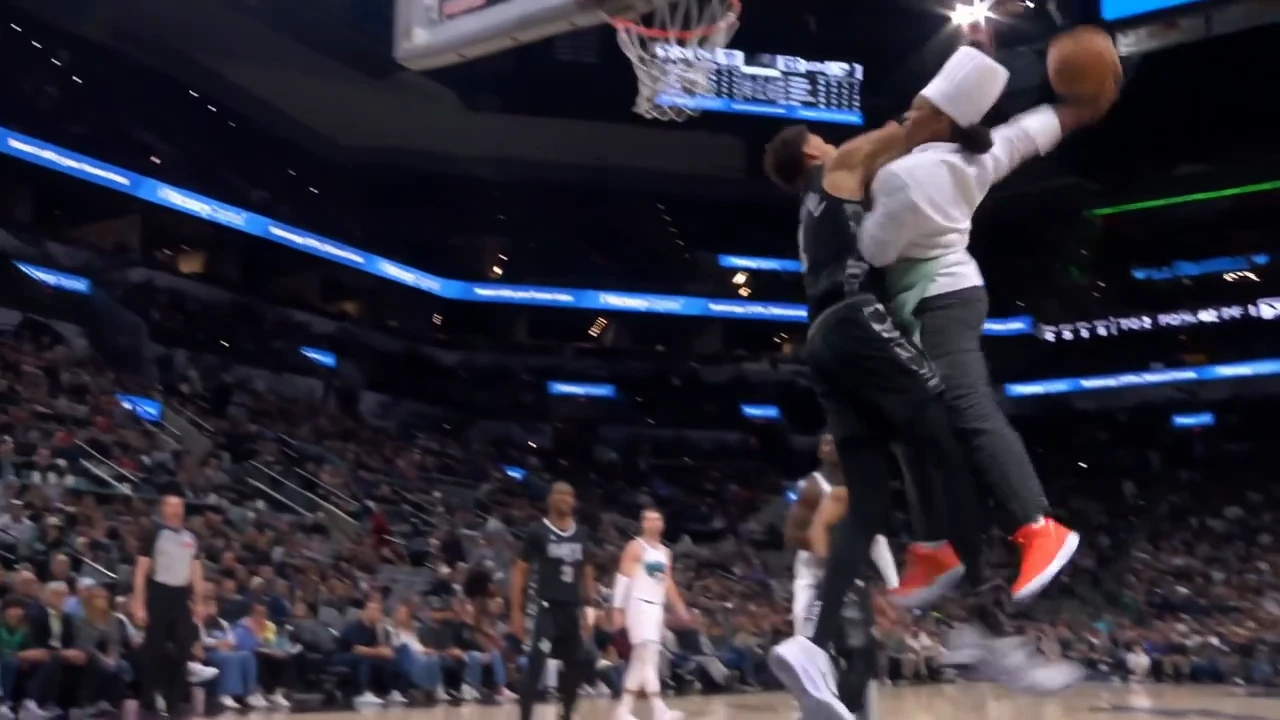
Keep the basketball play and recast the shooter. This template also lets you add a background image.
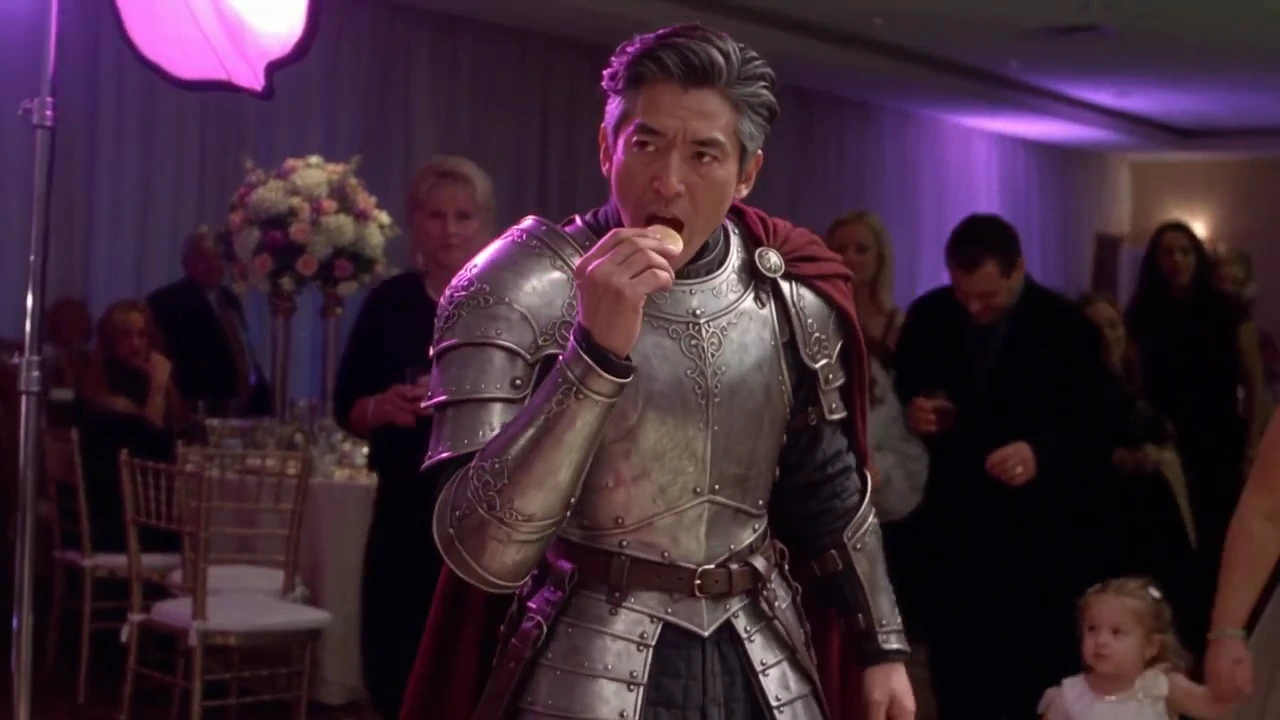
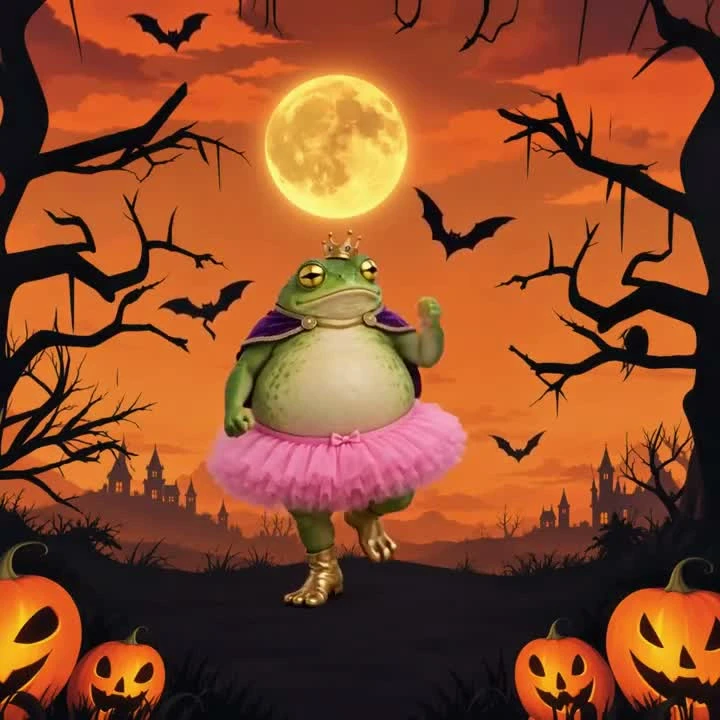
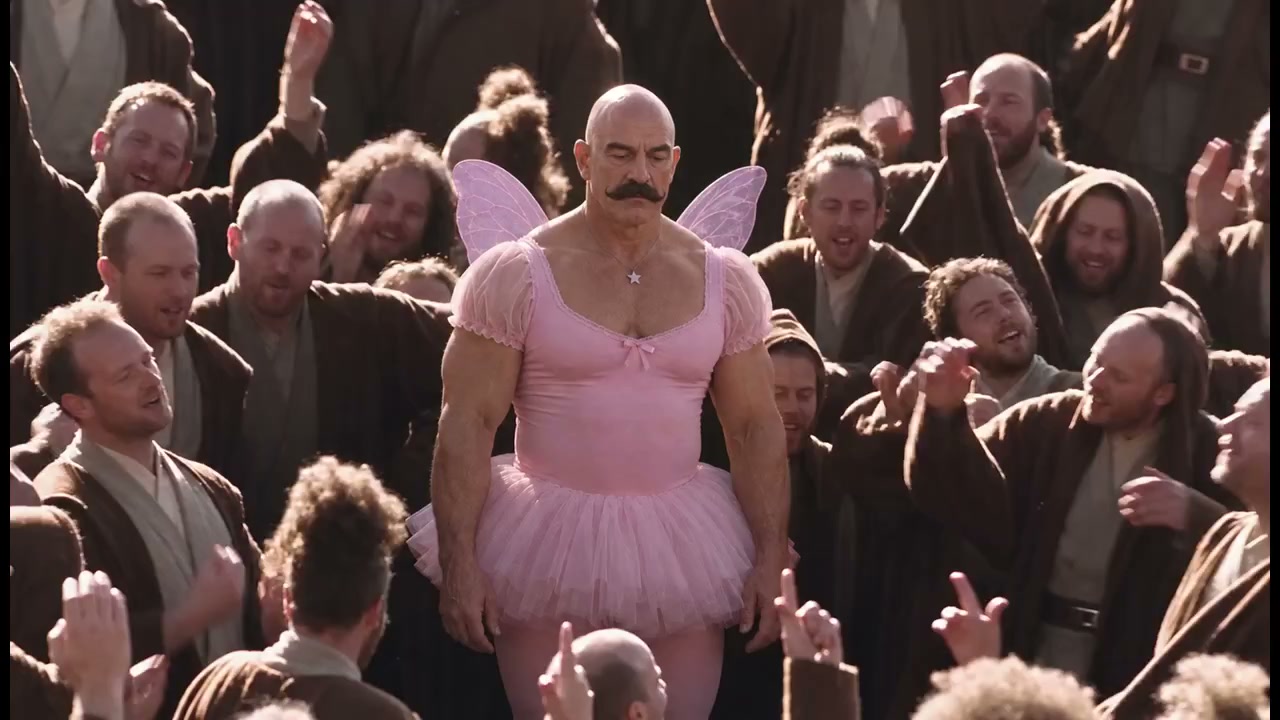
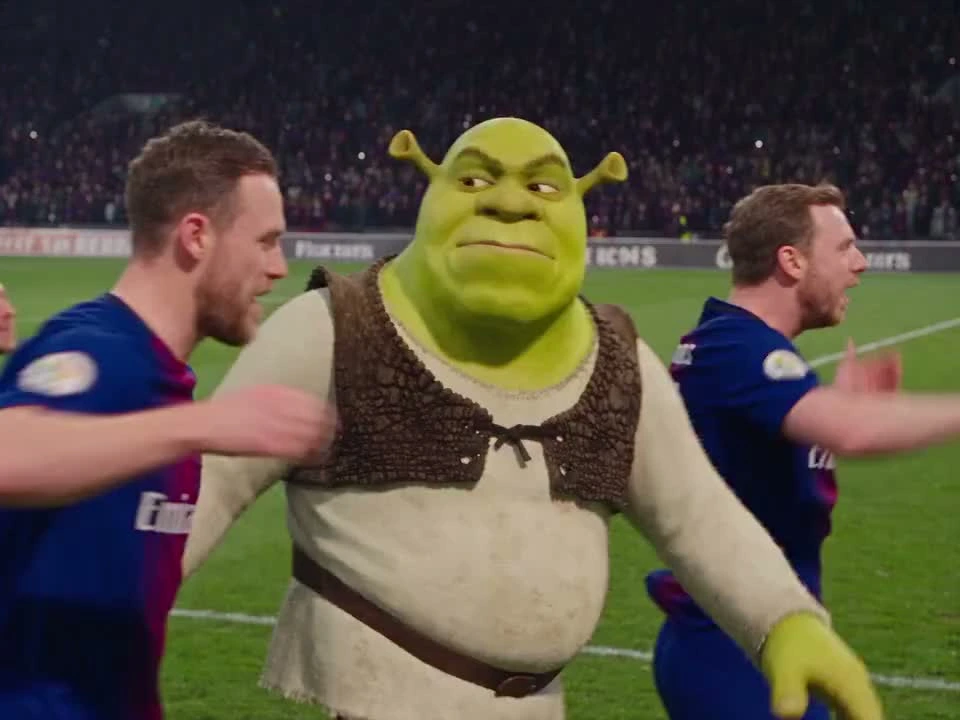
Pick a viral meme and add a photo for each role.
The template keeps the soundtrack and performance ready.
Preview the dance, performance or meme. Open its template to see the photos it needs.
Choose a clear photo for each role. The template page keeps the soundtrack and performance ready.
Select Generate video and sign in if needed. Clico imports your photos and starts the selected template, with purchase options if you need credits. Watch the result, then download it.
Vertical for Reels. Wide for the whole scene.
Start with a template in the frame you want.
Reels, TikTok and Shorts
Reels, TikTok and Shorts
YouTube and wider scenes
Direct a new video with Seedance, Kling, Veo or Runway.
Choose the model and settings for the scene you have in mind.
Describe a longer sequence, guide it with reference images, and choose the framing for your story.
Open Seedance 2.5A trend template comes with its prepared performance and model settings. These model choices open Clico’s video generator for your own scene.
Compare how you start your video and how you pay for it.
| What you want to do | Clico | Higgsfield Genjutsu |
|---|---|---|
| Explore Genjutsu | ||
| Create your video | ||
| Start with a trend | Pick a template and add your photos | Recast a source video |
| Use your own clip | Open the separate video editor | Motion Transfer or Object Swap |
| Create a new scene | Choose a video model | Use other Higgsfield tools |
| Credits and payment | ||
| Buy credits without a subscription | 1,000 credits for $9.90 | Active subscription required |
| Purchased credit validity | 12 months | 90 days |
Each service uses its own credit units and generation costs. Higgsfield pack terms refer to its consumer plans.
Sources checked November 5, 2026: Genjutsu, Higgsfield pricing guide, Credit pack terms.
Choose a credit pack for the templates you want to try.
| Purchase details | 1,000 credits $9.90paid once | 1,500 credits $15paid once |
|---|---|---|
| Your credits | ||
| Use on | Video templates and models | Video templates and models |
| Valid for | 12 months | 12 months |
| Automatic renewal | None | None |
Video costs vary by template, model, length and resolution. Clico shows the estimate and purchase options when you need more credits. Packs buy credits, rather than a fixed number of videos.
Monthly credits for chat, images and video.
Clico Web, Chrome Extension and Desktop for Mac are included.
| Plan features | Free$0forever No card required Start creating | Pro$19.90per month Billed monthly Start creating | Max$49.90per month Billed monthly Start creating |
|---|---|---|---|
| Credits | |||
| Credits each month | 200 | 2,000 | 5,000 |
| Credit refresh | Monthly | Monthly | Monthly |
| Create with Clico | |||
| Chat and images | Selected models | ✓ | ✓ |
| Video creation | Credit pack required | ✓ | ✓ |
| Web chat models | Selected models | All current models | All current models |
| Routing | Standard | Enhanced | Enhanced |
All prices are in USD. Plan credits refresh monthly, including with yearly billing. Paid plans renew until canceled.
There is no single video count for a credit balance. A short, lower resolution clip and a longer, higher resolution generation can use different amounts. New attempts also use credits. Choose the template and settings you want to see the estimate in Clico.
A pack suits an occasional template or a few experiments, with no recurring charge. A Pro or Max plan provides a fresh monthly allowance for regular use across Clico. You can buy more credits when you need them.
Video creation requires an active paid plan or qualifying purchased credits. The Free plan’s monthly grant alone does not unlock video generation.
No. The templates include a prepared performance. Add the photos shown on the selected template page, without recording the dance or scene yourself.
Yes. Look for templates with two or more photo inputs. Tiny Desk also has an Our band version for five people. Add a separate photo for each labeled role. The template page shows the exact requirements before you begin.
Dance and music templates include their prepared soundtrack. Your photo guides appearance. It does not clone your voice. Check the selected template page for its sound and output details.
Browsing and choosing a template is free. Generating your video uses Clico credits. Check the selected template for its inputs, and review the cost and purchase options in Clico before creating.
Download your video and upload it to the platform yourself. Portrait templates suit Reels and TikTok; other templates keep their original frame. Use photos and music you have permission to share.
Your photos guide the people or characters in the selected performance. Faces, hands and timing can vary, so watch the full result before sharing. Previews include existing Clico examples and the labeled performance references.
Make something you want to send to someone.