
Seedance face detected:what to do with a fictional character
Understand the warning and consider your options for a fictional reference.
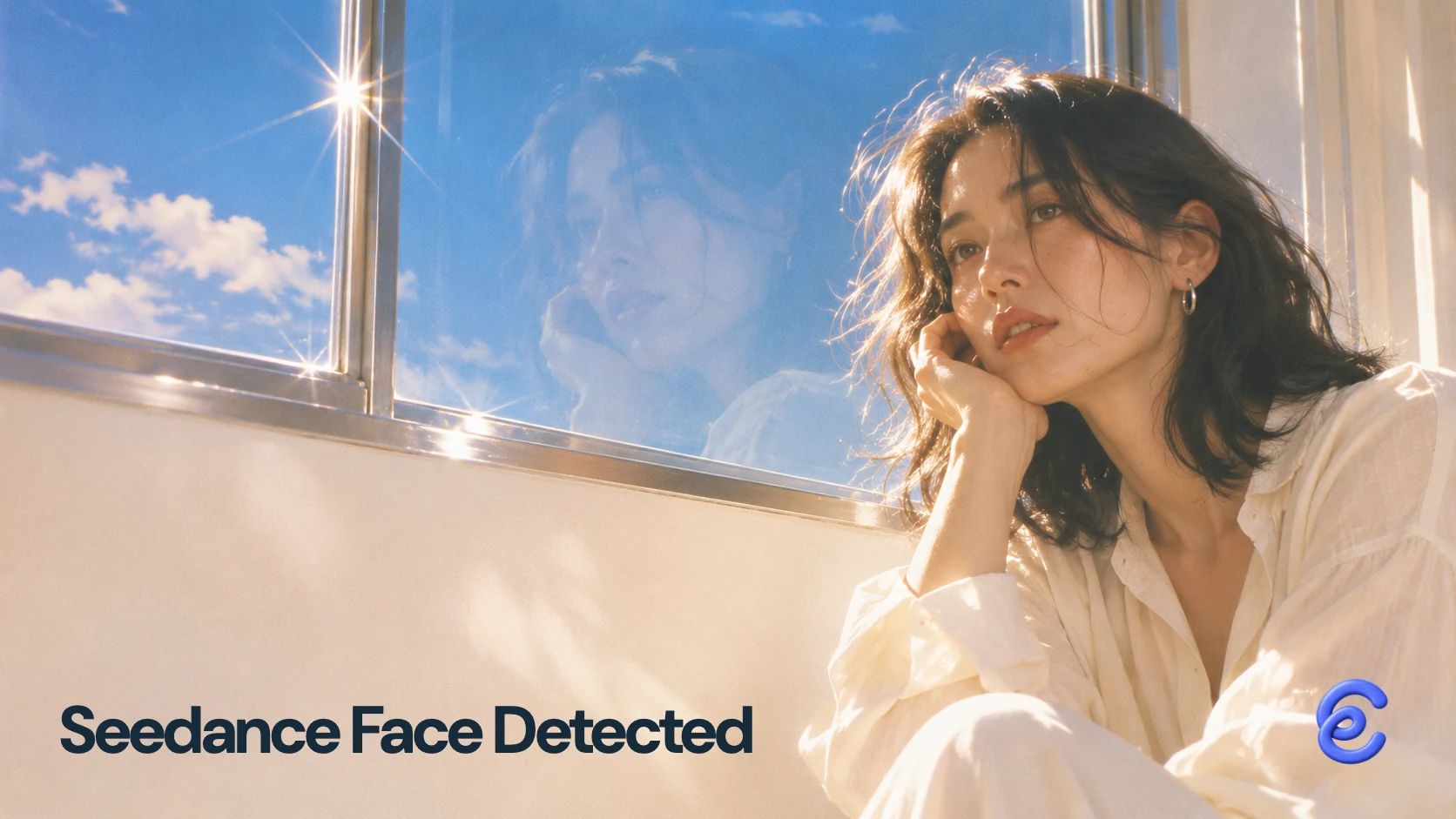
When Seedance flags a fictional portrait as a possible real person, save the exact message and identify the service, model and input used. Ask that service whether it can review the asset or offers a supported portrait route. BytePlus ModelArk documents trusted assets within its own platform, but that does not make the same process available in Clico or another app. If the face must remain exactly the same, resolve reference eligibility before generating the rest of the scene.
I encountered the warning with a synthetic adult portrait in Clico Web on October 30, 2026. Seedance 2.5 returned no video from that attempt. The error tells us the request was rejected; it does not establish that the image depicts an actual person or identify the feature that triggered the decision.
Identify the rejected input before changing anything
Save the reference file, full error, model version and request ID if available. Note when the failure appeared: upload, submission or generation. A failed upload, a parameter rejection and a portrait moderation warning need different investigations.
| What you can observe | What it establishes | Next question for the service |
|---|---|---|
| A possible real person warning on a synthetic image | That submission was flagged | Can the fictional asset be reviewed, and what origin record is useful? |
| A parameter or format rejection | The request did not meet a technical requirement | Which input or setting must change? |
| A generic generation failure | No confirmed reason for the failure | What does the request ID show? |
| A completion message without a matching output | The requested result is not yet verified | Is there a completed task and downloadable file for this request? |
Keep the original creation record for a fictional character. It can help support understand the case, but does not guarantee acceptance. Do not infer a cause from a forum report that used a different app, model or error.
What happened to our fictional reference
I attached the portrait below and asked for a continuous cafe shot: the woman would turn her head and look back at the camera. In Clico, I selected Seedance 2.5, six seconds, 720p, 9:16 and silent. The product displayed a possible real person warning and the request returned no video.

The synthetic portrait submitted in the October 30 test. We know its creation history; the visible error did not explain why it was flagged. The recorded message included InputImageSensitiveContentDetected and described a possible real person. Save both the code and the surrounding message: the code identifies the reported category, not a verified cause for this particular image.
A separate video reference request asked to replace that character with a knitted cat. Clico showed a parameter failure and this warning: “The video provider flagged a possible real person in the reference images. Please use different reference images.” The attachment was a video. Those messages do not reveal precisely what reached the provider. An upscaled item also appeared, but no requested cat replacement was identified. An upscale of source footage is not the transformation the request asked for.
I kept the original portrait and the messages so support could investigate the exact request.
BytePlus ModelArk has its own trusted asset routes
The BytePlus portrait guide, updated and checked November 3, 2026, says direct reference uploads containing real human faces are restricted for Seedance 2.5 and the 2.0 series. It describes eligible original ModelArk outputs from the same account as trusted inputs for 30 days. Cross platform or account use is unsupported; editing or compression can invalidate that status, and output moderation still applies.
That makes provenance an operational requirement. If you created an eligible asset in ModelArk, retain its original output and use the documented account route. An image generated elsewhere does not acquire trusted status because it looks fictional. Check your service’s own documentation for its supported route.
BytePlus separately documents real portrait authorization. The person verifies their identity, authorizes the account and supplies assets for a private library. Having permission for a photograph and completing a provider's input process are different requirements. Ask your chosen service about its own supported path before organizing production around a performer.
Why another account may behave differently
CellCog reported its own Seedance 2.5 reference tests across August to October 2026. It says several realistic fictional portraits and a returned frame were refused when submitted individually, while a stylized character passed in one October attempt. It also reports a face-free scene being refused. These are observations from CellCog’s route, not a rule for every image or a diagnosis of our rejection. CellCog operates a competing service, and its report does not establish a pass rate.
CellCog has since announced a change to its own Seedance 2.5 offering, saying fictional character references now work there. A service update can change the available path without changing the result of an earlier request elsewhere. Check the provider, account, model version and date together; do not assume a ModelArk trusted asset, a CellCog announcement and a Clico request share the same eligibility rules.
Decide whether the exact face is essential
For a recurring fictional lead, preserve the original and seek a supported review or asset route. Replacing the face with a newly generated character changes the project; it does not recover the existing identity.
If the role matters more than the face, a text described character or a supported digital character library may be suitable. Treat that as a new creative starting point and review the appearance before making later shots. A text description can carry a cardigan and a hairstyle, but cannot promise the original face.
Another model is worth evaluating only when its input rules permit the material. In our next Clico request, Kling 3.0 Pro accepted the same portrait and returned a head turn. It did not deliver the requested cafe: the gray background remained in the inspected frames. The file measured 1244 × 1660, lasted 6.04 seconds and had no audio stream, despite the selected 9:16 and 720p settings.

The accepted reference produced motion, but the scene still missed the cafe requirement.
One Kling 3.0 Pro output from the same fictional portrait. Acceptance was the first hurdle; the returned shot still needed review against the brief.
That single result gave me a way to inspect the character in motion, but I would need another shot to get the cafe setting. Clico's Seedance 2.5 page covers the model's general controls; its image to video page covers the broader animation route. Neither promises that an individual reference will pass a provider check.
Send support a question they can investigate
Include the service, model version, date, request ID, exact error and type of attached file. Describe how the fictional character was created and keep the original available through the service's approved support channel. Ask a specific question:
This request used an original synthetic character. The warning names a possible real person. Can you confirm which input was rejected, whether the asset can be reviewed, and whether this account and model have a supported portrait route?
For a video attachment whose error names images, add that discrepancy. If the charge or task status is unclear, ask support to identify the transaction and completed output for that request. A new prompt cannot resolve an unknown account restriction or confirm that a missing file exists.
Keep the reference, error and support response together. Resolve eligibility if the face is fixed; choose a new approved character if it can change. Then judge the generated scene for action, setting and actual output format before extending the production.