
How to Make aBulin 47 AI Video
Turn one photo into a freestyle video and understand the scene behind the trend.
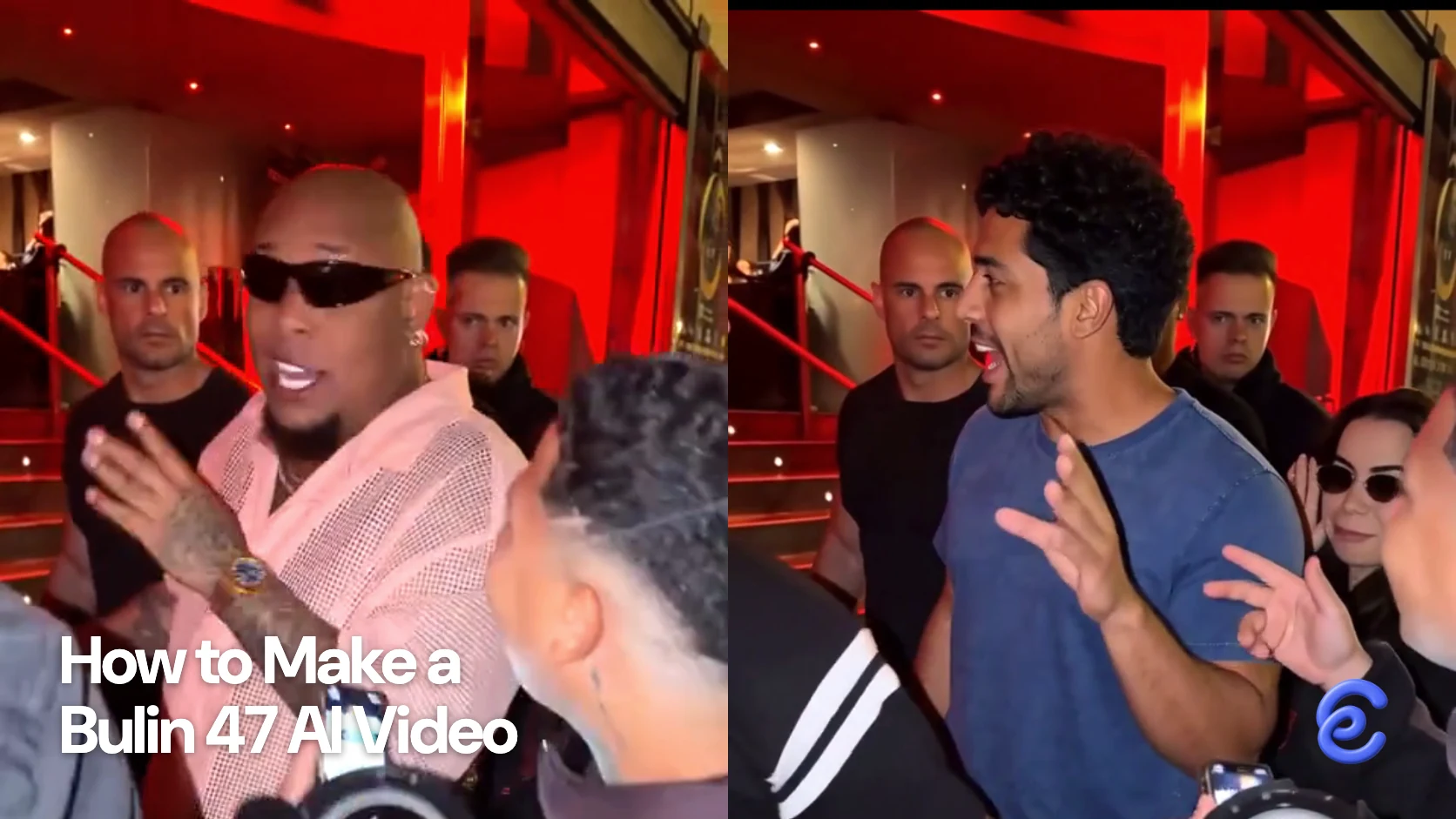
The Bulin 47 AI trend puts a portrait into a street freestyle scene built around a recognizable performance. Start with one clear photo, then use the Bulin 47 template to choose the length and quality before checking the quote in Clico. Browse our face swap templates for other prepared performances.
The fun is seeing someone familiar take the performer's place while the scene and original sound give the clip its context. A portrait that makes the person recognizable is more useful than a dramatic image with the face hidden.
Where the freestyle clip comes from
The reference is a street performance by Dominican artist Bulin 47, posted by Kevin Wai. MARCA USA reported on the performance outside a restaurant and its circulation online.
Watch the original before making a version. The setting, delivery and people around the performer are part of the reference; a generated character is an interpretation of that scene, not a recording of the person in your photo performing there.
Choose a portrait for the performer
Use one photo with a clear, unobstructed face. I would choose a person who will be immediately recognizable to the intended audience, then check that the crop leaves enough of the head and shoulders visible. Sunglasses, heavy shadows or another person overlapping the face can make the identity harder to read.
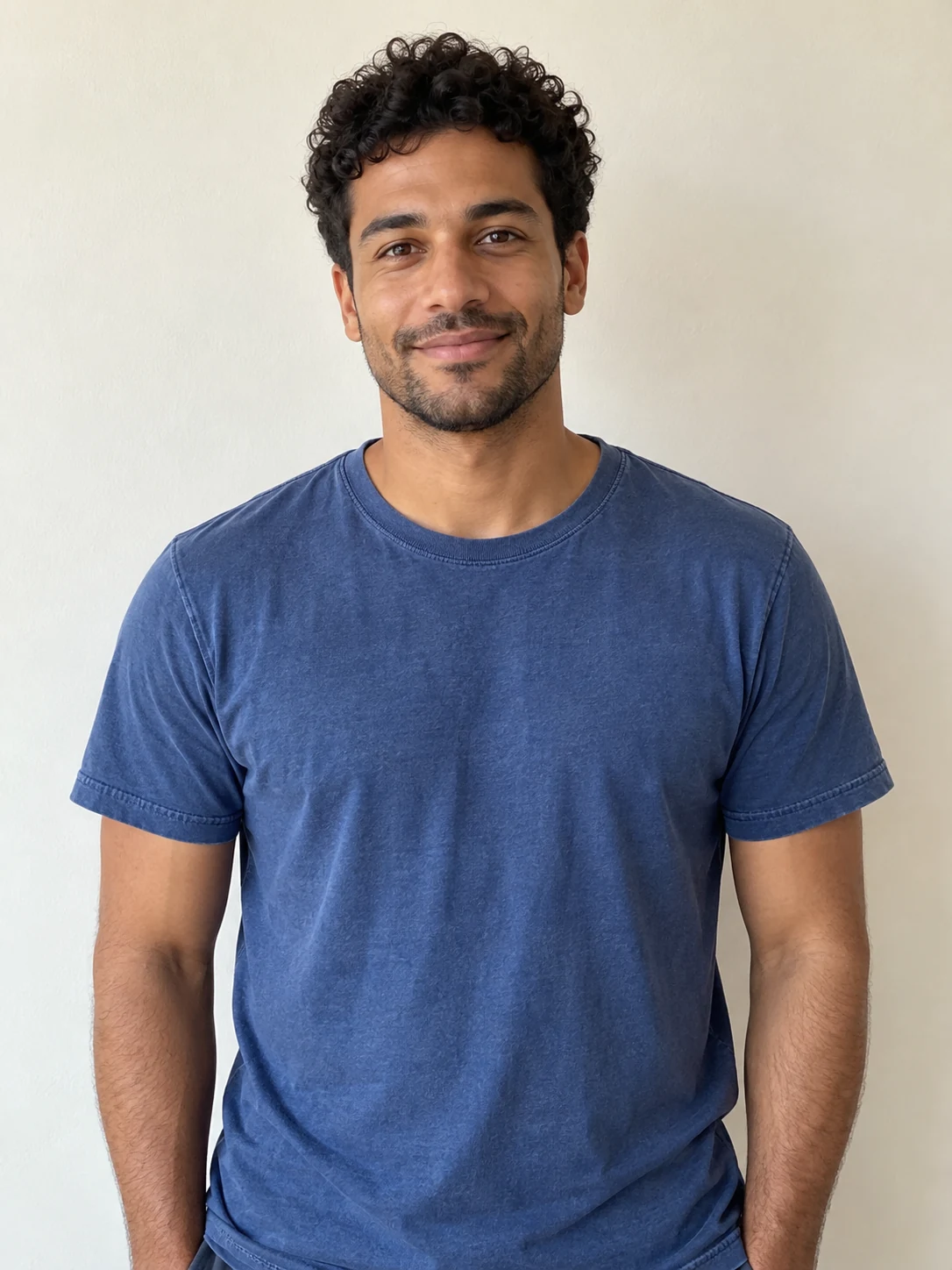
A fictional character can work too. For this example, we used the portrait below with a five second reference and HeyGen, then added the original audio locally.
What the example shows
The fictional man’s dark curls and blue shirt are visible in the result as he turns and gestures. Behind him are the red entrance and the crowd; the speaker stays in the foreground. The portrait supplies the person, while the reference supplies the performance and setting. The saved file is vertical at 720 by 1280 pixels, with approximately five seconds of picture and audio. The reference audio was added locally after generation. The scene is recognizable, but the mouth still needs a careful timing check against that audio.
Make a version and review the quote
Open the Bulin 47 template, add one photo, and choose a five, ten or fifteen second version and standard or HD quality. Open the request in Clico, sign in and review the actual quote before sending it. The page describes the scene as using the original sound. Check the returned file with sound on.
Clico offers a one time credit pack starting at $9.90 for 1,000 credits, with no subscription or automatic renewal. Purchased credits remain available for 12 months. The pack price is not a fixed price per video; check the estimate for your chosen length and quality before generating.
Choose the length for the moment you want
Five seconds is a compact way to test the portrait and the reveal. Ten or fifteen seconds give the scene more time to unfold, but they also give you more motion and audio to review. Choose the length before sending the request, then check the displayed quote for that duration and quality. The $9.90 starting pack does not tell you how many attempts your chosen settings will cover.
After the clip returns, compare it with the portrait at the beginning, middle and end. Check whether the face remains recognizable in profile, whether the hands look usable and whether the performer stays in the frame. Listen to the full audio and inspect the mouth during the part you plan to share. If the image or sound does not work, keep the first result and its settings so you can compare a revision.
Use the prepared scene or bring your own footage
The Bulin template is a sensible choice when the restaurant freestyle and its sound are the reason you want the video. You supply the portrait and review a scene built around that reference. If you need a different location or your own recorded performance, start with footage you have permission to use and investigate a video reference or editing workflow. Higgsfield Genjutsu describes separate motion transfer and object swap modes; check which parts of your source must remain and compare the delivered clip against them.
A different workflow may require more preparation, but it lets you select the performance itself. Our guide to Higgsfield Genjutsu alternatives compares the choices for changing an existing shot and transferring movement.
Share it with the right context
Ask permission before uploading and sharing someone else's photo. The original sound is part of the result, so check the posting platform's music rules and the intended use before publishing. A private joke among friends and a commercial promotion can raise different questions about the person, performance and audio.
If you want the original reference to be understood, link to Kevin Wai's post or identify the performance when you share your version. That gives the audience the context for why this particular freestyle scene is recognizable.