
Photo to GTA 6 Loading Screen
Give your photo a Vice City look with bold outlines, cel shading, palm trees and a neon sunset.
Image · 3:4
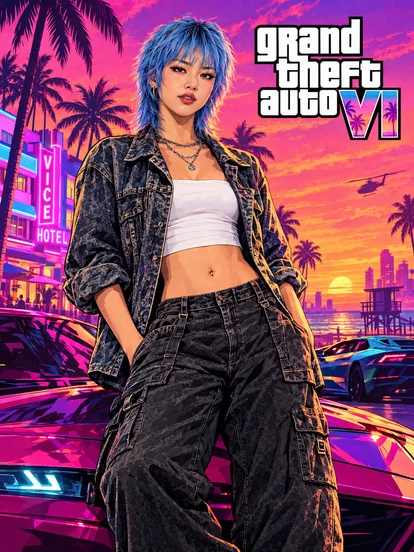
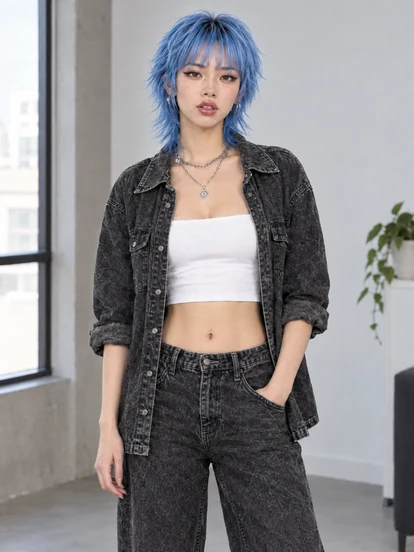
Turn a portrait, pet or car photo into GTA style art inspired by Grand Theft Auto VI cover art and Vice City loading screens.
GTA 6 Vice City Style selected
Give your photo a Vice City look with bold outlines, cel shading, palm trees and a neon sunset.
Image · 3:4
Turn your photo into Los Santos cover art with hard daylight, deep shadows and the look of a graphic novel.
Image · 3:4
Give your photo an early 2000s console look with simpler shapes, dusty colors and street mural details.
Image · 3:4
Compare three original photos with their GTA 6 inspired loading screen art.
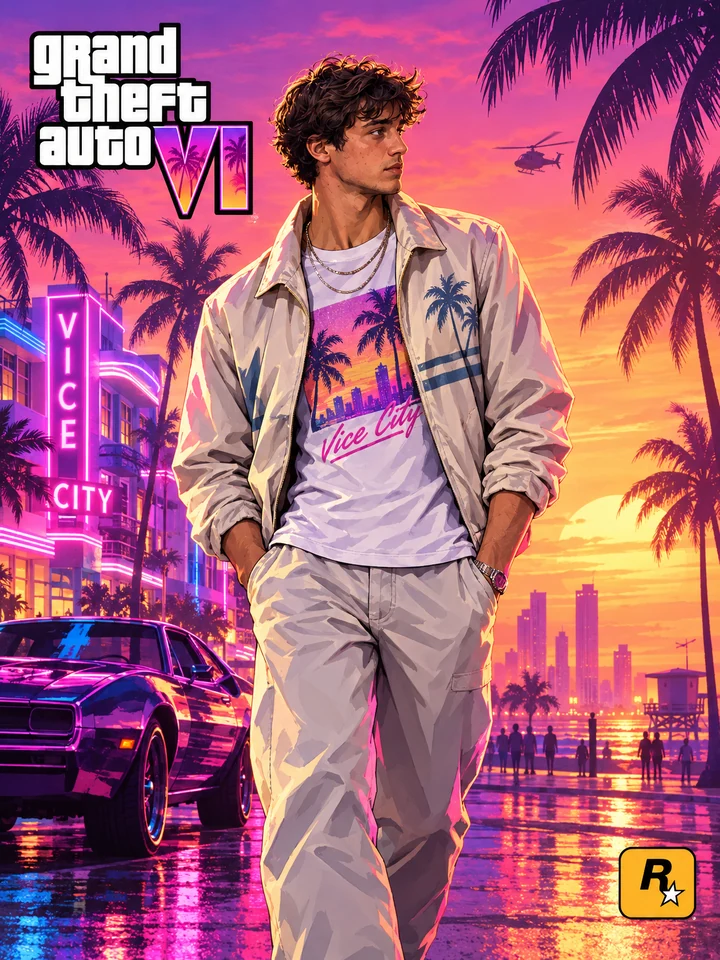
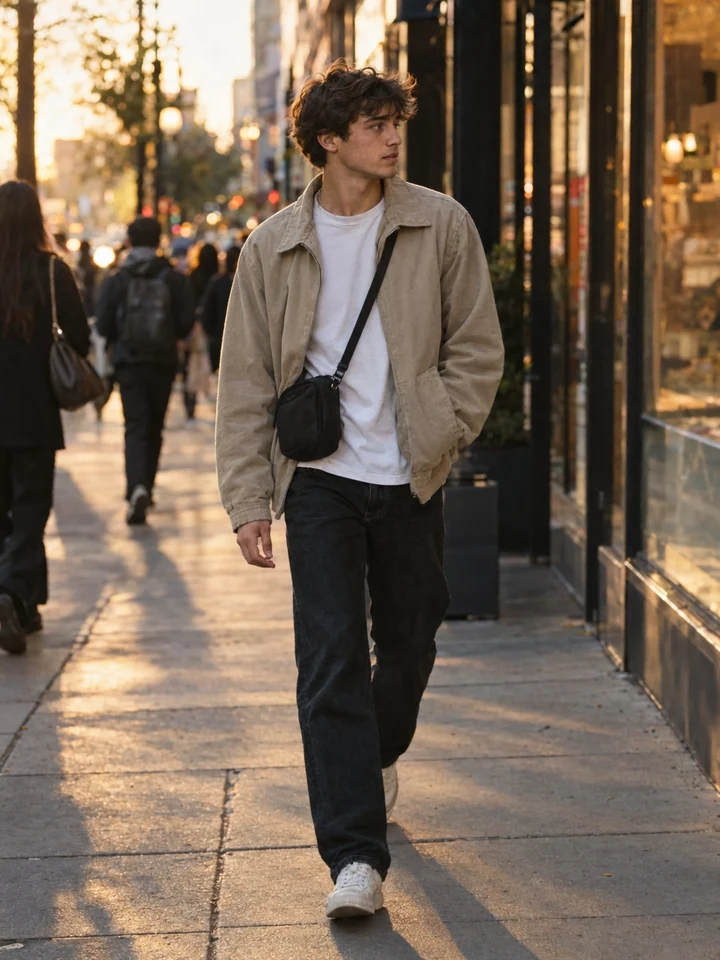
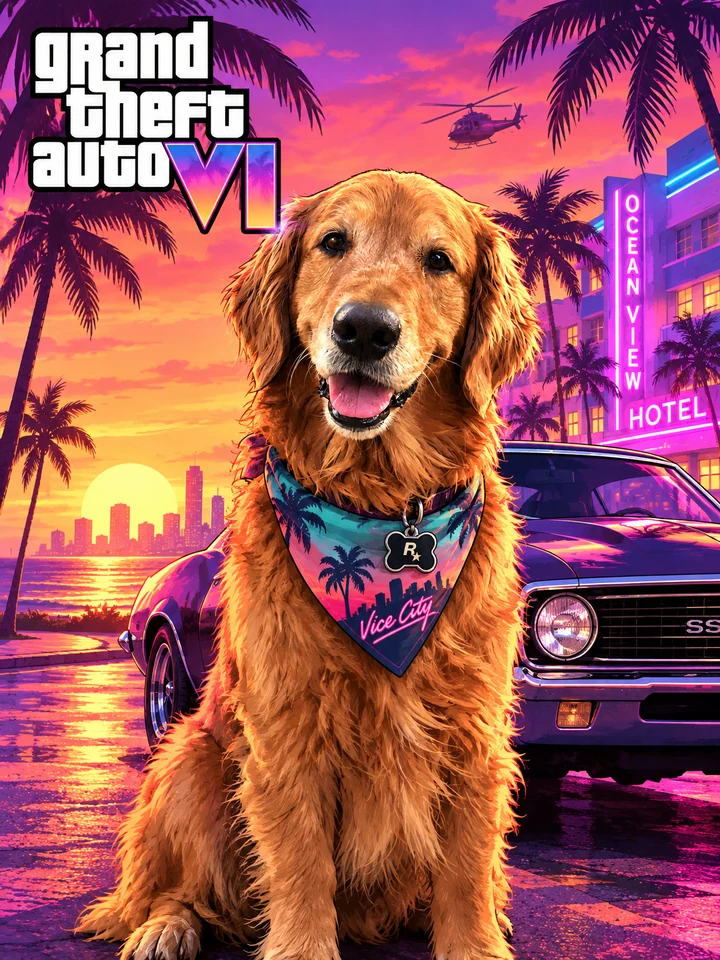
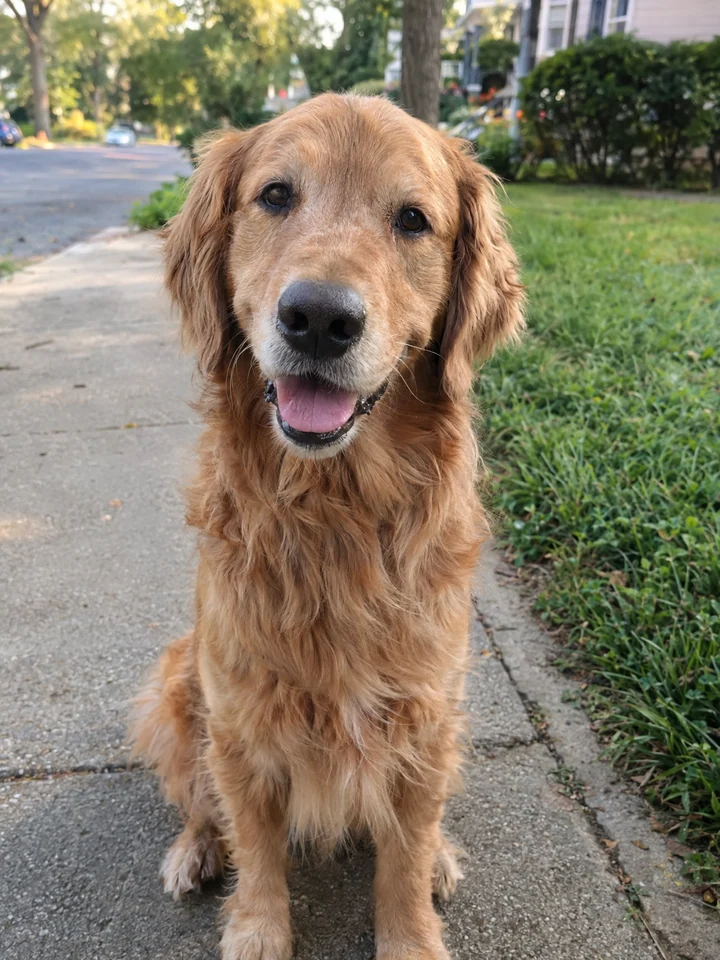
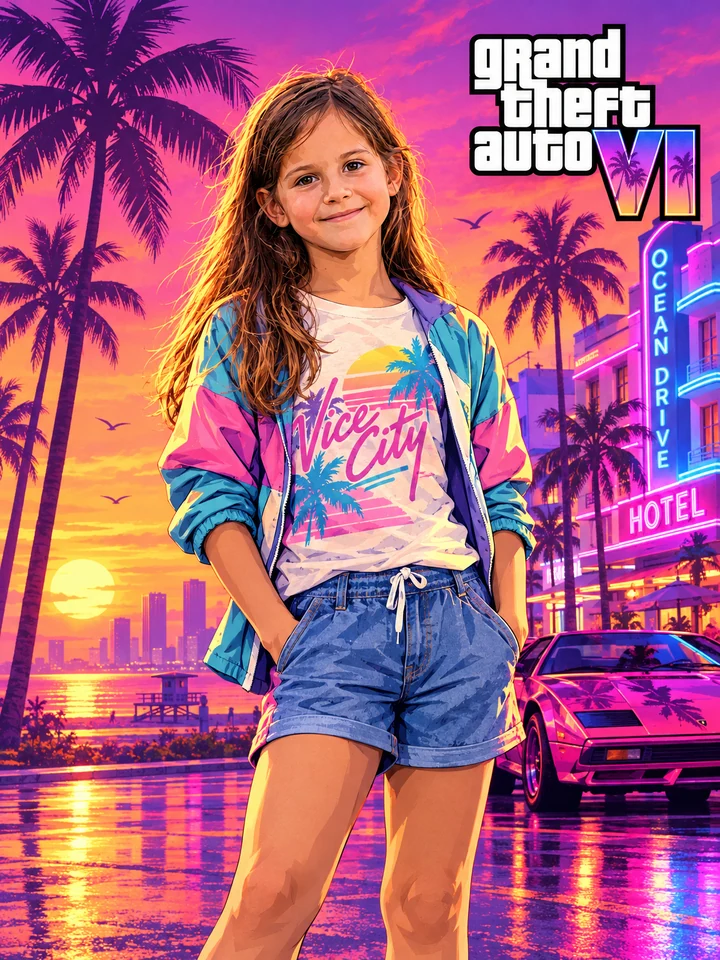
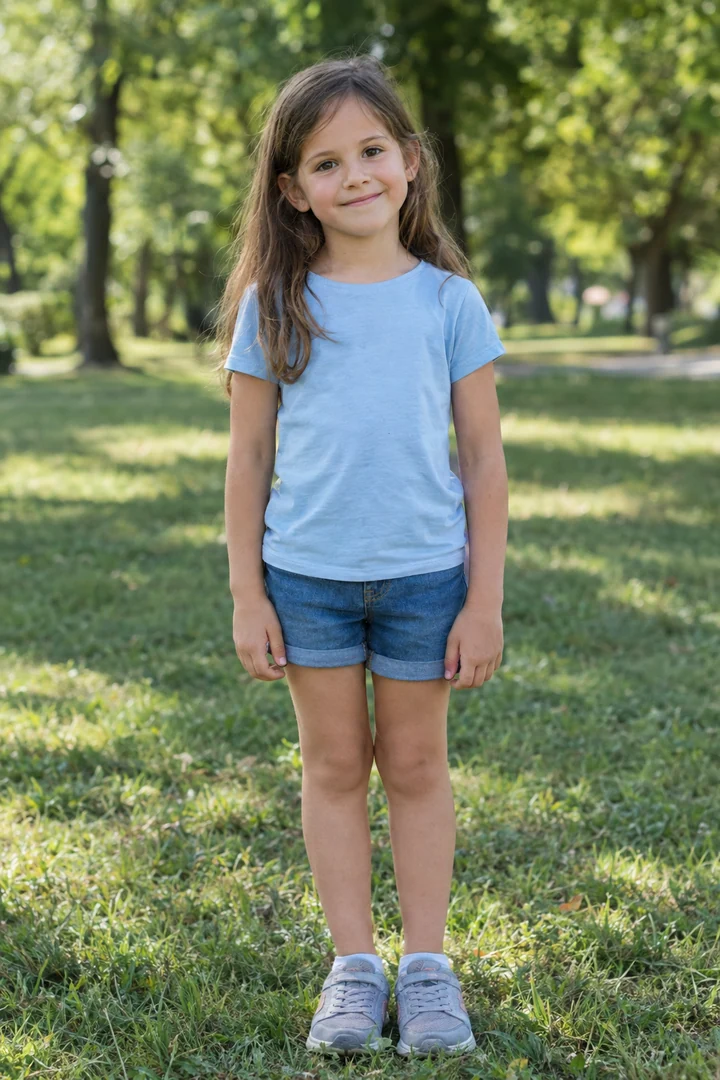
Start with one photo and make a vertical GTA style poster you can use as a wallpaper.
Use a sharp portrait, pet photo or car photo with the main subject easy to see.
Choose Vice City, Los Santos or San Andreas and select Generate GTA Filter Image. Clico opens a 3:4 draft with your photo and an editable prompt.
Compare the poster with the original. Adjust the prompt if you want to keep details such as clothing, pose or paint color, then download the result from Clico.
Open Clico in your browser, choose a style and upload a photo. Generate GTA Filter Image opens a draft with the photo attached. You can create the poster there without installing TikTok, CapCut or Snapchat.
Yes. The golden retriever comparison shows how a pet photo can become GTA style art. For a car, use a photo where the whole vehicle is visible and tell Clico which details to keep.
The photo guides the subject’s appearance. The pose, outfit and background can change. Ask Clico to retain specific details and compare the result with your original.
The preset opens a vertical 3:4 image draft. Download the finished image in Clico. The file format depends on the generated image, which may be PNG, JPEG or WebP.
Use a sharp, well lit photo with one subject. For a portrait, use a front or three quarter view with the face visible. For a pet or car, keep the outline clear.
Each style opens with a preset prompt. You can edit it in Clico to change the lighting, background or details you want to retain.
You can browse the examples and prepare a draft before generating. Creating an image uses Clico credits. Check the estimate in the editor before submitting.