
Carpool Karaoke AIVideo generator
You and your crew in the Migos carpool. Recreate the Walk It Talk It singalong with four photos and the original sound.
Made with
this template.
Three casts. One singalong.
See the photos used
Film crossover
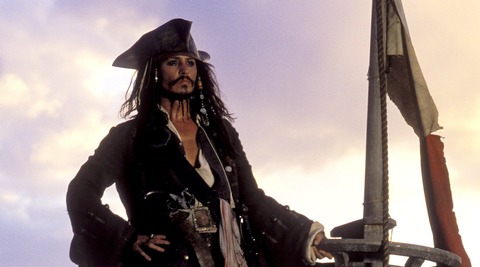


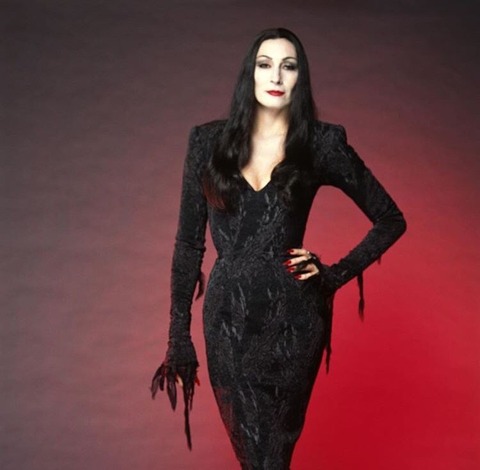
Friends
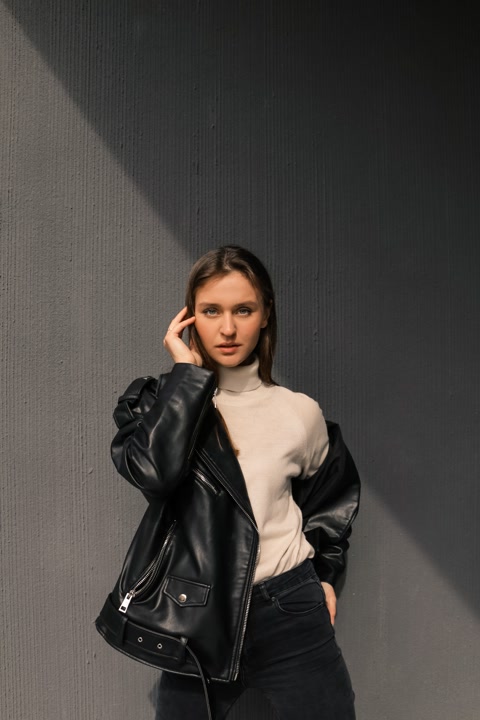

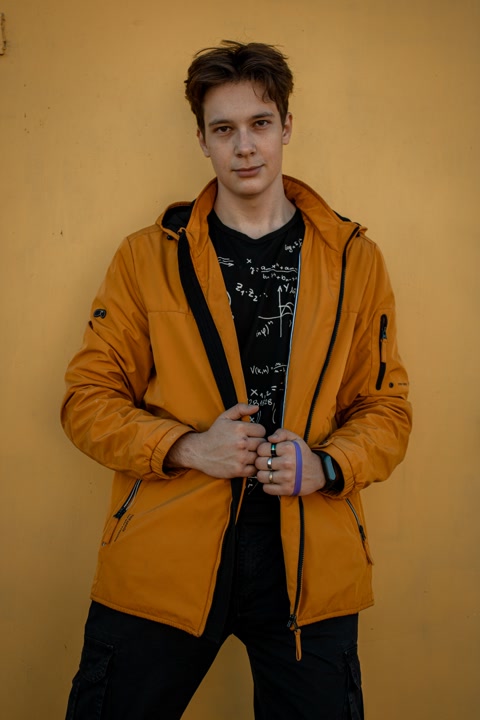
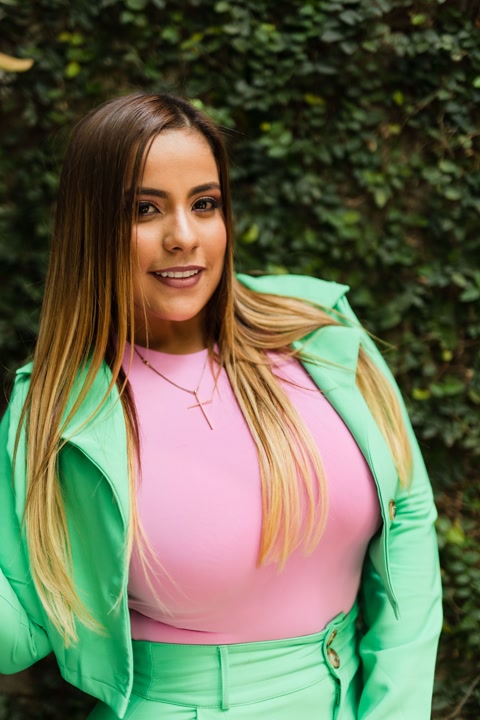
Older crew
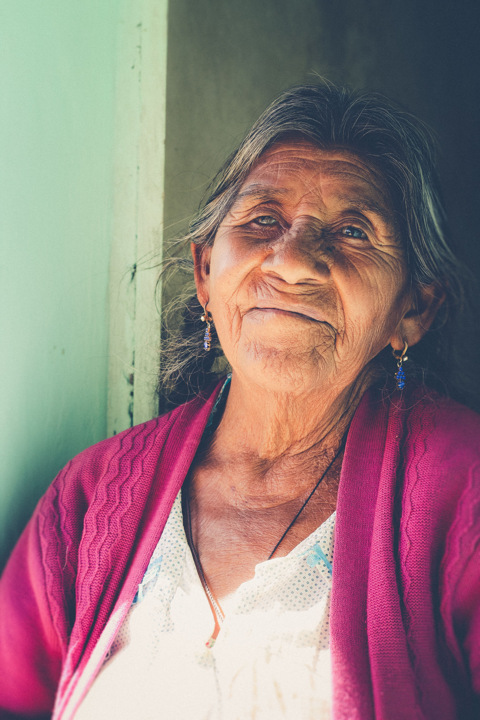
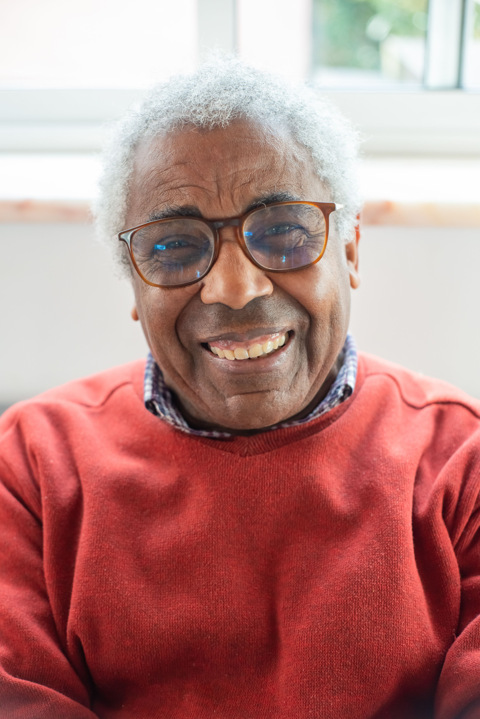

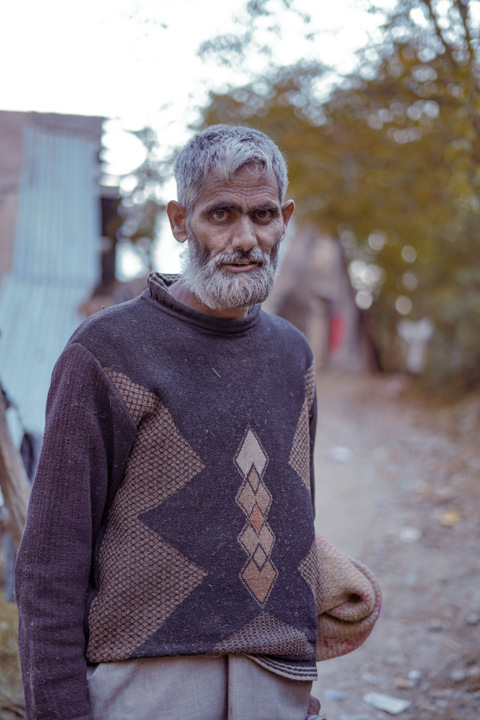
Same carpool.Your kind of crew.
A new crew, fighters and a car full of pets. Three community takes on the same singalong.
How to make your
Carpool Karaoke video.
Pick the cast. The car, performance and soundtrack are ready.
Fill the four seats
Add one clear photo per person: the front passenger, driver, then the two back seats. Each photo supplies that person’s face and outfit.
Create your carpool
Select Generate video and continue in Clico to make the fourteen-second scene. Your cast follows the original head bobs, gestures and camera cuts.
Play it with sound
Watch your crew perform with the original Walk It Talk It audio. Download the landscape MP4 or keep editing. Continue in the AI video editor to keep working.
Your questions,
answered.
What is the Carpool Karaoke AI trend?
It recasts the Migos singalong from The Late Late Show with James Corden. Also called the Walk It Talk It or Walk It Like I Talk It AI trend, it puts a new cast in the four seats while following the original performance.
How many photos do I need?
Add four separate photos, one adult person in each. The front passenger leads the rap and appears in the close-ups. The driver stays at the wheel. Back left sits behind the passenger; back right sits behind the driver. These positions refer to the opening dashboard shot.
What photos work best?
Choose sharp photos with a clear face and visible outfit. Each character wears the clothes from their photo. Avoid group pictures and heavy face coverings. The car and its background come from the scene.
Does it keep the original song and voices?
Yes. The finished video restores the original performance audio at its original timing. Photos change the cast’s appearance; they do not clone voices or create new character voices. Mouth movement can vary between results.
Will it add captions?
The template requests no added captions or subtitles. You can add text later in the editor.
What format is the video?
A fourteen-second landscape MP4 in 16:9 at 720p, with sound.
Are these videos made with Clico?
The hero is an eight-second HD Clico preview. The complete fourteen-second examples below were made in Clico from the photos shown. Community videos are independently published takes on the trend.
How much does it cost?
Video generation uses Clico credits. The applicable amount appears in the generation flow.
Explore more
trending templates.
Choose another face swap template and add your photos.
Make your
Carpool Karaoke AI video.
Start with four separate photos.