
Old Town RoadAI video generator
Put you and a friend in the Old Town Road red convertible scene. Two photos, your own outfits and the original song.
See the photos used
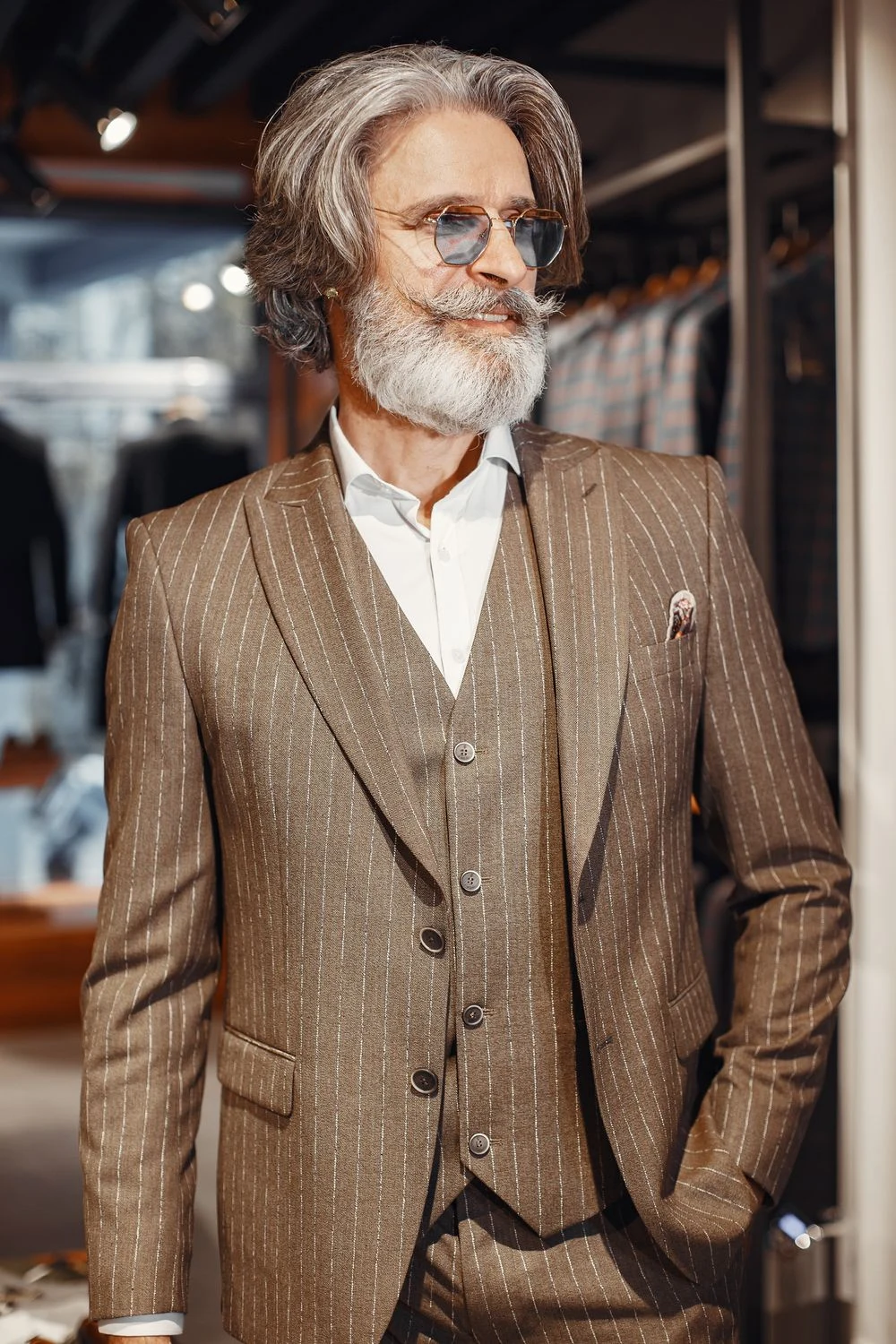
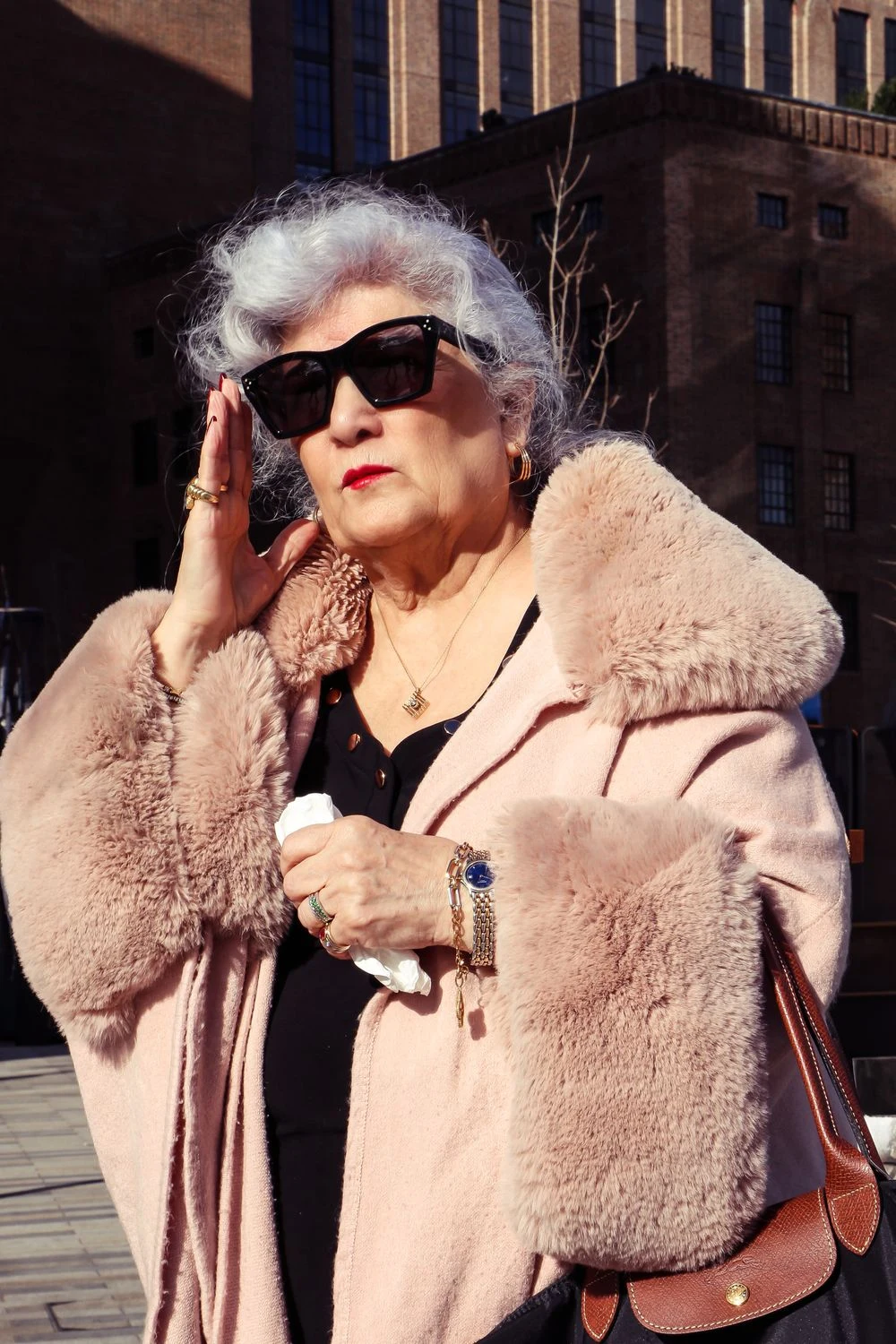
Same road.
Your duo.
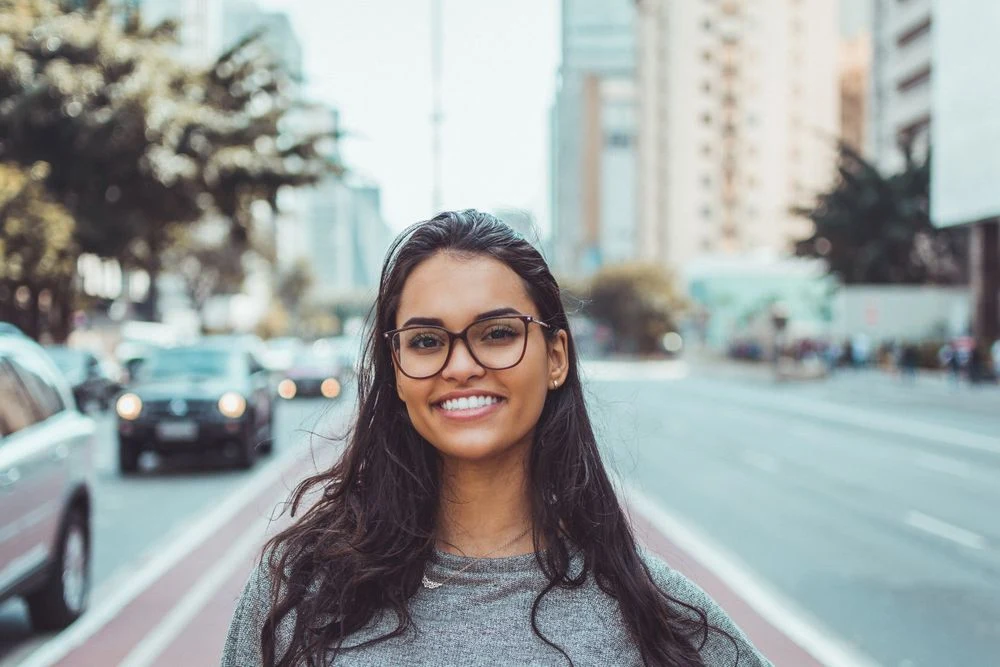
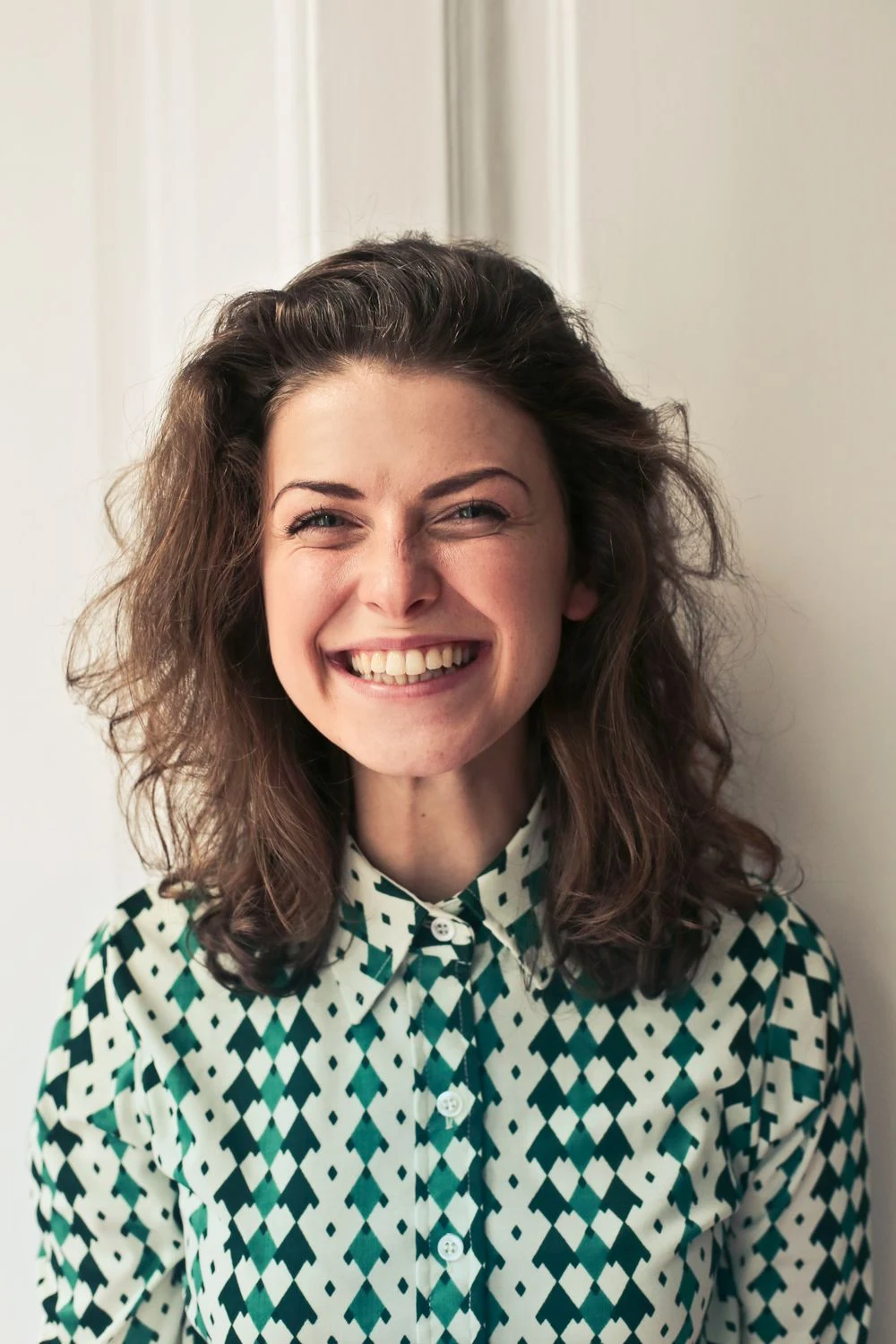
Two more casts for the convertible scene, made with this template.
See the photos used

How to make your
Old Town Road video.
Cast the driver and the rapper. The car scene, performance and soundtrack are prepared.
Choose your driver and singer
Add two separate adult photos with clear faces and visible outfits. Photo 1 drives the convertible. Photo 2 performs outside the store and returns as the passenger.
Create your Old Town Road video
Select Generate video to continue in Clico. Review your two photos and the credit amount before starting. Your photos supply the faces and outfits; the template supplies the scene and performance.
Watch your duo hit the road
Play the fifteen second video with the original sound. See the singer in medium view and close up, then both people in the convertible. Download the landscape MP4 when it is ready. Continue in the AI video editor to keep working.
Your questions,
answered.
What is the Old Town Road AI video trend?
It recasts the storefront performance and red convertible scene from Old Town Road. One photo becomes the driver. The other becomes the rapper outside the store and the passenger in the final overhead shot.
Which photo goes in which role?
Photo 1 is the driver throughout. Photo 2 is the singer in both storefront views and the passenger holding the money bag at the end. Upload one person per photo.
What photos work best?
Use two distinct adults with clear, unobstructed faces and visible clothing. The photos guide each person's appearance and outfit. Avoid group photos, tiny faces and hands covering the mouth.
Do I need to upload the music video or write a prompt?
Just add your two photos. The scene, performance reference and creative brief are included. You can review the request before generation.
Will the faces, outfits and lip sync be exact?
The examples show the assigned people across the camera cuts, but AI can change small details, gestures and mouth timing. The finished video restores the original soundtrack; it does not clone your voices or guarantee exact lip sync.
What format will I get?
A fifteen second landscape MP4 in 16:9 at 720p, with the original soundtrack. The complete wide picture is preserved.
Were these examples made with this template?
Yes. The silver haired duo in the hero and the two examples below were generated with the same recipe. Open the photo sections to see the actual inputs.
How much does it cost?
Generation uses Clico credits. Review the amount shown before starting. Uploading, replacing or removing photos on this page does not start a paid generation.
Explore more
trending templates.
Choose another face swap template and add your photos.
Make your
Old Town Road AI video.
Start with two separate photos.