1,000 credits
$9.90 paid once
- Use on
- Video templates and models
- Valid for
- 12 months
- Automatic renewal
- None

Put three people into the CORTIS GO! dance. Add their photos and recreate the solo entrance and the duet with the original music.
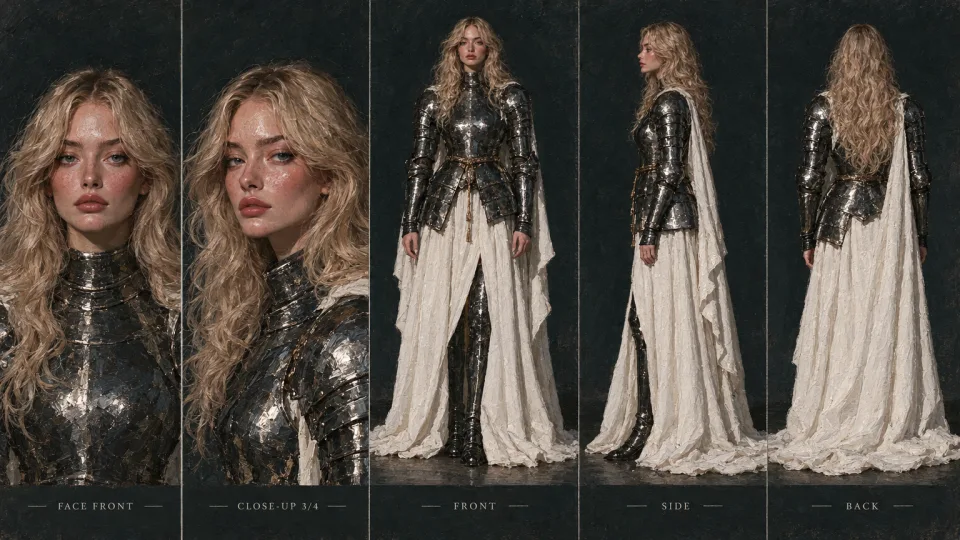
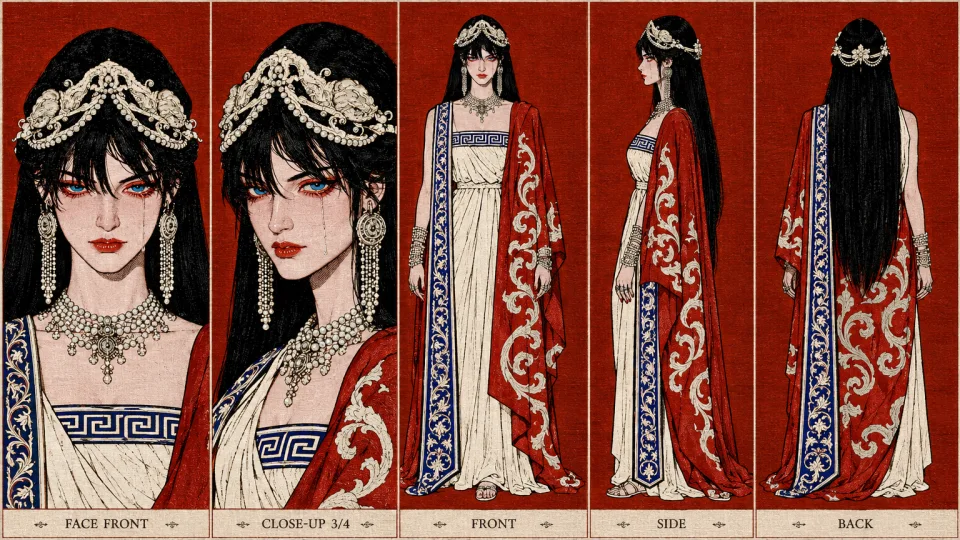
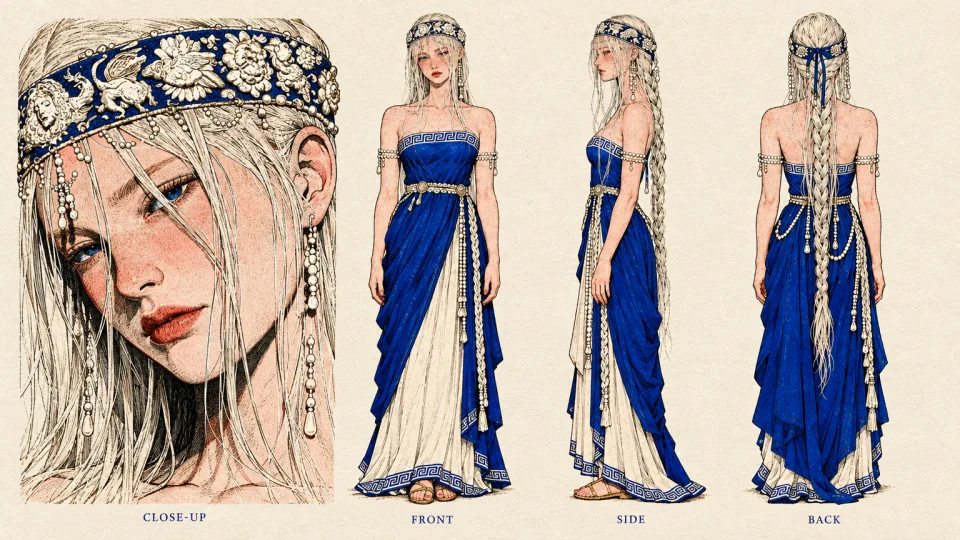
Show the face and outfit.
The opening dancer takes the first shot. The other two take the left and right positions in the duet.
Choose a credit pack for the templates you want to try.
$9.90 paid once
$15 paid once
Video costs vary by template, model, length and resolution. Clico shows the estimate and purchase options when you need more credits. Packs buy credits, rather than a fixed number of videos.
Clico has the GO! dance ready. Use three photos to cast the solo and the duet, then create the full video in one run.
Add a photo for each role. Clico puts the two shots together and adds the original music.
Show the face and outfit.
Add a clear photo for the solo performance at the start.
Add a photo for the dancer on the left and one for the dancer on the right. Select Generate video and review the credits in Clico.
Play the finished video with the original music. Download the MP4 or keep editing. Continue in the AI video editor to keep working.
This template follows the street dance in the GO! Conceptual Performance Film by CORTIS, published by HYBE LABELS. One dancer opens, then two dancers share the street scene. Music video source
Give one friend the solo entrance and cast the other two in the duet. The cut between the solo and the pair is part of the sequence, so each person has a clear place in the video.
Clico uses your three photos to cast the performers for the two prepared shots. It follows the original choreography and camera timing, then puts the shots together with the original music.
Opening dancer appears in the first shot. Left dancer and Right dancer refer to the sides of the screen in the duet. Choose a clear image showing each person’s face and outfit.
Yes. Add one image per role. A sheet can show several views of the same character. Keep the face, build, clothing and shoes easy to see.
Clico creates the two shots silently, joins them at the prepared timing and adds the source soundtrack.
The finished video is about 14 seconds, as a landscape 720p MP4 with sound. Clico shows the credit cost before you start.
Choose another face swap template and add your photos.
Start with three performer photos.