
Gangsta’s ParadiseAI video generator
Put two people in the Gangsta’s Paradise ranch performance, with the original sound.
See the photos used
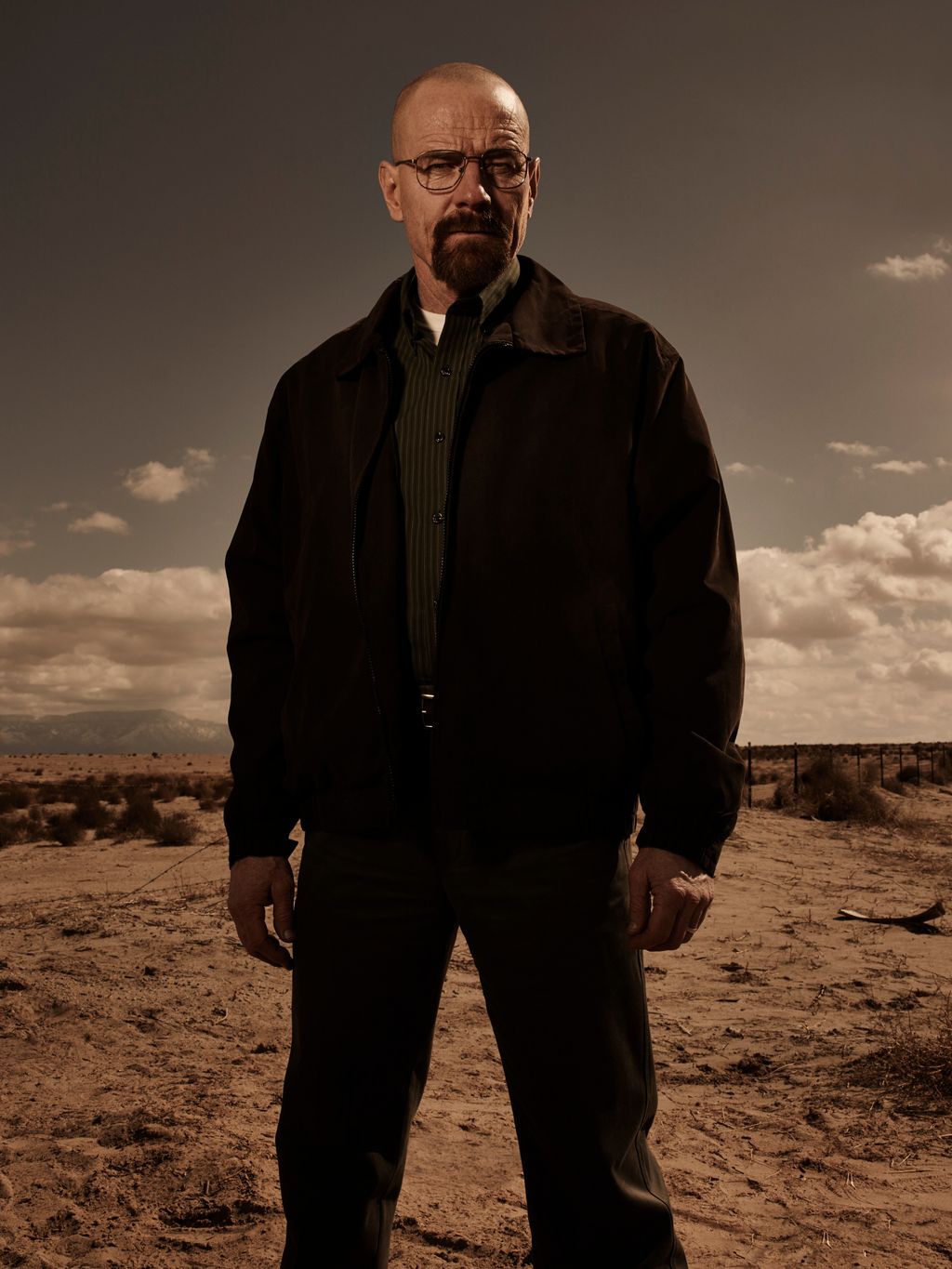
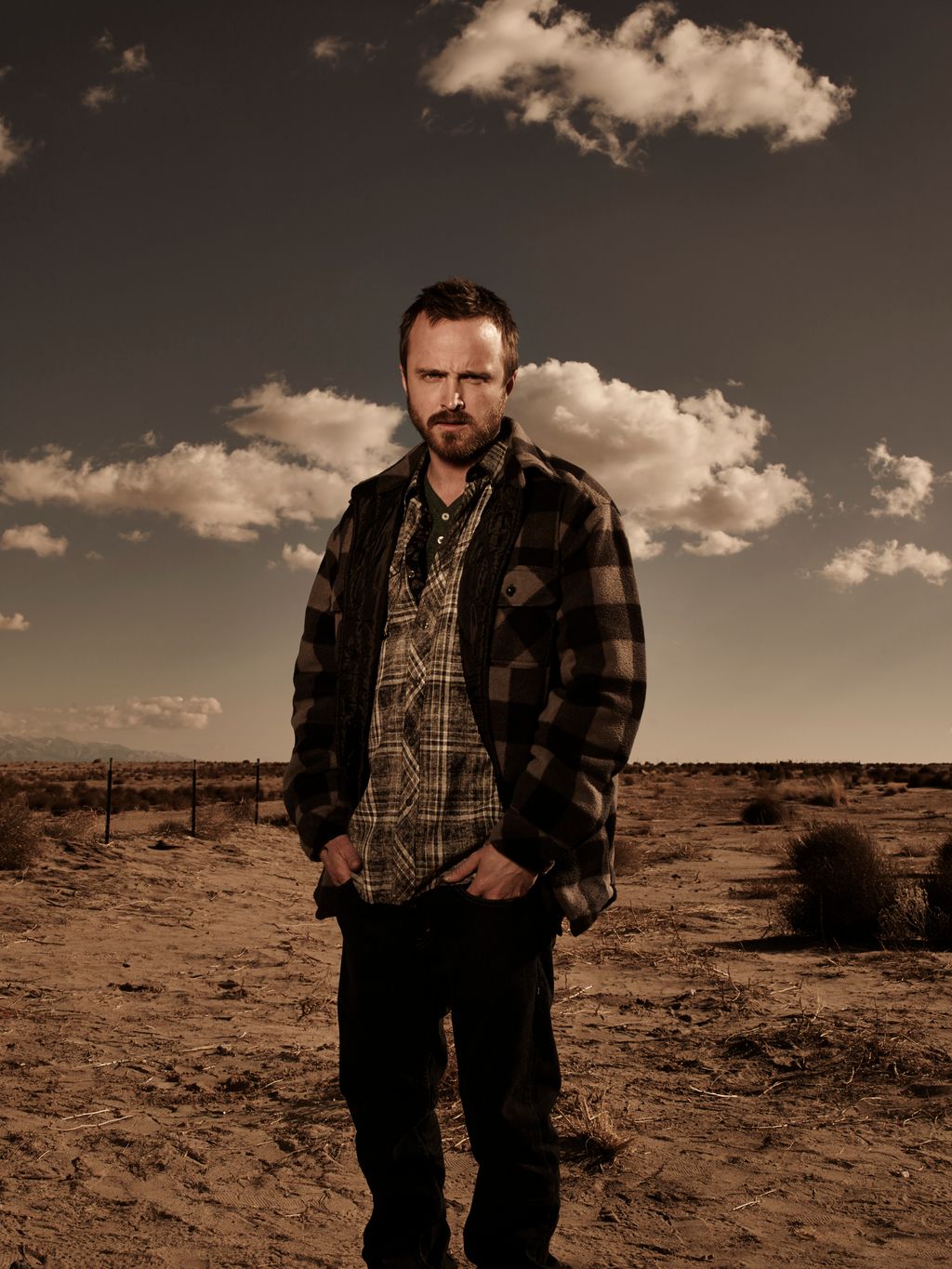
The ranch.
The performance.
The original scene behind the trend.
How to make your
Gangsta's Paradise video.
Choose two photos and step into the ranch performance.
Choose two performers
Add a clear photo for each role. The first photo opens the performance; the second joins from the left.
Create your video
Generation uses paid credits. Uploading saves a draft. Select Generate video to submit the request in Clico.
Watch your performance
Play and download your fifteen-second video with the performance sound. Continue in the AI video editor to keep working.
Your questions,
answered.
What is the Gangsta’s Paradise AI video?
It puts two people from your photos into the ranch performance, with its changing camera angles and sound.
What photos work best?
Use a separate, clear photo for each person, with an unobstructed face and visible clothing. The model may infer clothing outside the photo.
Do I need to upload a video or music?
No. Add two photos; the performance and sound are included in the template.
Will the movements and mouth match exactly?
The video follows the performance, but gestures, appearance and mouth timing can vary. Exact lip sync is not guaranteed.
What format will I get?
A fifteen-second 4:3 MP4 at 720p, with sound.
How much does it cost?
Generation uses Clico credits. Review the amount shown before starting.
Explore more trending templates.
Choose another face swap template and add your photos.
Make your
Gangsta's Paradise AI video.
Start with two clear photos.