
I love the SmithsElevator scene AI
You, a friend, and the line that started it all. Recreate the elevator exchange from (500) Days of Summer.
Your cast.
One chance encounter.
Real faces or animated characters, with the movie scene’s original sound and no added captions.
See the images used
An unlikely pair
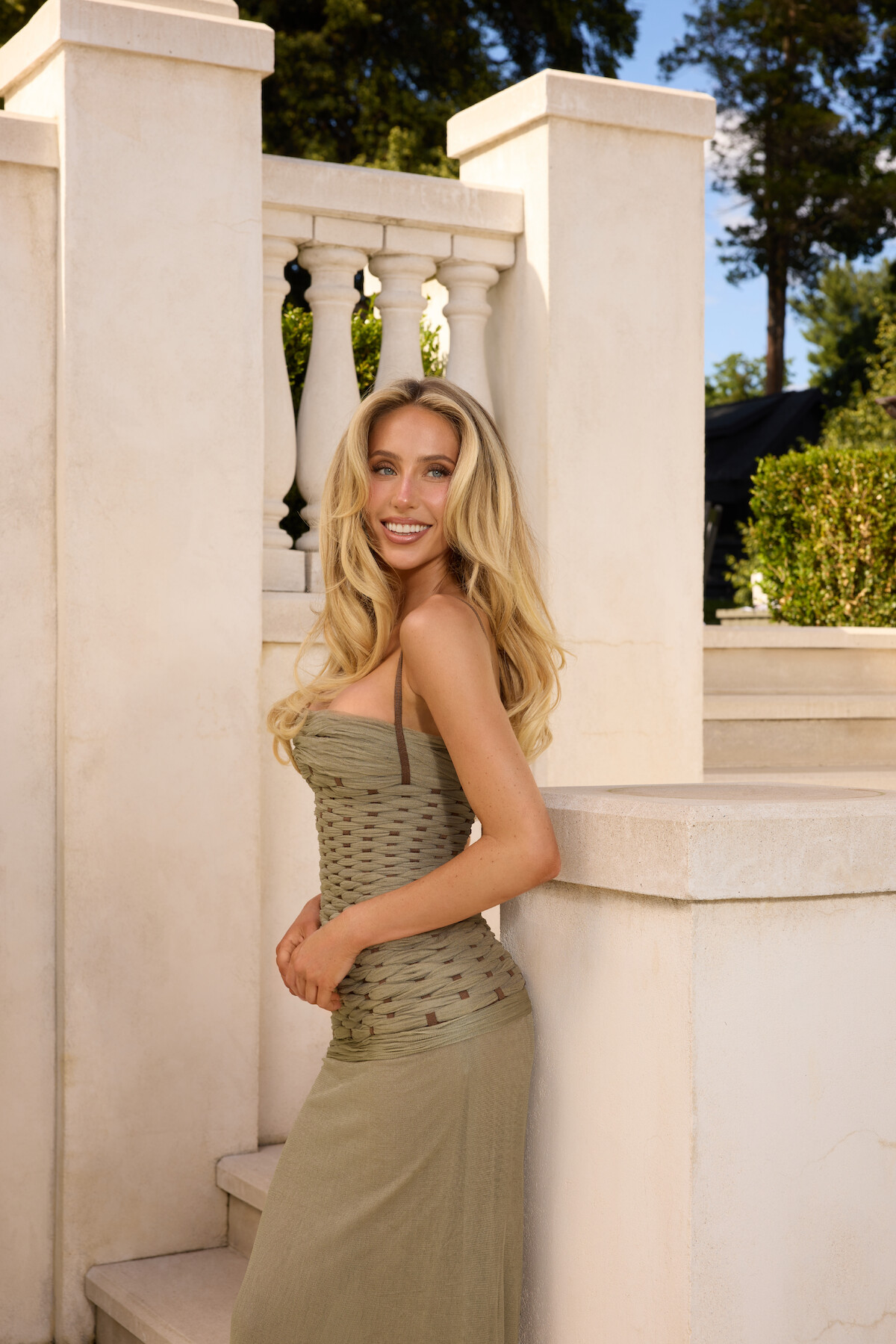
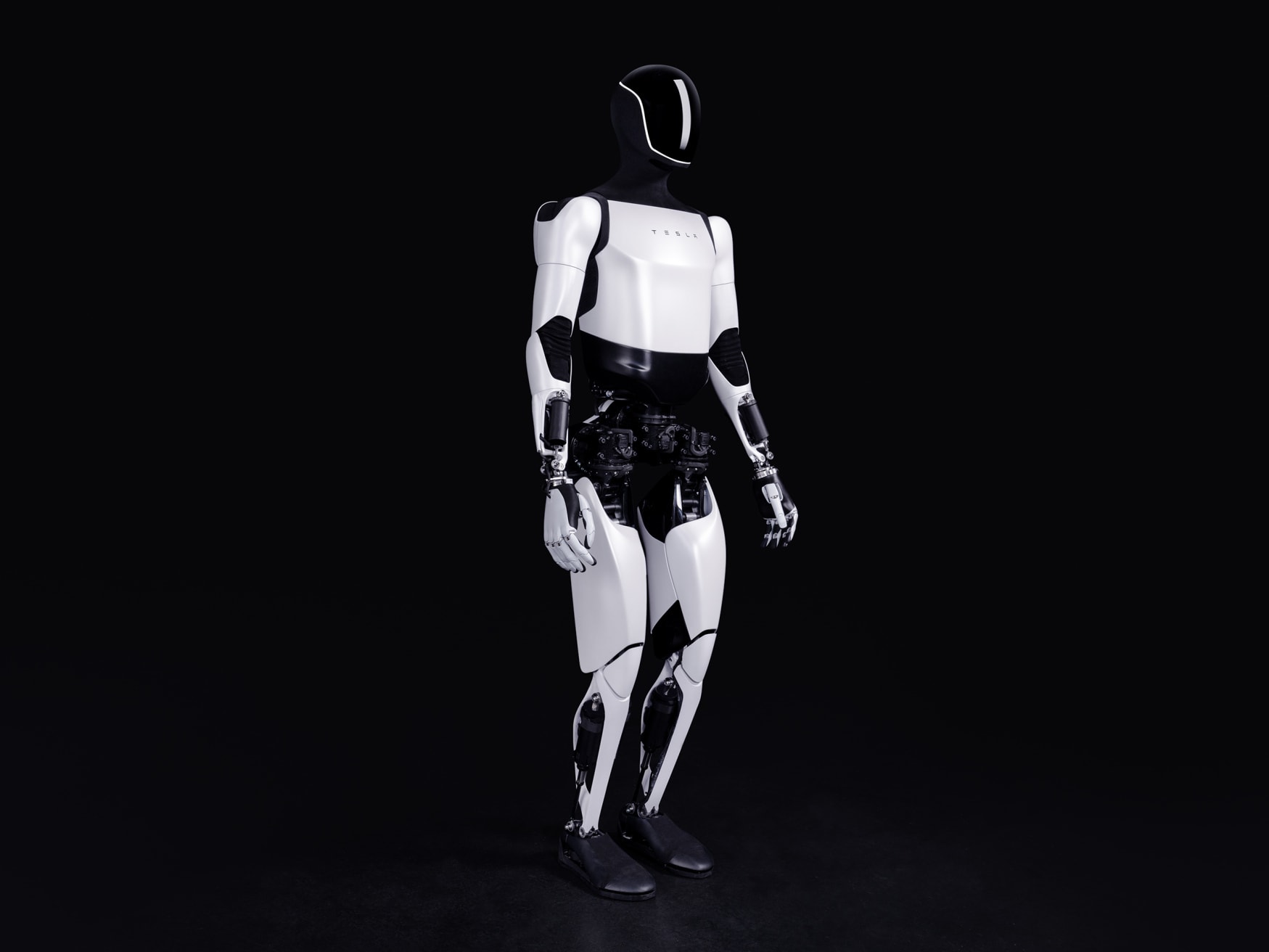
Everyday faces


An animated encounter
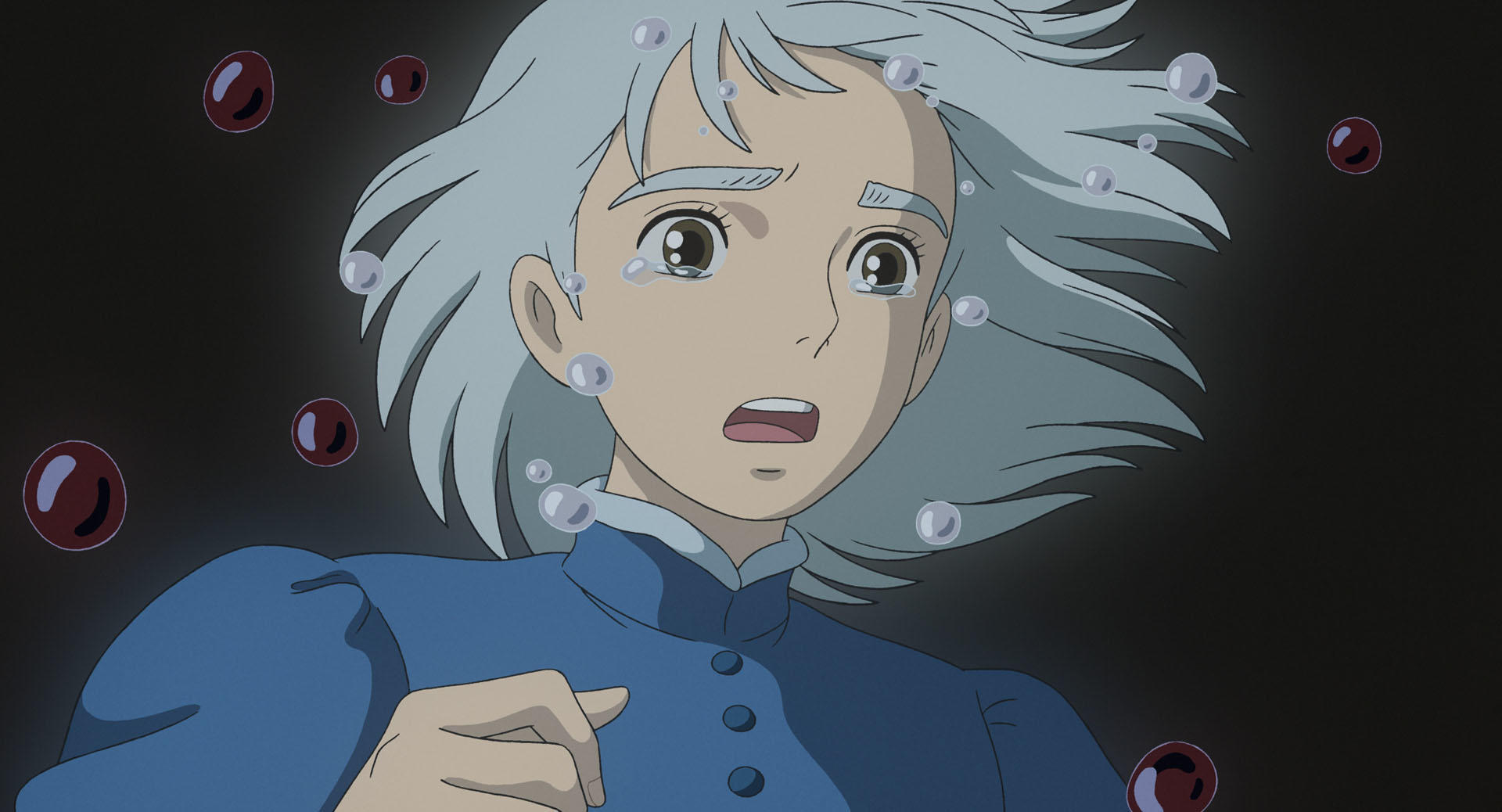

Your cast.
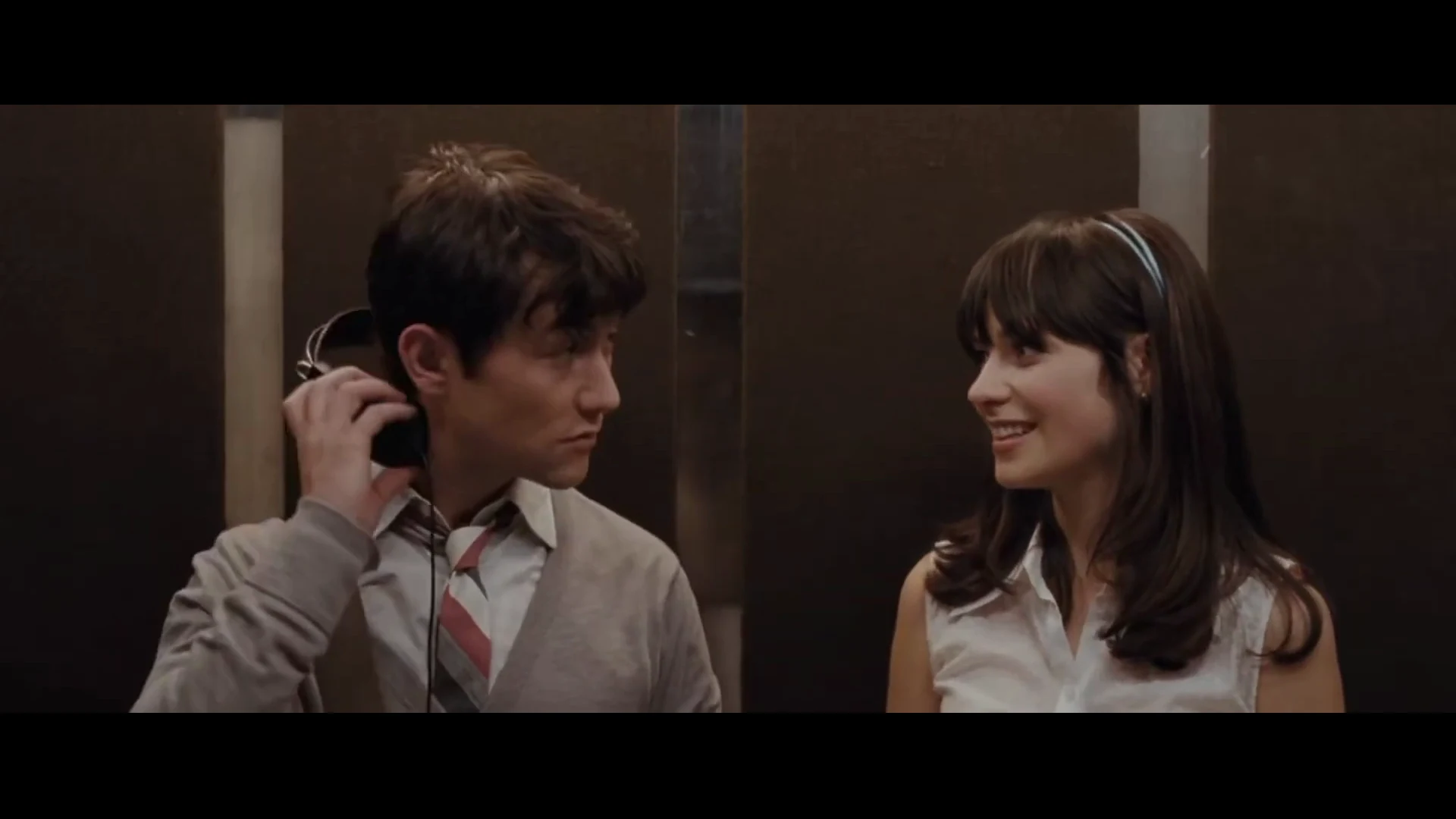
A familiar performance.
Compare actual frames from the original scene and each Clico example.
Faces, expressions, hands and timing can vary.
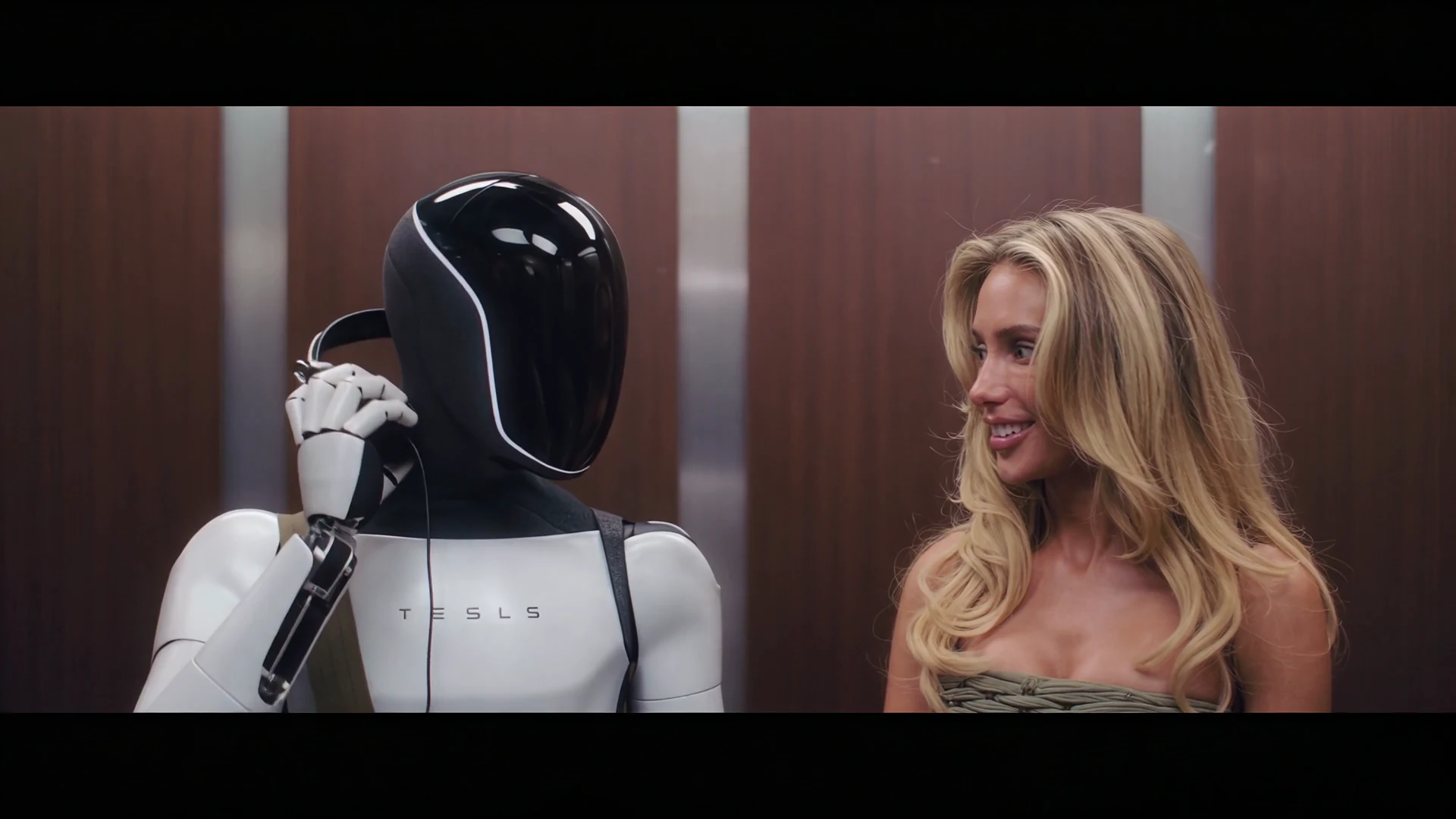
Same scene.A TikTok twist.
A published AI remake with a new cast and the familiar headphone moment.
How to make your
I Love the Smiths video.
Choose who says the line and who takes off the headphones. The elevator and original exchange are included.
Choose your two leads
Add one image for Summer’s speaking role, then one for Tom’s listening role. Show each character’s face and outfit clearly.
Create your elevator scene
Select Generate video to open your photos in Clico with the two roles and the 15 second landscape settings.
Play your meet-cute
Watch the glances, headphone movement and responses with sound. Download the MP4 or keep editing. Continue in the AI video editor to keep working.
Your questions,
answered.
Where is I Love the Smiths from?
It is the elevator conversation between Summer and Tom in (500) Days of Summer. She recognizes the music from his headphones and starts the exchange.
Which person does each photo replace?
Photo 1 plays Summer, the person on the right who starts the conversation. Photo 2 plays Tom, the person on the left with headphones. Use a different adult person or animated adult character in each image; the roles are not restricted by gender.
Which part of the scene will I recreate?
This version uses the opening 15 seconds of the elevator exchange shown above. It includes the conversation and headphone movement, without the final doorway shot or exit.
Can I use characters or robots?
The examples include real people, adult animated characters and a humanoid robot. Use one clear subject per image, with its face or head and outfit visible. Appearance, expressions and hands can vary between generations.
Does the sound change to match my photos?
This version keeps the movie excerpt’s original voices, music and elevator ambience. Your photos change the characters’ appearance; they do not supply or clone voices. Generated expressions and mouth timing can vary.
Will it have subtitles?
The template requests a clean video without added subtitles or captions. You can add your own text later in the editor.
What photos work best?
Use two sharp JPG, PNG or WebP images, each showing one person or animated character with an unobstructed face. A waist-up image helps guide the outfit. The elevator and headphones come from the prepared scene.
How much does it cost?
Video generation uses Clico credits. Clico shows the applicable amount in the generation flow.
Explore more
trending templates.
Choose another face swap template and add your photos.
Make your
I Love the Smiths AI video.
Start with two clear character images.