SVG for logos and icons
Keep paths, shapes and colors editable. Scale a mark from a tiny icon to a full-size graphic without losing its edges.



Turn a brief into an image with Flare or Sunburst. Start with a product, a poster or a reference of your own.
Opens Clico Web in a new tab. Review your prompt and settings before sending.
Bring a reference, describe the change and review the result.
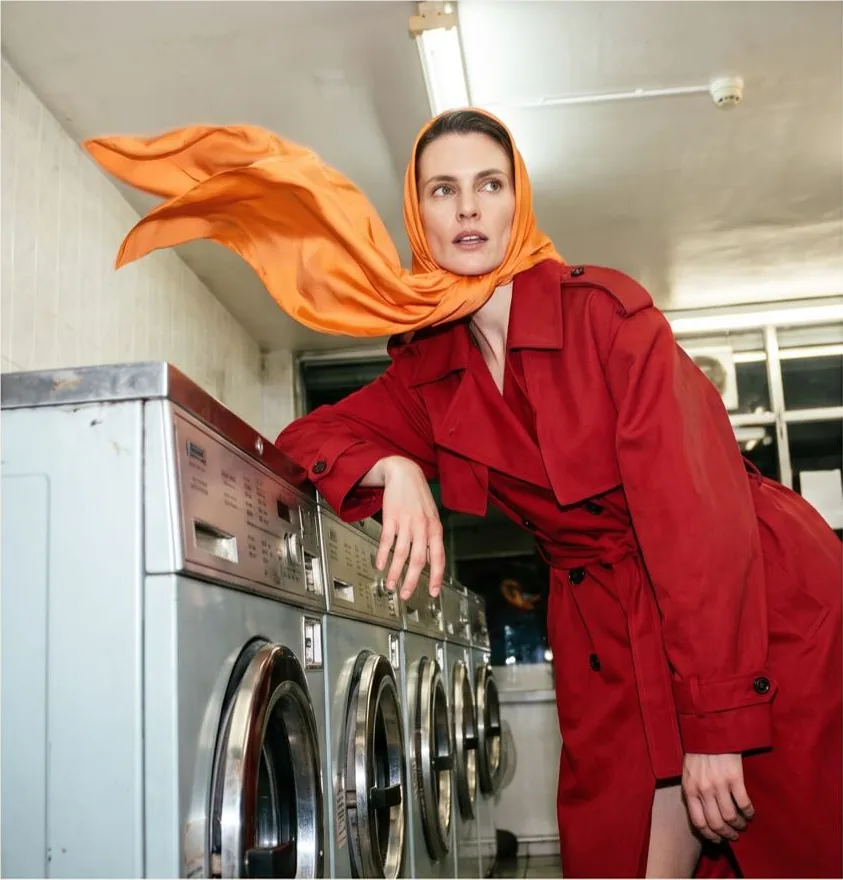
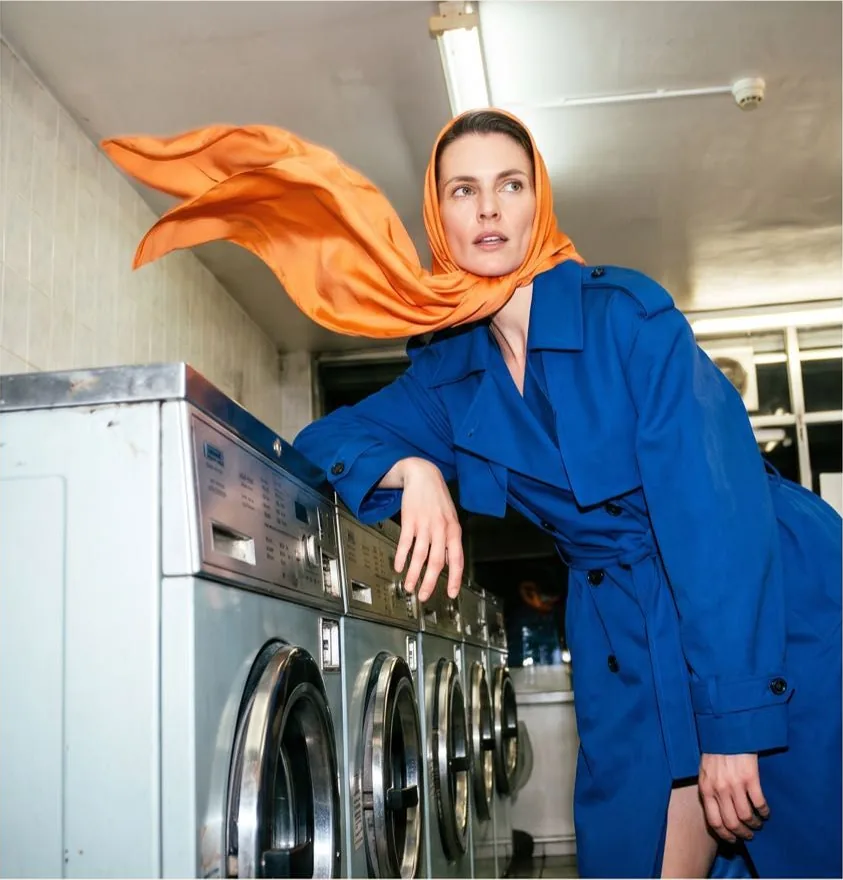
Upload the image you want to edit, or start with a written description.
Say what to change and what to keep. Choose Flare or Sunburst.
Continue to Clico Web, then review and send your draft. Check the returned image before another edit.
Explore SVG graphics and short loops from the OpenAI Image API.
Give the scene one clear action and bring it back to where it started.


Keep paths, shapes and colors editable. Scale a mark from a tiny icon to a full-size graphic without losing its edges.
Five retained prompts across GPT Image 2.5 and GPT Image 2.6.
| Prompt | GPT Image 2.5 Flare | GPT Image 2.6 Flare | GPT Image 2.6 Sunburst |
|---|---|---|---|
| Product photography | 11.18 s $0.00616 | 8.45 s $0.02500 | 22.68 s $0.02500 |
| Typography poster | 11.60 s $0.01345 | 7.74 s $0.04376 | 15.47 s $0.04376 |
| Ceramicist portrait | 23.15 s $0.05296 | 15.05 s $0.17413 | 42.99 s $0.05296 |
| Isometric room | 15.32 s $0.01345 | 8.16 s $0.04376 | 21.82 s $0.04376 |
| Reference image recolor | 12.56 s $0.01436 | 9.42 s $0.03320 | 13.90 s $0.03320 |
| Median time / mean cost | 12.56 s $0.02008 | 8.45 s $0.06397 | 21.82 s $0.03973 |
One run per prompt and model at 1024 × 1024 with automatic quality. Costs shown are OpenRouter charges in USD.
Compare the settings you can select in Clico.
Choose Flare for quick iterations or try Sunburst for detailed compositions. Both accept up to five reference images in Clico. The Max quality setting on Sunburst requires a Pro or Max plan.
| Model | Output size | Quality | Image inputs | Aspect ratios |
|---|---|---|---|---|
| GPT Image 2.6 Flare | Model managed | Low, Medium, High, Extra high, Max | Up to 5 references | 1:1, 3:2, 2:3, 4:3, 3:4, 16:9, 9:16, 21:9 |
| GPT Image 2.6 Sunburst | Model managed | Low, Medium, High, Extra high, Max | Up to 5 references | 1:1, 3:2, 2:3, 4:3, 3:4, 16:9, 9:16, 21:9 |
| GPT Image 2.5 Flare | Model managed | Low, Medium, High, Extra high, Max | Up to 5 references | 1:1, 3:2, 2:3, 4:3, 3:4, 16:9, 9:16, 21:9 |
Clico charges for the text, reference images and image output used by each request.
USD per million tokens.
| Model | Text input | Image input | Image output |
|---|---|---|---|
| GPT Image 2.6 Flare | $5.00 | $8.00 | $39.00 |
| GPT Image 2.6 Sunburst | $5.00 | $8.00 | $39.00 |
| GPT Image 2.5 Flare | $5.00 | $8.00 | $39.00 |
Start with Flare when you need quick variations. Try Sunburst when a detailed composition or careful edit matters more. Compare the result against your brief; the model name alone does not decide which image works better.
Keep a 2.5 result as your baseline. The retained requests show differences in timing and charges, rather than a universal winner. Read the review and comparison before switching an established workflow.
Attach up to five PNG, JPEG or WebP reference images. Describe what to change and which details to keep, such as the label, silhouette or lighting.
Describe the details you need preserved, then compare the entire result with the original. Check faces, lettering, product proportions and backgrounds. An instruction to keep something unchanged does not guarantee identical pixels.
The prompt, quality, provider and current load affect waiting time. Flare is intended for faster iteration. The timings above are individual recorded requests, not promised delivery times for every image.
The table shows rates per million tokens, not a fixed price per picture. Text, reference images and generated output contribute to usage. Plan access and Clico credits are separate from the recorded OpenRouter charges in the comparison.
OpenAI offers GIF and SVG generation through its API. This page's composer prepares an image draft and does not provide GIF or SVG format controls.
Compare the exact Nano Banana version you use on the same brief and reference images. Look at output format, reference limits, revision work and total cost. The retained 2.5 and 2.6 examples here do not establish a quality ranking against Nano Banana.
The composer prepares a draft. Review your prompt, references and settings in Clico Web, then send it to start generation.